image/jpg vs image/jpeg: which MIME type is correct?
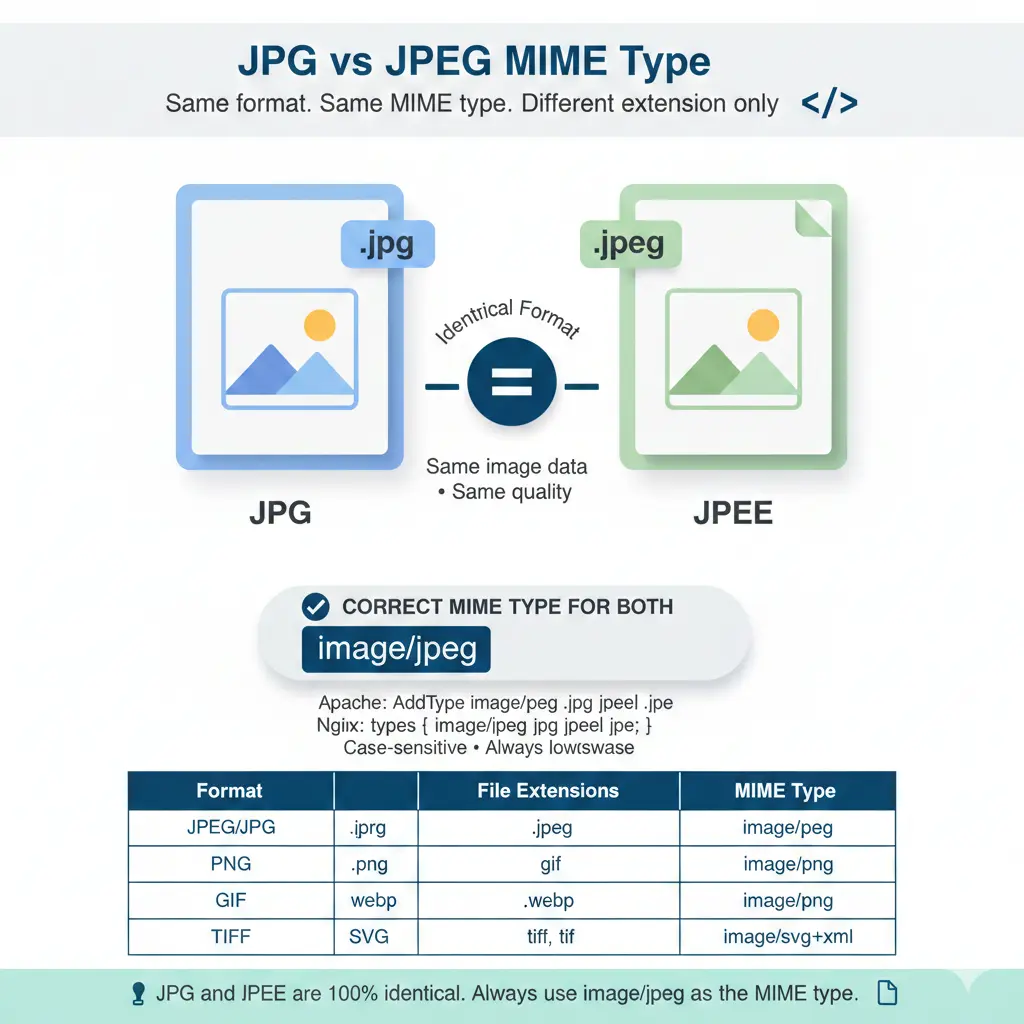
Short answer: the correct MIME type is image/jpeg. It applies to both .jpg and .jpeg files, because JPG and JPEG are the same format. image/jpg is not a registered MIME type, so you should not use it in a Content-Type header or in validation code.
This guide explains the JPG vs JPEG MIME type question in plain terms: which value is valid, why image/jpg sometimes seems to work, and how to set and check the right type on your server, in HTML and in code. Last updated: October 2026.
Quick reference: which JPEG MIME types are valid?
| Value | Valid? | Notes |
|---|---|---|
image/jpeg |
Yes | The registered type with IANA. Use it for .jpg, .jpeg and .jpe. |
image/jpg |
No | Not registered. Browsers often still display the image, but strict checks can reject it. |
image/pjpeg |
Legacy | A non-standard value older Internet Explorer used for progressive JPEGs. Do not use it. |
image/JPEG |
Works, not recommended | MIME types are case-insensitive, but lowercase is the convention. |
image/* |
Wildcard only | Valid in an accept attribute, never in a Content-Type header. |
Is image/jpg a valid MIME type?
No. image/jpg is not a registered MIME type; the registered value is image/jpeg. People write image/jpg because the file extension is .jpg, but MIME types do not follow file extensions.
It still appears to work in many places because browsers inspect the image data when they display an <img> tag. Problems show up when something compares the string exactly, such as upload validators, API checks, or tools that look up the type in a list of known values. Using image/jpeg avoids those failures.
Is the MIME type JPG or JPEG?
It is image/jpeg. The same value applies to the extensions .jpg, .jpeg and .jpe. The MIME type describes the format, not the file name.
Are JPG and JPEG the same?
Yes. There is no difference in image quality, compression or compatibility. The two extensions exist for historical reasons: older Windows systems limited extensions to three letters, so .jpeg became .jpg, while other systems kept the longer form. You can rename one to the other and the file opens the same way.
What is the Content-Type for a JPG image?
The Content-Type header for a JPG or JPEG image is image/jpeg. A server should send it for both extensions:
HTTP/1.1 200 OK
Content-Type: image/jpeg
To check what your server actually sends, run this in a terminal and look for the content-type line:
curl -I https://example.com/photo.jpg
You can also open your browser DevTools (F12), go to the Network tab, reload the page, click an image, and read Content-Type in the response headers.
How to set the JPEG MIME type on your server
Apache (.htaccess)
AddType image/jpeg .jpg .jpeg .jpe
AddType image/png .png
AddType image/webp .webp
AddType image/svg+xml .svg
Nginx (mime.types)
types {
    image/jpeg    jpg jpeg jpe;
    image/png     png;
    image/webp    webp;
    image/svg+xml svg;
}
Node.js (Express)
app.get('/photo', (req, res) => {
  res.set('Content-Type', 'image/jpeg');
  res.sendFile(__dirname + '/photo.jpg');
});
PHP
// Send a JPEG file
header('Content-Type: image/jpeg');
readfile('photo.jpg');

// Check the MIME type of an uploaded file
$finfo = finfo_open(FILEINFO_MIME_TYPE);
$mime = finfo_file($finfo, $_FILES['file']['tmp_name']);
if ($mime === 'image/jpeg') {
    // It is a valid JPEG
}
How to check the MIME type in code
In the browser, the File object reports the type for a selected file:
const file = input.files[0];
console.log(file.type); // "image/jpeg"
In Python, the standard library maps the extension to the registered type:
import mimetypes
print(mimetypes.guess_type("photo.jpg"))  # ('image/jpeg', None)
How to use image MIME types in HTML
The MIME type is sent by the server, not written in the <img> tag, so both of these display the same way:
<img src="photo.jpg" alt="My photo">
<img src="photo.jpeg" alt="My photo">
For file uploads, use image/jpeg in the accept attribute, not image/jpg:
<input type="file" accept="image/jpeg,image/png,image/gif">
<input type="file" accept=".jpg,.jpeg,.png,.gif">
<input type="file" accept="image/*">
Common MIME type mistakes
- Using
image/jpginstead ofimage/jpeg. This is the most common error. Always useimage/jpeg, even for.jpgfiles. - Using uppercase. MIME types are case-insensitive, so
image/JPEGis parsed correctly by most software, but lowercase is the convention and avoids string-comparison bugs. - Using the wrong SVG type. SVG is
image/svg+xml, notimage/svg. - Serving images as
application/octet-stream. This tells the browser the type is unknown and often triggers a download instead of displaying the image. - Sending a Content-Type header of
image/*. A wildcard is not a valid value in a response header.
Common image MIME types
| Format | File extensions | MIME type |
|---|---|---|
| JPEG / JPG | .jpg, .jpeg, .jpe | image/jpeg |
| PNG | .png | image/png |
| GIF | .gif | image/gif |
| WebP | .webp | image/webp |
| AVIF | .avif | image/avif |
| HEIC | .heic | image/heic |
| TIFF | .tiff, .tif | image/tiff |
| BMP | .bmp | image/bmp |
| SVG | .svg | image/svg+xml |
| ICO | .ico | image/vnd.microsoft.icon (also seen as image/x-icon) |
What is the MIME type of a TIFF file?
The MIME type for TIFF is image/tiff. Most browsers do not display TIFF files inline (Safari is a notable exception), so they are usually offered as downloads.
Is image/* a valid MIME type?
image/* is a valid wildcard pattern, not a real MIME type. Use it in places like <input type="file" accept="image/*"> to allow all image types. Do not send it as a Content-Type header, which must contain a specific type such as image/jpeg.
What is a MIME type?
MIME stands for Multipurpose Internet Mail Extensions. A MIME type tells a browser or client what kind of data it is receiving. It has a type and a subtype separated by a slash, for example text/html, image/jpeg or application/pdf. Servers send it in the Content-Type header.
Why MIME types matter for your website
- Correct display: browsers use the type to decide how to handle a file. A wrong type can cause an image to download instead of display.
- Upload validation: checking the real MIME type of uploaded files helps you accept only the formats you expect.
- Security: if a server mislabels content, browsers may try to guess its type. Sending the header
X-Content-Type-Options: nosnifftells browsers to trust the declared type.
Why this matters for image conversion
When you use a free online image converter with no signup, the output file should be served with the matching MIME type: image/jpeg after converting to JPG, image/webp after converting to WebP. That way browsers recognize your converted images correctly.
Related reading: JPEG advantages and disadvantages, is WebP better quality than JPEG, and the main drawback of the PNG file format.
Frequently asked questions
Is image/jpg a valid MIME type?
No. The registered MIME type is image/jpeg. image/jpg may display in browsers but can fail strict validation, so use image/jpeg.
Can I rename a .jpeg file to .jpg?
Yes. The image data is identical, and the file opens in any software that supports JPEG.
Does the MIME type change if I rename the file?
Not between .jpg and .jpeg. Servers usually pick the MIME type from the extension, and both extensions map to image/jpeg.
Which extension should I use on my website?
Either one works. .jpg is more common. Pick one and use it consistently.
Is a MIME type case-sensitive?
No, MIME types are case-insensitive, but lowercase is the convention. Write image/jpeg.
The bottom line on JPG vs JPEG MIME type
JPG and JPEG are the same format, and the correct MIME type for both is image/jpeg. Use it in your server configuration, your upload validation and your Content-Type headers. Avoid image/jpg, and check what your server really sends with curl -I or your browser DevTools. For more help with formats and conversion, visit Image Converter 24.