JPEG XL vs WebP | Which Modern Image Format Should You Use?
Here is the short answer: JPEG XL offers better compression and more features, but WebP is widely supported right now. If you need the absolute smallest files with modern features like HDR, JPEG XL is the technical winner. If you need something that works in every browser today, WebP is the practical choice.
This guide compares JPEG XL vs WebP across image quality, file size, transparency, HDR support, and real-world browser compatibility. You will learn why Google removed JPEG XL from Chrome, whether it still matters, and which format you should actually use for your website.
This guide compares JPEG XL vs WebP across image quality, file size, transparency, HDR support, and real-world browser compatibility. You will learn why Google removed JPEG XL from Chrome, whether it still matters, and which format you should actually use for your website.
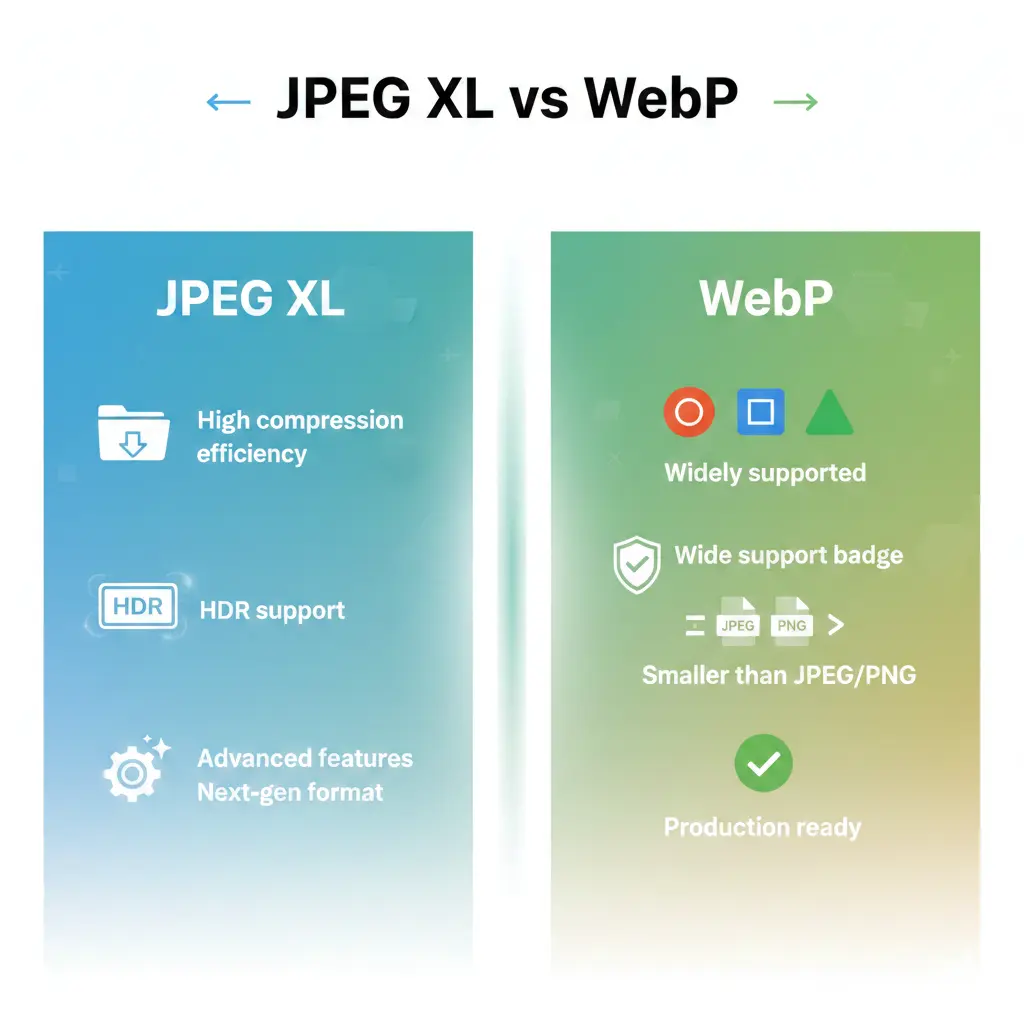
The world of image formats is changing fast. For decades, JPEG was the king. Then came WebP, offering smaller files and modern features. Now JPEG XL arrives as a potential successor to both. But the story is complicated by browser politics and real-world adoption.
Let us cut through the confusion and look at the facts.
Let us cut through the confusion and look at the facts.
Is JPEG XL better than WebP?
Yes, in most technical aspects, JPEG XL is better than WebP. It offers:
- Better compression — JPEG XL typically achieves 20–30% smaller files than WebP at the same visual quality.
- HDR support — It handles high dynamic range images natively, preserving more color detail.
- Lossless JPEG transcoding — You can convert existing JPEGs to JPEG XL without any quality loss, and even restore the original JPEG later.
- Wider color gamut — Supports wide color spaces like Rec.2020 and CIE Lab.
However, "better" is not just about features. WebP is already supported in every modern browser. JPEG XL is not. For practical use today, WebP wins because you can actually use it.
Is WebP higher quality than JPEG?
Yes, at the same file size, WebP almost always looks better than JPEG. WebP's compression algorithm is more advanced. It preserves detail in high-contrast areas and introduces fewer blocking artifacts.
At the same visual quality, WebP files are 25–35% smaller than JPEG. This is why WebP became the standard for modern websites. For a deeper dive, read this analysis of is WebP better quality than JPEG.
At the same visual quality, WebP files are 25–35% smaller than JPEG. This is why WebP became the standard for modern websites. For a deeper dive, read this analysis of is WebP better quality than JPEG.
Quality comparison: WebP > JPEG. JPEG XL > WebP. But browser support is the real deciding factor.
Why did Chrome remove JPEG XL?
This is the most confusing part of the JPEG XL story. In 2022, Google added experimental JPEG XL support to Chrome. Then, in 2023, they removed it. The official reason was "insufficient ecosystem interest" and that the format did not meet the "bar for adding new features."
But the real story is more complicated. Many experts believe Google wanted to push its own format, WebP, and later AVIF. Adding JPEG XL would fragment the market and slow adoption of Google's preferred formats.
The decision was controversial. Over 15,000 developers signed a petition asking Google to keep JPEG XL. So far, Chrome has not reversed the decision. This means the world's most popular browser does not support JPEG XL natively.
But the real story is more complicated. Many experts believe Google wanted to push its own format, WebP, and later AVIF. Adding JPEG XL would fragment the market and slow adoption of Google's preferred formats.
The decision was controversial. Over 15,000 developers signed a petition asking Google to keep JPEG XL. So far, Chrome has not reversed the decision. This means the world's most popular browser does not support JPEG XL natively.
Is JPEG XL good?
Yes, JPEG XL is excellent. It is one of the most advanced image formats ever created. The JPEG XL committee included experts from Google, Cloudinary, and other major players. They designed it to be a true successor to the original JPEG, fixing every limitation while maintaining backward compatibility.
Key strengths of JPEG XL:
Key strengths of JPEG XL:
- Superior compression efficiency (beats WebP and AVIF in many tests)
- Lossless and lossy modes in one format
- Progressive decoding (images load in waves, like progressive JPEG)
- Animation support
- Transparency (alpha channel)
- HDR and wide color gamut
- Designed for both web and professional photography
JPEG XL vs WebP - Head-to-head comparison
JPEG XL vs WebP - File size and quality
Independent tests show that JPEG XL consistently outperforms WebP in compression efficiency. At the same subjective quality level, JPEG XL files are typically 20–30% smaller.
Real-world example: A 1 MB WebP image at quality 90 might become a 750 KB JPEG XL file with identical visual quality. For large websites with thousands of images, this difference adds up to significant bandwidth savings.
JPEG XL also handles high-frequency detail better. Textures, edges, and fine patterns look cleaner at equivalent file sizes.
Real-world example: A 1 MB WebP image at quality 90 might become a 750 KB JPEG XL file with identical visual quality. For large websites with thousands of images, this difference adds up to significant bandwidth savings.
JPEG XL also handles high-frequency detail better. Textures, edges, and fine patterns look cleaner at equivalent file sizes.
The browser support problem
This is the elephant in the room. As of 2025, JPEG XL support is:
- Safari: Supported (macOS and iOS).
- Firefox: Available behind a flag (disabled by default).
- Chrome/Edge: Not supported (removed in 2023).
- Other browsers: Mostly unsupported.
This means if you serve JPEG XL to Chrome users today, they will see a broken image. You must provide a fallback format (like WebP or JPEG). This adds complexity to your workflow.
For detailed technical information, read the JPEG XL specification.
For detailed technical information, read the JPEG XL specification.
JPEG XL vs AVIF vs WebP
You might also be wondering about AVIF, another modern format. Here is how they compare:
- AVIF: Excellent compression, HDR support, but encoding is slow. Supported in Chrome and Firefox, not Safari.
- WebP: Good compression, fast encoding, universal support.
- JPEG XL: Best compression, HDR, lossless JPEG transcoding, but poor browser support.
For a direct comparison, see this detailed analysis of AVIF vs JPEG XL and HEIC vs JPEG XL.
JPEG XL vs JPEG XR
JPEG XR was Microsoft's attempt at a next-generation format. It never gained significant traction. JPEG XL is superior in every way: better compression, more features, and an open standard. For a full breakdown, read JPEG XL vs JPEG XR.
Transparency and HDR: Where JPEG XL shines
Both WebP and JPEG XL support alpha channels for transparency. But JPEG XL goes further with native HDR support.
What is HDR? High Dynamic Range images capture more detail in shadows and highlights. They look more realistic, especially on modern screens. JPEG XL handles HDR metadata and color spaces like Rec.2100 and PQ curves. WebP's HDR support is limited and inconsistent.
If you are working with HDR photography or next-generation displays, JPEG XL is the better format.
What is HDR? High Dynamic Range images capture more detail in shadows and highlights. They look more realistic, especially on modern screens. JPEG XL handles HDR metadata and color spaces like Rec.2100 and PQ curves. WebP's HDR support is limited and inconsistent.
If you are working with HDR photography or next-generation displays, JPEG XL is the better format.
Lossless JPEG transcoding: A killer feature
JPEG XL has a unique feature: it can recompress existing JPEG files without any quality loss. The resulting files are about 20% smaller, and you can even reverse the process and get back the exact original JPEG.
This is huge for archiving. You can save storage space while preserving perfect fidelity. WebP cannot do this.
This is huge for archiving. You can save storage space while preserving perfect fidelity. WebP cannot do this.
When to choose JPEG XL
Choose JPEG XL if:
- You control the viewing environment. For example, a mobile app, a controlled browser, or internal tools.
- You are archiving images. The lossless JPEG transcoding saves space without losing quality.
- You need HDR or wide color gamut. JPEG XL handles these better than WebP.
- You are preparing for the future. If you believe browser support will improve, you can start converting now.
When to choose WebP
Choose WebP if:
- You need universal browser support today. WebP works everywhere modern.
- You want simplicity. No fallbacks, no complex decisions.
- You are optimizing for performance now. WebP gives you 90% of the benefit with 100% compatibility.
- You are converting images for web use. Use a best free image converter online no signup to create WebP files quickly.
Smart workflow tip: Generate JPEG XL and WebP versions of your images. Use the
<picture>element to serve JPEG XL to supporting browsers, with WebP as a fallback. This future-proofs your site while maintaining compatibility.
How to convert images to JPEG XL
If you want to experiment with JPEG XL, you need conversion tools. The format is still new, but support is growing:
- Use the official reference encoder 📌 The libjxl library provides command-line tools.
- Online converters 📌 Some online tools now support JPEG XL, though availability is limited.
- Image editing software 📌 GIMP and Krita have experimental JPEG XL support.
How to convert images to WebP
WebP conversion is much easier and widely available:
- Use an online converter 📌 Quick and easy for individual files.
- Command line tools 📌 cwebp is the official encoder.
- Image optimization plugins 📌 Many CMS platforms have plugins that auto-convert to WebP.
For a step-by-step guide, see how to convert an image to WebP without losing quality.
The future of JPEG XL
Will JPEG XL ever gain universal browser support? It is possible, but not guaranteed. Apple supports it in Safari, which is a positive sign. Mozilla has shown interest but has not enabled it by default. Google's removal from Chrome was a major blow.
Some developers are using JPEG XL for specific use cases, like digital asset management and archiving, where browser support is not required. For general web use, it remains a format for early adopters.
Some developers are using JPEG XL for specific use cases, like digital asset management and archiving, where browser support is not required. For general web use, it remains a format for early adopters.
JPEG advantages and why they still matter
JPEG itself is still relevant because it works everywhere. Understanding its strengths helps you appreciate what JPEG XL improves. Read more about JPEG advantages and disadvantages.
The verdict - JPEG XL vs WebP
JPEG XL is technically superior. It compresses better, supports more features, and fixes every limitation of older formats. If browser support were universal, it would be the obvious choice.
WebP is the practical winner. It is good enough, supported everywhere, and simple to implement. For most websites today, WebP is the right choice.
The smart strategy is to keep an eye on JPEG XL. Start experimenting with it for non-critical applications. When (and if) browser support improves, you will be ready to switch. Until then, WebP remains the king of web images.
WebP is the practical winner. It is good enough, supported everywhere, and simple to implement. For most websites today, WebP is the right choice.
The smart strategy is to keep an eye on JPEG XL. Start experimenting with it for non-critical applications. When (and if) browser support improves, you will be ready to switch. Until then, WebP remains the king of web images.
Summary: JPEG XL offers better compression, HDR, and lossless JPEG transcoding. WebP offers universal browser support and ease of use. Choose JPEG XL for future-proofing and archival. Choose WebP for websites that need to work everywhere today.