What Is a Disadvantage of Using GIFs for Videos?
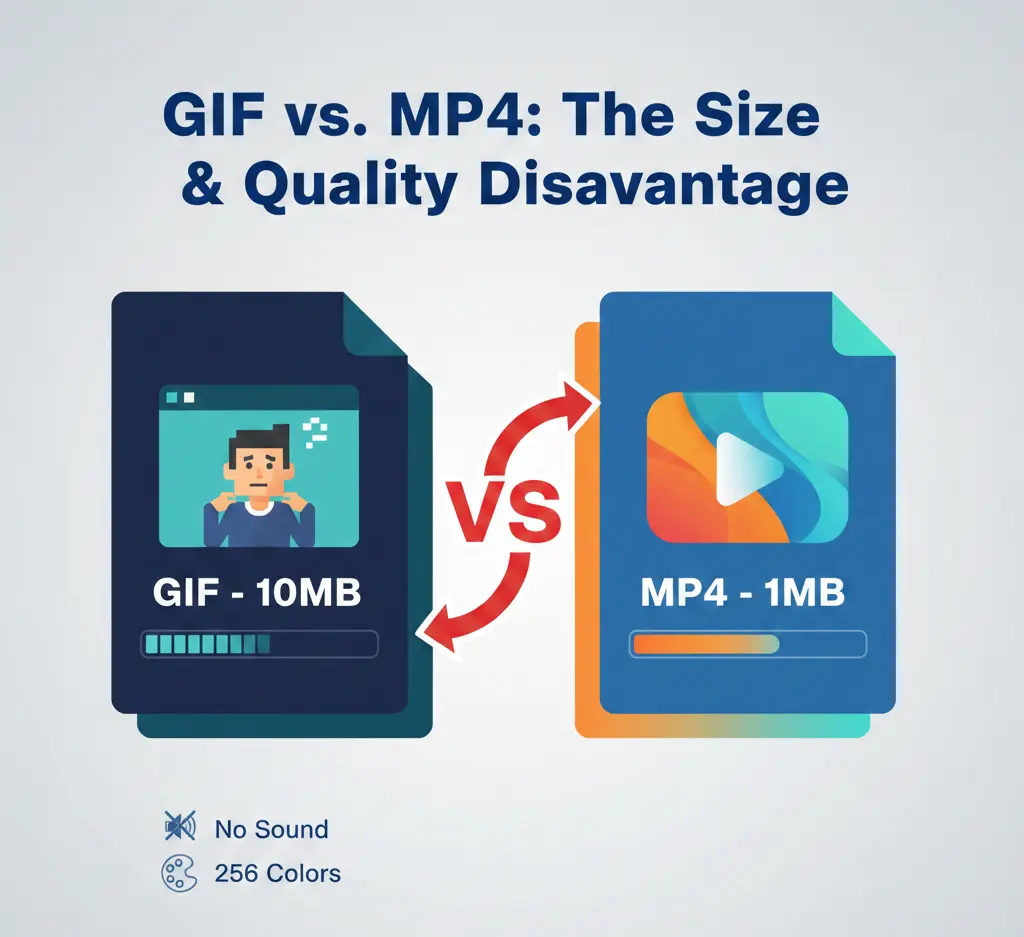
GIFs remain one of the most recognizable animation formats on the web, commonly used in memes, messaging platforms, website elements, and social media content to communicate ideas quickly through short looping visuals. Despite this popularity, they are sometimes used as a replacement for short video clips, even though they were not originally designed for that purpose. When asking What is a disadvantage of using GIFs for videos?, the most important consideration is efficiency — GIF files typically produce much larger file sizes while offering lower image quality, limited color depth, and no audio support compared to modern video formats. As a result, relying on GIFs for video-like content can slow down website performance, increase bandwidth usage, and reduce the overall viewing experience, whereas formats like MP4 or WebM provide better compression, smoother playback, and higher visual quality.
Understanding the limitations of the GIF format is crucial for anyone creating digital content. This knowledge helps you make informed decisions, ensuring your content is delivered efficiently without compromising on quality. This article will clarify the primary disadvantages of using GIFs for video purposes and guide you toward more effective alternatives.
The Core Problem | GIFs Are Not Video Files
The most fundamental disadvantage is that a GIF is not a video format. It is a bitmap image format, originally created in 1987, that supports animation. This legacy foundation creates a cascade of limitations when it is forced to function like a video.
- Extremely Large File Sizes: GIFs use a lossless compression algorithm (LZW) that is inefficient for photographic or complex video content. A short, looping GIF can easily be 5 to 10 times larger than a high-quality MP4 video of the same duration and visual size.
- Severely Limited Color Palette: GIFs can only display a maximum of 256 colors. This is a drastic reduction from the millions of colors supported by modern video formats, often resulting in banding, dithering, and a generally low-quality, grainy appearance.
- No Audio Support: By definition, GIFs are silent. They cannot contain any audio track, which eliminates a critical dimension of storytelling and engagement for any content that requires sound.
- Poor Compression for Motion: The format compresses each frame individually, like a slideshow, rather than using the inter-frame compression techniques of video codecs (like H.264/AVC or AV1), which only store the changes from one frame to the next.
Disadvantage 1: Huge File Size & Slow Loading
The most practical and damaging disadvantage is the enormous file size. On a slow connection, a large GIF can take a long time to load, leading to high bounce rates as users lose patience. Even on fast connections, multiple GIFs on a single page can significantly slow down your website, hurting both user experience and SEO rankings. Search engines like Google consider page speed a key ranking factor.
| Format | Typical File Size (10s) | Supports Audio? |
|---|---|---|
| Animated GIF | 5 MB - 20 MB | No |
| MP4 (H.264) | 0.5 MB - 2 MB | Yes |
| WebM (VP9) | 0.3 MB - 1.5 MB | Yes |
As the table shows, the file size difference is staggering. Using a video format instead of a GIF can reduce bandwidth usage by over 90%, leading to faster page loads and lower hosting costs, especially for high-traffic sites.
Disadvantage 2: Limited Color and Quality
The 256-color limitation is a relic of early computer displays. Modern screens support true color (16.7 million colors). When you convert a vibrant video clip into a GIF, the color reduction process (dithering) often creates a noisy, pixelated, and unprofessional look. This is particularly problematic for content showcasing products, artwork, or any visual where color accuracy and clarity are important.
- Color Banding: Gradients (like a sunset or a blurred background) appear as distinct bands of color instead of smooth transitions.
- Visual Noise: Dithering patterns, used to simulate missing colors, add a speckled texture that degrades image cleanliness.
- Loss of Detail: Fine details can be lost or distorted when the color palette is constrained.
When Should You Actually Use a GIF?
Despite its drawbacks, the GIF format is perfect for specific use cases where its simplicity and universal support are assets. You should consider using a GIF when:
- Simple, Short Animations 👉 For very short, low-detail animations like a loading spinner, a button hover effect, or a tiny decorative element on a webpage.
- Memes & Reaction Images 👉 The culture of memes and reaction GIFs is built on the format's universality and auto-play feature in social feeds and messengers.
- Demonstrating Simple UI Interactions 👉 Showing a click, tap, or toggle action in a tutorial. The looping nature is beneficial here.
- When Universal Auto-Play is Critical 👉 Almost every browser and platform will auto-play a GIF's first loop without sound, whereas video auto-play is heavily restricted.
The key is to keep GIFs short (2-5 seconds) and use them for graphics with limited colors. For anything longer, more colorful, or requiring sound, a video format is superior.
The Modern Alternative| Use HTML5 Video (MP4/WebM)
The solution to the "GIF-as-video" problem is to use the modern HTML5
<video> tag with formats like MP4 (H.264) or WebM (VP9). These formats provide:- High Efficiency: Drastically smaller file sizes with better quality.
- Full Color & Audio: Support for millions of colors and an audio track.
- Playback Control: Users can pause, play, scrub, and often toggle full-screen.
- Adaptive Streaming: Support for advanced streaming techniques.
You can make a video mimic a GIF's behavior by setting it to auto-play, loop, and mute, while still reaping all the benefits of a modern video format. Most social platforms (like Twitter, Facebook, and LinkedIn) now automatically convert uploaded GIFs to video for playback because it saves them enormous amounts of bandwidth.
How to Convert GIFs to Efficient Video
If you have existing GIFs that are slowing down your site, converting them to video is a smart optimization step. You can use various free tools, both offline and online. The process typically involves:
- Uploading your GIF file.
- Choosing an output format (MP4 is widely recommended for compatibility).
- Setting the video to loop and mute if needed.
- Downloading the new, much smaller video file.
For batch processing or high-quality conversion, consider using a dedicated unlimited image converter free online without watermark that supports video output. These tools often provide better control over compression parameters than simple online GIF-to-MP4 converters.
Important Note for Webmasters
Replacing a GIF with a video requires changing your website's code. Instead of an
<img src="animation.gif"> tag, you will use a <video> tag. Here is a basic example to replicate GIF-like behavior:
<video autoplay loop mutedThe
playsinline width="600"> <source src="animation.mp4"
type="video/mp4"> </video>
playsinline attribute is important for auto-play on mobile devices.Impact on SEO and User Experience
Using oversized GIFs directly impacts your site's Core Web Vitals, particularly Largest Contentful Paint (LCP) and Total Blocking Time (TBT). A page bogged down by multiple large GIFs will be flagged as slow by Google's PageSpeed Insights. Switching to video improves these metrics, potentially boosting your search rankings. Furthermore, users enjoy faster, smoother experiences, leading to lower bounce rates and higher engagement.
The Verdict: Choose the Right Tool for the Job
So, what is a disadvantage of using GIFs for videos? The primary disadvantage is that you are using an outdated, inefficient image format to do a video format's job, resulting in bloated file sizes, poor visual quality, and no audio.
- Use a GIF for: tiny, simple, silent, looping graphics with few colors.
- Use an MP4/WebM video for: anything longer than a few seconds, content requiring color fidelity, any clip that needs sound, or whenever file size is a concern.
By understanding this distinction, you can create faster, more beautiful, and more professional web content. It’s a simple technical choice that makes a profound difference in performance and quality.
In Summary: The GIF format is a beloved part of internet culture with a specific, limited role. Its major disadvantage emerges when it is misused as a video container. For the health of your website and the quality of your content, reserve GIFs for short, simple animations and embrace efficient, feature-rich HTML5 video for everything else. This approach optimizes for speed, quality, and ultimately, a better experience for your audience.
Ready to manage your images like a pro?
Convert your images to any format you want, all for free, 100% unlimited, and without registering an account.
Try Image Converter 24By leveraging these tools, your workflow can reach a wider audience and achieve sustainable growth, opening doors to new opportunities in the creative world.