MIME Type for PNG - What Is the Correct Content Type?
The correct MIME type for PNG files is
image/png. Always use this in your HTML, server configuration, and HTTP headers. It is the official registered type and works in all browsers. 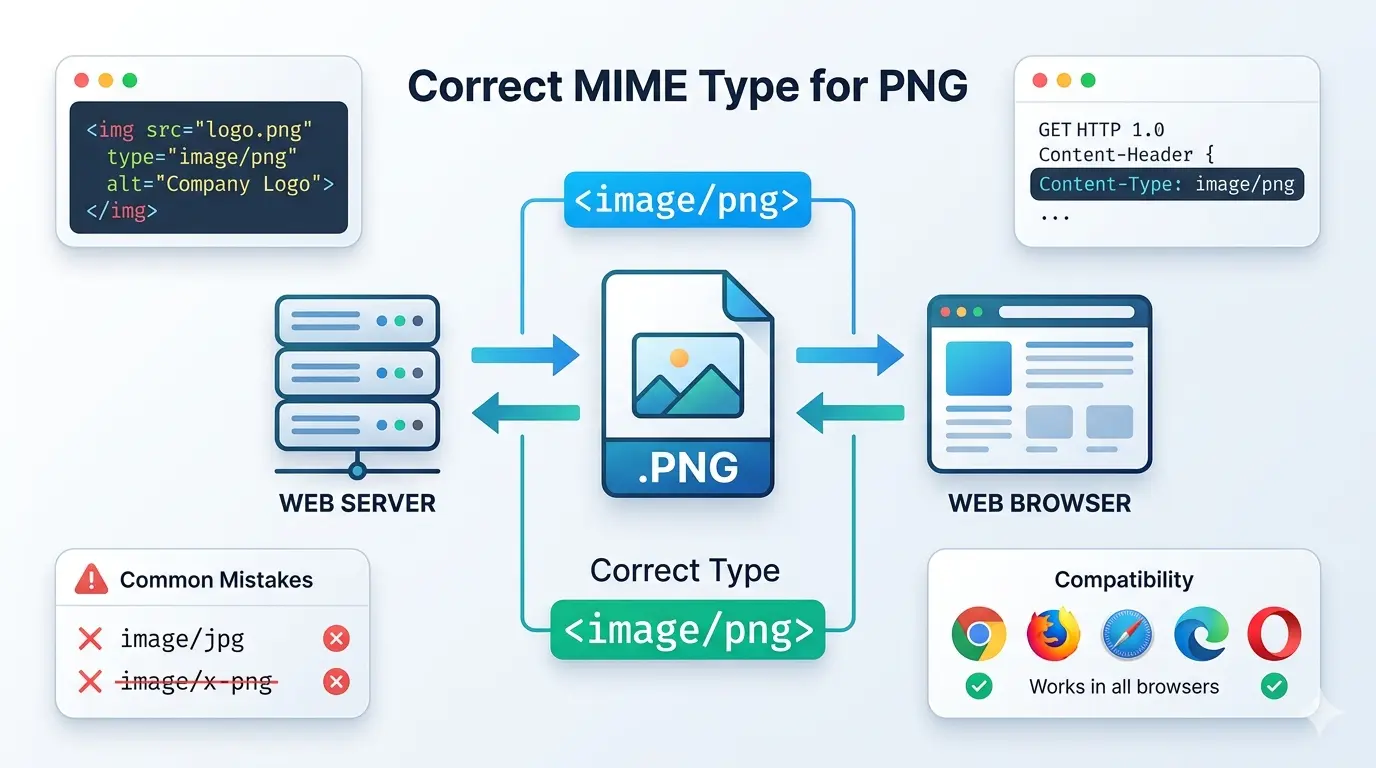
This guide explains everything you need to know about MIME type for PNG. You will learn what MIME types are, the correct type for PNG, how to use it properly, and common mistakes to avoid.
If you have ever built a website or worked with web servers, you have likely encountered MIME types. They tell browsers what kind of file they are receiving. Getting them wrong can cause images not to display, files to download instead of showing, or even security issues.
Let us clear up everything about PNG MIME types.
Let us clear up everything about PNG MIME types.
What is a MIME type?
MIME stands for Multipurpose Internet Mail Extensions. It was originally created for email attachments but is now used everywhere on the web.
A MIME type tells the browser or client what kind of file it is receiving. It has two parts: a type and a subtype, separated by a slash. For example:
A MIME type tells the browser or client what kind of file it is receiving. It has two parts: a type and a subtype, separated by a slash. For example:
text/html– HTML documentimage/jpeg– JPEG imageimage/png– PNG imageapplication/pdf– PDF document
When your web server sends a file, it includes a
Content-Type header with the correct MIME type. If the MIME type is wrong, the browser might display the file incorrectly or offer it as a download.What is the MIME type of a png?
The correct MIME type for PNG files is
This is the official MIME type registered with IANA (Internet Assigned Numbers Authority). It applies to all PNG files with the .png extension.
When your web server sends a PNG image, it should include this header:
image/png. This is the official MIME type registered with IANA (Internet Assigned Numbers Authority). It applies to all PNG files with the .png extension.
When your web server sends a PNG image, it should include this header:
Content-Type: image/png
This tells the browser "this is a PNG image" and ensures it displays correctly.
What is the MIME type in an image?
The MIME type for an image tells the browser what kind of image it is. Different image formats have different MIME types:
For PNG, always use
image/png. This is the standard and works everywhere.Is MIME type jpg or JPEG?
The correct MIME type for JPG files is
For more details, read our guides on content type JPG and is image/jpg a valid MIME type.
image/jpeg, not image/jpg. This is a common mistake. image/jpeg is the official registered type. image/jpg is not a valid MIME type and may not work in all situations. For more details, read our guides on content type JPG and is image/jpg a valid MIME type.
What is a MIME attachment png?
A MIME attachment is a file sent via email using MIME encoding. When you attach a PNG image to an email, it is sent as a MIME attachment with the content type
The email client includes headers that specify:
image/png. The email client includes headers that specify:
Content-Type: image/png– tells the receiving client it is a PNGContent-Disposition: attachment– tells the client to treat it as an attachment (or inline to display)Content-Transfer-Encoding– specifies how the file is encoded (usually base64)
This is why emails with images can display them inline or as attachments – the MIME type determines how they are handled.
Why does the correct MIME type matter?
Using the correct MIME type is important for several reasons:
- Browser compatibility 📌 Browsers rely on MIME types to know how to handle files. A PNG with the wrong MIME type might not display at all.
- Security 📌 Incorrect MIME types can lead to security issues. For example, if a server sends HTML as
image/png, it might bypass security filters. - SEO 📌 Search engines use MIME types to understand content. Incorrect types can affect indexing.
- User experience 📌 Files open correctly instead of downloading unexpectedly.
- API consistency 📌 APIs that validate MIME types may reject files with incorrect types.
How to use the correct PNG MIME type in HTML
In HTML, you do not set the MIME type directly for images. The server handles this. However, when using the
<picture> element with multiple formats, you specify the type attribute:<picture> <source srcset="image.avif"
type="image/avif"> <source srcset="image.webp"
type="image/webp"> <img src="image.png"
alt="Description"> </picture>
For the PNG fallback, you do not need to specify a type. But if you were to specify, it would be
type="image/png".How to set the correct PNG MIME type on servers
On Apache
In your .htaccess file or Apache configuration:
AddType image/png .png
On Nginx
In your mime.types file or nginx.conf:
types {
    image/png    png;
}
On IIS
In your web.config file:
<staticContent>
  <mimeMap fileExtension=".png"
mimeType="image/png" />
</staticContent>
How to set the correct PNG MIME type in APIs
Node.js / Express
res.setHeader('Content-Type', 'image/png');
res.sendFile('image.png');
Python / Flask
from flask import send_file
response = send_file('image.png',
mimetype='image/png')
PHP
header('Content-Type: image/png');
readfile('image.png');
Java / Spring
@RequestMapping(value = "/image",
produces = MediaType.IMAGE_PNG_VALUE)
public @ResponseBody byte[] getImage() {
    // return image bytes
}
Common MIME type mistakes with PNG
- Using
image/x-pnginstead ofimage/png(some older systems used this, but it is not standard) - Using uppercase letters (
image/PNG) - Forgetting to configure the server for .png extensions
- Sending
application/octet-streamfor PNG images (forces download instead of display) - Using the wrong MIME type in email attachments
How to check the MIME type of a PNG file
You can check what content type your server is sending using browser developer tools:
- Open browser DevTools (F12)
- Go to the Network tab
- Reload the page
- Click on a PNG image file
- Look for "Content-Type" in the response headers
You should see
You can also use command-line tools like
content-type: image/png. If you see something else, your server needs reconfiguration. You can also use command-line tools like
curl:curl -I https://example.com/image.png
Look for the
Content-Type header in the response.What about other image MIME types?
For reference, here are the correct MIME types for common image formats:
Frequently asked questions about PNG MIME type
Is the MIME type case-sensitive?
Yes. MIME types are case-sensitive and should always be lowercase.
image/PNG may not be recognized correctly.Can I use image/x-png?
Some older systems used
image/x-png, but this is not the standard. Always use image/png for maximum compatibility.Does the file extension affect the MIME type?
No. The MIME type is determined by the server configuration, not the file extension. A properly configured server will send
image/png for all .png files.What happens if I use the wrong MIME type?
The image may not display, or the browser might try to download it instead of showing it. In some cases, it could cause security warnings.
Remember: The correct MIME type for PNG files is always
image/png. Configure your server correctly, and your images will display properly for all users.
The bottom line: MIME type for PNG
The correct MIME type for PNG files is
Using the correct MIME type ensures:
image/png. This is the official, registered type that works in all browsers and applications. Using the correct MIME type ensures:
- PNG images display correctly in all browsers
- No unexpected downloads
- Proper API validation
- Better security
- Standards compliance
Configure your server correctly, use the right MIME type in your APIs, and you will avoid common errors that cause images not to display.
For more information about JPG MIME types, read our guide on JPG content type.
For more information about JPG MIME types, read our guide on JPG content type.
Summary: The correct MIME type for PNG files is
image/png. Not image/x-png. Configure your server with AddType image/png .png (Apache) or the equivalent for your platform. Always use lowercase. This ensures your PNG images display correctly in all browsers.