TIFF vs Multi TIFF - What Is the Real Difference?
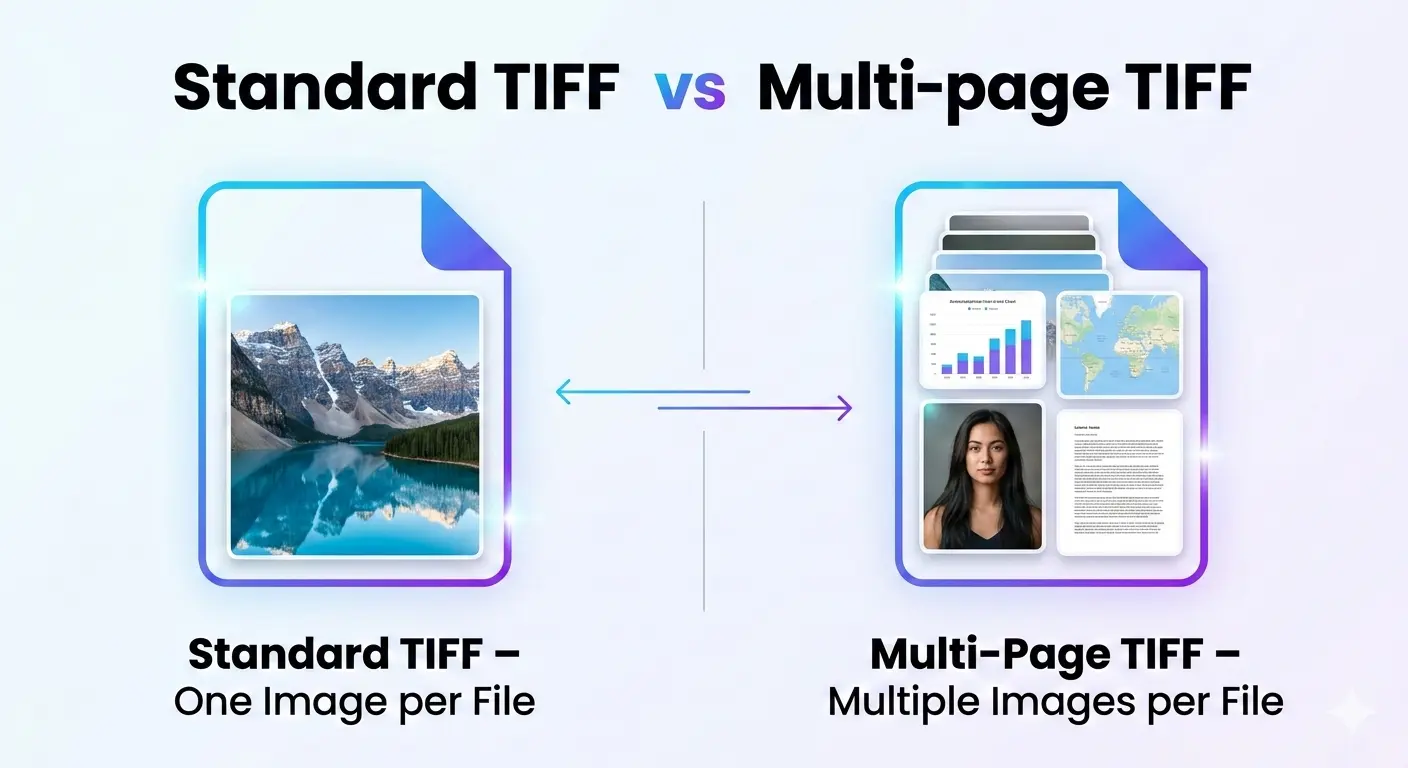
Let us clear up the confusion once and for all.
What is a standard TIFF?
- Lossless compression (LZW, ZIP) or no compression
- Multiple color spaces (RGB, CMYK, grayscale)
- High bit depths (8-bit, 16-bit, even 32-bit)
- Layers and transparency
- Metadata and color profiles
What is a multi-page TIFF (multipage TIFF)?
Each page in a multipage TIFF is a complete TIFF image. They can have different sizes, color modes, and compression settings. When you open a TIFF with multiple pages, software may show you the first page or allow you to navigate through all pages.
This format is commonly used for:
- Scanned documents (multi-page contracts, books, reports)
- Fax machines (which traditionally used multi-page TIFF)
- Archiving multi-page documents in lossless quality
- Medical imaging (some systems store image sequences)
What is the difference between TIFF and multi TIFF?
Is TIF the highest quality?
- For lossless quality: TIFF is excellent. It preserves every pixel exactly as captured.
- For color depth: TIFF supports 16-bit and even 32-bit per channel, which is higher than JPEG or PNG.
- For flexibility: TIFF supports CMYK for printing, which many other formats do not.
For a comparison with another lossless format, read BMP vs TIFF quality.
What is the best format to scan photos?
- Lossless quality ensures every detail is preserved
- High bit depth (16-bit) captures more tonal information
- Non-proprietary format will be readable in the future
- Widely supported by archival software
For everyday sharing, create JPEG copies from your TIFF masters. For more details, read our guide on TIFF vs PNG for scanning.
Is there any difference between TIF and TIFF?
- .tif – Used on older systems with three-character extension limits
- .tiff – The full extension, used on modern systems
image/tiff. The same applies to multi page files: a multi page tif and a multi-page tiff are identical in content—only the extension differs.How to check a TIFF's page count
- Image viewer: Most image viewers (like Windows Photos or Preview on Mac) show page navigation arrows or a page counter if the TIFF has more than one page.
- Photoshop: Open the file and check the Layers or Pages panel—each page appears as a separate entry.
- Command line: Tools like ImageMagick's
identifycommand ortiffinforeport the exact page count instantly. - Online tools: Some free online converters display the page count automatically when you upload a multipage tiff file.
What does "Multi-TIFF" mean on a scanner or printer?
If your scanner software shows both a "TIFF" and a "Multi-TIFF" option, the single "TIFF" option saves one page per file, while "Multi-TIFF" combines every page you scan into a single file that can contain multiple pages. Choose Multi-TIFF when scanning a multi-page document you want to keep as one file, and choose standard TIFF when scanning individual photos or single pages.
When to use standard TIFF
- You are scanning individual photos
- You need lossless quality for professional photography
- You are preparing images for print (especially with CMYK)
- You want to archive master copies of images
- Each image stands alone and does not need to be grouped
When to use multi-page TIFF
- You are scanning multi-page documents (contracts, books, reports)
- You want to keep related pages together in one file
- You are archiving documents and want to reduce file clutter
- You need lossless quality for document preservation
- You are working with fax systems or document management software
Simple rule: One image = standard TIFF. Many related images = multi page TIFF.
Real-world examples
Example 1: Scanning family photos
Example 2: Scanning a 10-page contract
Example 3: Professional photography portfolio
Example 4: Digitizing a book
TIFF vs Multi TIFF - Practical differences
File management
Software support
File size
Sharing and email
Advantages of multi-page TIFF
- Keeps related documents together
- Reduces file clutter (one file instead of many)
- Preserves page order automatically
- Lossless quality for all pages
- Supports different page sizes and color modes in one file
- Widely used in document management systems
Disadvantages of multi-page TIFF
- Huge file sizes, especially for many pages
- Not all software shows all pages
- Difficult to share via email
- Cannot easily extract a single page without special software
- Less common for casual users
How to create multi-page TIFF files
- Scan directly as multi-page 📌 Many scanner software options allow you to scan multiple pages into one TIFF file.
- Use image editing software 📌 Programs like Photoshop can save multiple images as layers or pages in a TIFF.
- Use command-line tools 📌 Tools like ImageMagick can combine multiple TIFFs into one multi-page file:
convert page1.tif
page2.tif page3.tif
multipage.tif - Online converters 📌 Some online tools can combine multiple images into a multi-page TIFF.
How to extract pages from a multi-page TIFF
- Use image editing software 📌 Photoshop and similar programs can open multi-page TIFFs and let you save each page separately.
- Use command-line tools 📌 ImageMagick can extract pages:
convert multipage.tif
This creates page-0.tif, page-1.tif, etc.
page-%d.tif - Online tools 📌 Some converters can extract pages from multi-page TIFF files.
TIFF vs PDF for multi-page documents
The verdict - TIFF vs multi TIFF
Multi-page TIFF is for document collections. Use it for scanned contracts, books, reports, and any situation where you need to keep multiple pages together in lossless quality.
Both formats offer the same excellent quality. The choice comes down to whether your content is a single image or a collection of related images.
Important note: For printing, both standard and multi-page TIFF work well. For a detailed comparison, read TIFF vs PNG for printing.
Frequently Asked Questions
What is a multipage tiff file?
A multipage tiff file is a single .tiff or .tif file that stores more than one image inside it, one after another, similar to how a PDF stores multiple pages. Each embedded image can be viewed or extracted separately.
Is "multi page tif" the same as "multi-page tiff"?
Yes. Multi page tif, multipage tiff, multi-page tiff, and multi TIFF all refer to the exact same format. The differences are only in spelling and punctuation, not in the file itself.
How can I find a TIFF's page count without opening every page?
Use an image viewer with page navigation, open the file in Photoshop and check the layers/pages panel, or run a command-line tool such as tiffinfo or ImageMagick's identify, which reports the page count instantly.
Can a TIFF with multiple pages be converted back into single files?
Yes. Any multi-page TIFF can be split into individual standard TIFF files using image editing software, command-line tools, or a free online TIFF splitter.
Working With TIFF Files? Convert Them Instantly, Free
Whether you need to split a multi-page TIFF, shrink a huge scan, or turn your files into a web-friendly format, ImageConverter24 has you covered with a growing set of browser-based tools—nothing to install, nothing to pay for, and no account required:
- Convert file types: Move freely between TIFF, JPG, PNG, WEBP, and other formats.
- Process in bulk: Handle a whole folder of scans or photos in one go instead of one at a time.
- Adjust dimensions: Set an exact width and height, or scale an image up or down.
- Change resolution (DPI): Prepare files for printing, scanning, or screen display.
- Plus several other free utilities for compressing, cleaning up, and fine-tuning your images.