WebP Animation vs GIF | Choosing the Right Format for Your Web Projects
In the world of web graphics, choosing the right format for animations can significantly impact your site's performance and user experience. For decades, the GIF format has been the go-to choice for simple animations, memes, and reaction images. However, with the rise of modern web standards, WebP Animation has emerged as a powerful contender. This article will break down the key differences, helping you make an informed decision between WebP animation vs GIF for your specific needs.
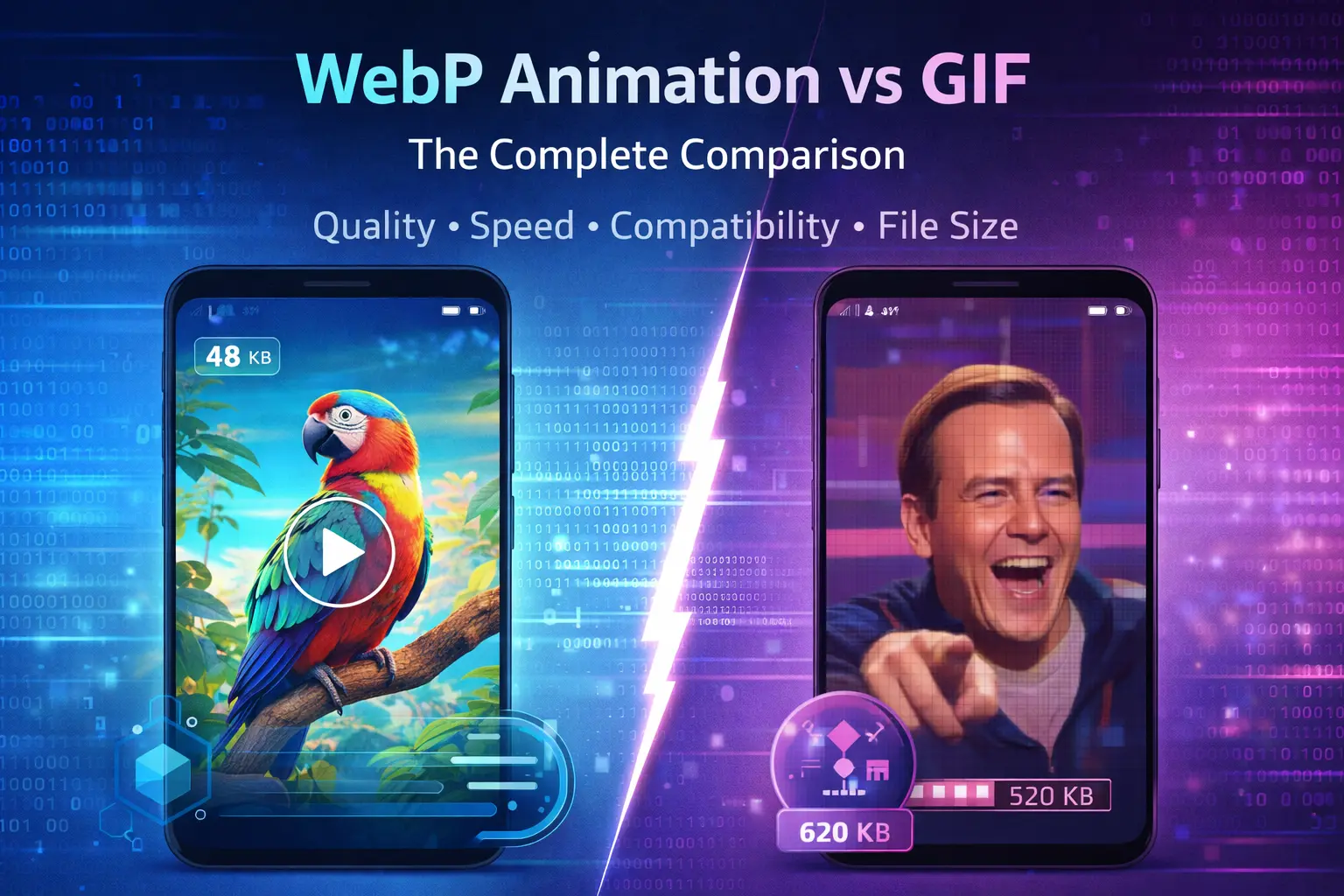
The debate isn't about which format is universally "better," but which one is more suitable for your project's context. We'll explore the technical pros and cons, compare performance, and outline the ideal use cases for each. By the end, you'll know exactly when to stick with the classic GIF and when to upgrade to the modern efficiency of WebP Animation.
What is a GIF? The Legacy Workhorse
The Graphics Interchange Format, or GIF, was introduced in 1987. It rose to fame for its ability to store multiple images in a single file, creating the short, looping animations that became a staple of early web culture. Its greatest strength is universal compatibility. Virtually every browser, operating system, and messaging app in existence can display a GIF without issue.
However, this legacy comes with limitations. GIFs are restricted to a palette of 256 colors, which can result in banding and poor quality for complex images or photographs. More critically, they use a relatively basic compression algorithm (LZW), often leading to large file sizes, especially for longer or larger animations. This is a significant disadvantage of using GIFs for videos or detailed animations, as it slows down page load times.
What is WebP Animation? The Modern Challenger
Developed by Google, WebP is a modern image format designed for the web. While known for excellent compression of static images, it also supports animation. WebP Animation uses more advanced compression techniques (predictive coding) than GIF, resulting in significantly smaller file sizes—often 25-35% smaller for comparable quality.
It supports 24-bit RGB color with an alpha channel (transparency), meaning millions of colors and smooth transparency, unlike GIF's limited palette and binary transparency. The trade-off? While support is excellent in modern browsers like Chrome, Firefox, and Edge, it is not quite as universal as GIF, with Safari gaining full support more recently.
Head-to-Head Comparison: WebP Animation vs GIF
Let's put these two formats side-by-side across the metrics that matter most for web developers and content creators.
| Feature | GIF | WebP Animation |
|---|---|---|
| Release Year | 1987 | 2010 |
| Color Support | Up to 256 colors (8-bit) | 16.7 million colors (24-bit) + Alpha Channel |
| Compression | Lossless LZW (often larger files) | Advanced predictive coding (Lossy or Lossless) |
| Typical File Size | Larger | 25-35% Smaller |
| Transparency | Binary (on/off) | Alpha Channel (smooth gradients) |
| Browser Support | Universal (Nearly 100%) | Excellent in modern browsers |
| Best For | Simple memes, tiny icons | Web performance, complex animations, transparent videos |
Performance and Quality Deep Dive
- Image Quality: WebP wins for any content requiring color accuracy, gradients, or photographic detail. GIFs can appear dithered and low-quality.
- File Size & Load Speed: This is WebP's biggest advantage. Smaller files mean faster page loads, better user experience, and improved Core Web Vitals scores for SEO.
- Browser Support: GIF is the undisputed king here. If your audience uses older browsers or platforms with spotty WebP support, GIF is the safer choice.
Best Use Cases: When to Use Which Format
Choosing the right tool depends on the job. Here’s a practical guide.
Quote: "The best format is the one that delivers the desired experience to your entire audience with the least performance penalty." – Web Performance Principle
Stick with GIF when:
- Universal Compatibility is Non-Negotiable: Content for email newsletters, very old websites, or platforms where you cannot control the viewer's software.
- Creating Simple Memes or Reaction Images: The small size, low color count, and wide recognition make GIF perfect for this cultural staple.
- Designing Tiny, Simple Animated Icons: For very small graphics, the file size difference may be negligible, and compatibility wins.
Upgrade to WebP Animation when:
- Website Performance is a Priority: You need fast-loading pages for better SEO and user retention. Replacing GIFs with WebP is a quick win.
- Your Animation Has Rich Colors or Detail: Product demos, short UI animations, or artistic pieces benefit greatly from WebP's color depth.
- You Need Smooth Transparency: For animations that need to blend seamlessly over different backgrounds, WebP's alpha channel is essential.
- Your Audience Uses Modern Browsers: For most consumer-facing websites and web apps today, WebP support is more than sufficient.
Practical Guide: Converting GIF to WebP Animation
Ready to make the switch? Converting your existing GIF library to WebP can free up bandwidth and speed up your site. Here’s how to do it effectively.
Important Note: Always keep the original GIF files as a fallback. Use HTML <picture> elements to serve WebP to supporting browsers and GIF to others, ensuring no user is left out.
- Choose a Reliable Conversion Tool: Use a reputable online converter or command-line tool like `cwebp`. For a free, unlimited, and watermark-free solution, you can try an online service like the versatile image converter available at ImageConverter24.
- Balance Quality and Size: WebP allows you to set a quality parameter (0-100). Experiment to find the sweet spot where visual quality remains high but file size is drastically reduced compared to the original GIF.
- Check for Support: After conversion, test the WebP file across different browsers (especially Safari) to ensure it displays correctly.
- Implement with the <picture> Element: Use the following code snippet for bulletproof implementation:
<picture>
  <source srcset="animation.webp"
type="image/webp">
  <img src="animation.gif"
alt="Descriptive alt text">
</picture>
For bulk conversions or high-quality needs, consider using a dedicated tool like the best unlimited image converter free online without watermark to handle your workflow efficiently.
The Future of Animated Images on the Web
The trend is clear: the web is moving towards more efficient, higher-quality formats. While GIF will likely remain in use for its specific cultural niche, WebP Animation is the technically superior choice for modern web development. Emerging formats like AVIF promise even greater compression, but WebP currently offers the best balance of compression, quality, and support.
Staying updated with these developments is crucial. By adopting WebP Animation today, you future-proof your content, improve your site's performance, and provide a better experience for the majority of your users.
Conclusion: Making an Informed Choice
Final Verdict: The choice between WebP animation vs GIF hinges on your priorities. If your absolute top priority is that the animation plays everywhere, no exceptions, then GIF is your format. However, if you care about website speed, visual quality, modern standards, and your audience primarily uses up-to-date browsers, then WebP Animation is the clear winner.
Start by auditing your current use of animated images. Convert larger, more complex GIFs to WebP first, using fallbacks for compatibility. The performance gains are immediate and substantial. By understanding the strengths and limitations of each format, you can strategically use both to create a faster, more beautiful, and more compatible web.