Understanding the PNG Format's Key Limitation
The PNG format is widely used in digital design because it offers lossless compression and supports transparent backgrounds, making it ideal for logos, screenshots, and web graphics where image clarity matters. Despite these strengths, understanding the disadvantages of PNG is important for using the format wisely. One of the main PNG disadvantages is that file sizes are often larger than compressed formats like JPEG or WebP, which can slow down website loading times and consume more storage space. Knowing these limitations helps you decide when PNG is the best option and when another format may be more efficient.
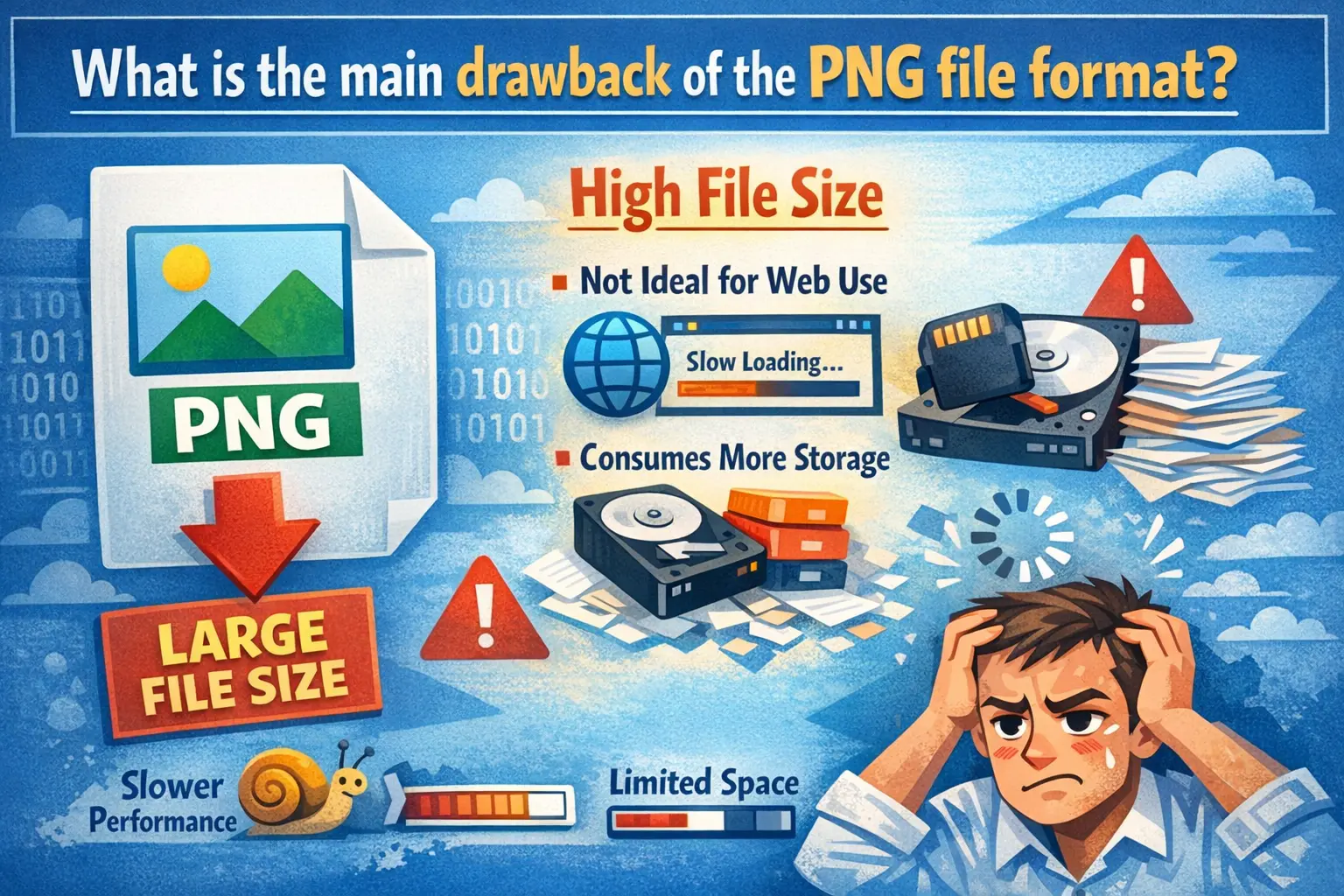
This drawback isn't a flaw in design but a direct result of the format's core strength: lossless compression. For many projects, the benefits outweigh this downside. But for web use, where loading speed is critical, this characteristic demands careful management. Let's explore what this main drawback is, why it happens, and how you can work around it without sacrificing your visual quality.
The Core Issue: File Size
The primary and most cited drawback of the PNG (Portable Network Graphics) format is its large file size, especially when compared to formats like JPEG or modern successors like WebP. This is not a bug; it's the inherent trade-off for having perfect, pixel-for-pixel quality and features like alpha transparency.
Think of a PNG file like a meticulously packed suitcase where every item is individually wrapped and protected. Nothing is lost or crumpled (lossless), but the suitcase becomes quite bulky. A JPEG, in contrast, is like packing more efficiently by folding clothes tightly together—you fit more in a smaller space (smaller file size), but some items might get slightly creased (lossy compression).
This large file size directly impacts:
- Website Loading Speed: Larger images take longer to download, which can increase page load times. Search engines like Google consider page speed a ranking factor.
- Bandwidth Usage: For users on limited data plans or slower connections, large PNGs can consume significant bandwidth and degrade the browsing experience.
- Storage Constraints: Storing hundreds or thousands of high-resolution PNGs can quickly fill up server or cloud storage space.
Why Are PNG Files So Large?
To truly grasp the main drawback of PNG, it's helpful to understand the technical reasons behind the file size. The format's design priorities explain the outcome.
- Lossless Compression 🔍 Unlike JPEG, which uses "lossy" compression that discards some image data to shrink file size, PNG uses a lossless algorithm (DEFLATE). It finds efficient ways to describe the image data without deleting any information. For complex, detailed photos, this results in a much larger file than a JPEG of similar visual quality.
- Color Depth Support 🔍 PNG supports high color depths, including 24-bit RGB (millions of colors) and even 32-bit RGBA (millions of colors + an alpha channel for transparency). Storing all this color information for each pixel inherently creates more data than a palette-based format like GIF.
- Alpha Channel Transparency 🔍 One of PNG's best features—true transparency with varying levels of opacity—requires an extra channel of data (the "Alpha" channel). This adds to the overall file size, making even a simple transparent logo larger than an opaque one.
- Metadata Storage 🔍 PNG files can store textual information like author name, copyright, and creation time within the file itself, adding a small but non-zero amount of data.
PNG vs. Others: A Size Comparison
Seeing the difference in numbers makes the drawback clearer. Below is a realistic comparison for a typical web graphic (a detailed screenshot) and a simple graphic (a logo with transparency).
| Image Type | Format Comparison | Key Takeaway |
|---|---|---|
| Detailed Screenshot (1920×1080) |
PNG: ~1.8 MB JPEG: ~350 KB WebP: ~1.1 MB |
PNG is ~5× larger than JPEG for photographic content |
| Logo with Transparency (500×500) |
PNG: ~45 KB JPEG: N/A WebP: ~20 KB |
WebP offers similar quality at less than half the size |
"The PNG format is a masterpiece of fidelity, but its weight is its weakness. In the race for faster web experiences, every megabyte counts. Choosing the right format is less about good vs. bad and more about right tool for the job."
When is PNG's Size a Problem?
Understanding the drawback means knowing when it matters. PNG's large file size becomes a significant problem in specific scenarios.
- Content-Heavy Websites: Blogs, news sites, or portfolios with many images per page will suffer slow loading if all images are in PNG.
- E-commerce Platforms: Product pages often have multiple high-resolution images. Using PNG for all angles can drastically slow down the page, potentially hurting sales.
- Mobile-First Design: On mobile networks, large PNGs increase data costs and wait times, harming the user experience.
- Email Marketing: Large attachments in emails can trigger spam filters or be rejected by recipient servers.
Important Note for Readers: The PNG format is not "bad." Its large size is a direct consequence of its perfect quality. The problem arises when it is used unnecessarily. For simple logos, icons, text-based graphics, or images requiring transparency, PNG is often the perfect choice despite its size. The issue is primarily with using PNG for complex photographs on the web.
Smart Solutions and Workarounds
You don't have to abandon PNG. Instead, use strategic workarounds to mitigate its main drawback.
- Use the Right Tool for the Job: Reserve PNG for graphics that need transparency or are simple with sharp edges (logos, text, icons). Use JPEG for photographs and complex images where some compression is acceptable.
- Embrace Modern Formats: Consider using WebP. It provides both lossless and lossy compression and is supported by all major modern browsers. A lossless WebP is typically 25-35% smaller than a comparable PNG.
- Optimize Your PNGs: Use compression tools like TinyPNG, ImageOptim, or Squoosh. These tools apply smart, lossless compression to reduce file size without any visible quality loss.
- Resize Images Appropriately: Never upload a 4000-pixel wide PNG if it will only be displayed at 800 pixels wide. Resize the image to its display dimensions first.
- Implement Lazy Loading: On your website, use lazy loading so that images only load when they are about to scroll into the viewport. This improves initial page load time.
How to Convert and Optimize Images Easily
Dealing with format choices and optimization doesn't need to be complicated. When you need to convert a PNG to a more web-friendly format like JPEG or WebP, or simply want to compress it, use a reliable, hassle-free tool.
We encourage you to convert your images using Image Converter 24, without restrictions or the need to create an account. The process is straightforward:
- Visit the website via the button above (you will be redirected to a professional service).
- Upload the PNG image you wish to convert or compress.
- Choose your desired output format (e.g., JPEG, WebP, or even a compressed PNG).
- Click "Convert" and download your optimized file.
Conclusion: A Balanced Perspective
Final Summary: The main drawback of the PNG file format is unequivocally its large file size. This is the trade-off you accept for lossless quality, perfect sharpness, and advanced transparency. In an era where web performance is paramount, this characteristic requires mindful management.
However, by understanding this limitation, you can use PNG strategically. Leverage it for its strengths—graphics, text, and transparency—and employ modern formats like WebP or optimized JPEGs for photographic content. Always compress and resize your images before publishing.
Ultimately, PNG remains an indispensable tool in the digital toolbox. Its "drawback" is simply the other side of its greatest benefit: uncompromising quality. By using the right format for the right task and optimizing diligently, you can enjoy the benefits of PNG without letting its file size slow you down.