JPEG vs JPEG 2000: The Ultimate Comparison Guide
JPEG is the universal image format—it works on every device and browser but only supports lossy compression and 8-bit color. JPEG 2000 uses more advanced wavelet compression, supports lossless mode and much higher bit depth, and produces smaller files at the same quality. However, JPEG 2000 only works properly in Safari and specialized software, which is why JPEG still dominates everyday web and social media use. JPEG 2000 is the better choice for medical imaging, digital cinema, and professional archiving.
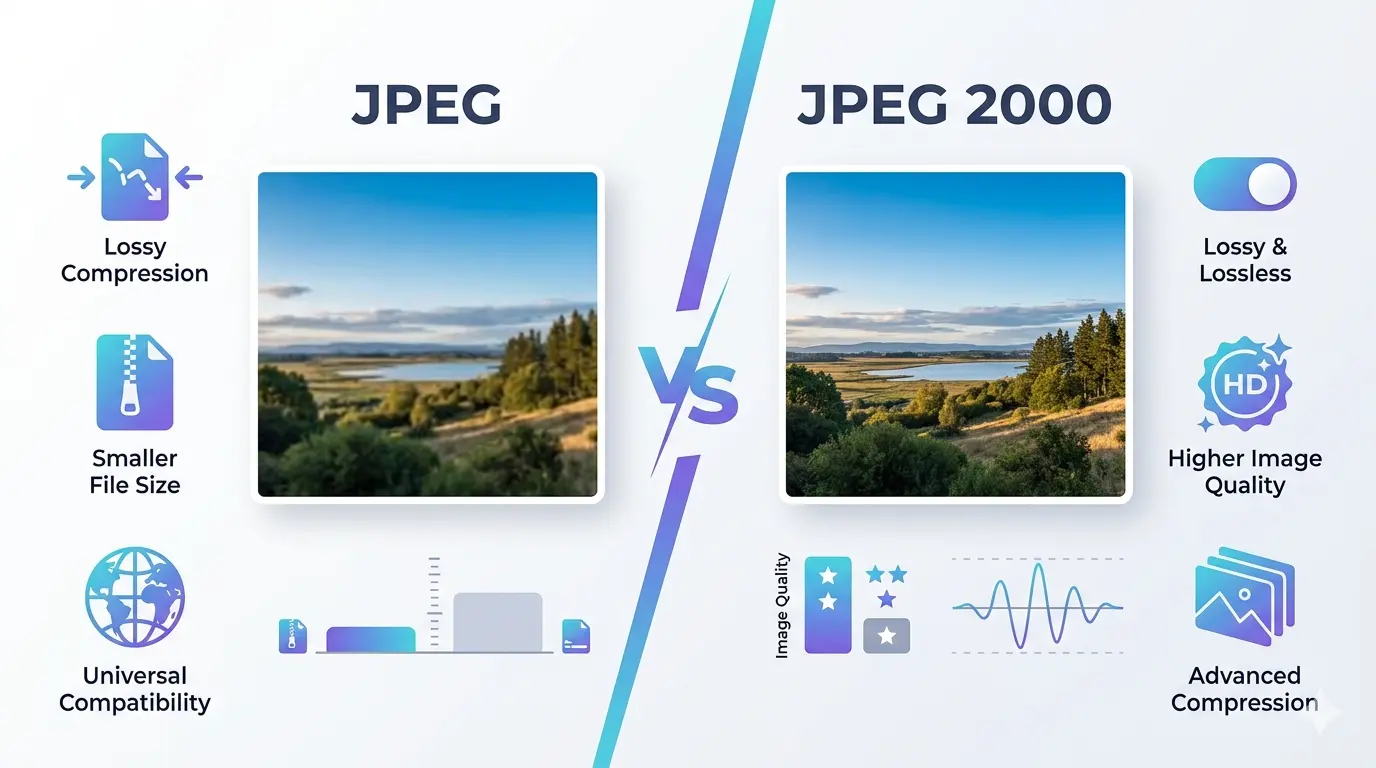 |
| Exploring the visual and technical differences between JPEG and JPEG 2000 formats. |
If you are preparing images for a standard website, stick with JPEG for maximum browser compatibility. Use JPEG 2000 only for specialized archival or professional applications where lossless compression is a requirement.
Are JPEG and JPEG 2000 the same?
- Compression Method: JPEG splits images into 8x8 pixel blocks, while JPEG 2000 processes the entire image as a continuous stream or in much larger "tiles."
- Data Integrity: Standard JPEG is strictly lossy, meaning it permanently discards data to shrink file sizes. JPEG 2000 supports both lossy and mathematically lossless compression.
- Color Depth: JPEG is limited to 8-bit color. The JPEG 2000 standard officially supports 1 to 38 bits per color component, though most real-world encoders and viewers cap out at 16-bit per component in practice—still far beyond what standard JPEG can do.
- Error Resilience: JPEG 2000 is more robust against bit errors, which is why it is used in satellite imagery and deep-space communication.
Renaming a .jpg file to .jp2 will not convert the format. It will only break the file. You must use a proper free unlimited image converter to change the internal encoding.
Which format has a smaller file size?
Is JPEG or JPEG 2000 better?
Does Photoshop support JPEG 2000?
What is the architecture of JPEG 2000?
- Tiling: The image is broken into large rectangular tiles, allowing for the decoding of specific regions without loading the whole image.
- Wavelet Decomposition: This analyzes the image at various scales. It separates the "low-frequency" (general shapes) from "high-frequency" (sharp details) data.
- ROI (Region of Interest) Coding: This unique feature allows certain parts of an image (like a person's face) to be stored at a higher quality than the background.
- Progressive Transmission: The image becomes clearer as more data arrives, rather than loading from top to bottom.
What is JPEG 2000 used for?
One of the primary uses is in Medical Imaging (DICOM). Since JPEG 2000 supports lossless compression, doctors can shrink massive MRI or CT scans for storage without losing a single pixel of diagnostic data. Another major sector is Digital Cinema. The industry-standard DCP (Digital Cinema Package) uses JPEG 2000 to deliver movies to theaters because it handles 4K resolution and high bit depths with incredible precision.
Furthermore, it is the standard for Geospatial Imagery (GIS). Satellites capture enormous images of the Earth. Using JPEG 2000’s tiling and multi-resolution architecture, analysts can "zoom in" on a specific city without downloading the multi-gigabyte file of the entire continent. If you are considering jpeg vs jpeg2000 for printing, JPEG 2000 is often preferred for large-scale high-fidelity banners where color accuracy is paramount.
Archivists and librarians prefer JPEG 2000 for digitizing historical documents. It allows them to save one "master" file that can serve both high-res research needs and low-res web thumbnails.
Should I use JPEG 2000 for Instagram or social media?
JPEG vs JPEG 2000 vs PNG: which should you choose?
- Choose JPEG for everyday photographs going on the web or social media, where universal compatibility and small file size matter most.
- Choose JPEG 2000 for professional archiving, medical imaging, or large-format printing, where lossless quality and higher bit depth matter more than browser support.
- Choose PNG for graphics with flat colors, text, logos, or anything that needs a transparent background on the web—PNG is lossless like JPEG 2000 but has universal browser support, which JPEG 2000 lacks.
Is JPEG 2000 high resolution?
Is JPEG 2000 still used?
Absolutely. While you won't see many .jp2 files on Instagram or Facebook, the format is thriving behind the scenes. Every time you go to the cinema, you are likely watching a series of JPEG 2000 encoded frames. When a radiologist looks at your X-ray, they are likely using JPEG 2000. It is also a staple in the Library of Congress and other major digital preservation initiatives.
What is the difference between JPEG XR and JPEG 2000?
- Origin: JPEG 2000 is an open standard from the JPEG committee. JPEG XR was developed by Microsoft and later standardized.
- Complexity: JPEG 2000 is computationally "heavy" and slow to decode. JPEG XR was designed to be much lighter, making it easier for digital cameras to process.
- Compatibility: JPEG XR was primarily supported in Internet Explorer and the Windows ecosystem. JPEG 2000 has broader support in professional software like Adobe Photoshop and medical viewers.
- Performance: JPEG 2000 generally offers better compression ratios for very large images, while JPEG XR is better for high-quality consumer photos.
What is the difference between JPEG 2000 and TIFF?
In a direct jpeg 2000 vs tiff comparison, TIFF is much easier to open on any computer and is the standard for the printing industry. JPEG 2000 is more efficient for storage but requires specialized software to view. If you have a thousand high-resolution scans, saving them as JPEG 2000 could save you terabytes of hard drive space compared to TIFF.
Most commercial printers still prefer TIFF or standard high-quality JPEG. Always check with your print shop before sending JPEG 2000 files, as their RIP (Raster Image Processor) software might not support it.
How to convert JPEG 2000 to JPEG?
If you have received a .jp2 file and can't open it, converting it to a standard JPEG is the easiest solution. This ensures you can view it on any device, upload it to social media, or embed it in a document. There are several ways to do this:
- Online Converters: The fastest way is using a web-based tool like imageconverter24.com. You simply upload your JP2 file, select JPG as the output, and download the result.
- Adobe Photoshop: Open the JP2 file and go to File > Save As and choose JPEG from the dropdown menu.
- Preview (macOS): Mac users can open JP2 files in Preview, then go to File > Export and select JPEG.
- Command Line: Advanced users can use ImageMagick with the command:
magick convert image.jp2 image.jpg.
Summary of the Comparison
- JPEG is for the web, social media, and everyday photography.
- JPEG 2000 is for medical, legal, and cinematic professionals.
- JPEG is universally compatible with every browser and device.
- JPEG 2000 requires specific plugins or high-end software.
- JPEG causes blocky artifacts at low bitrates.
- JPEG 2000 maintains a smooth, blurred appearance at low bitrates.
- JPEG is 8-bit only; JPEG 2000 supports far higher bit depth.
For the best of both worlds, many web developers are now moving to WebP. It offers the wavelet-like efficiency of JPEG 2000 but with the universal support that JPEG 2000 failed to achieve.
From Frustration to Simplicity
Working with large or unsupported image formats often slows down your workflow, making uploads difficult and sharing inconvenient.
Switching between formats manually or using complex software can be time-consuming and often unnecessary for simple tasks.
With Image Converter 24, you can convert TIFF, JPEG, PNG, WebP and more instantly — directly in your browser, with no installation and no limits.