Should I Use WebP Images on My Website? A Simple Guide
In today’s fast-paced digital world, website performance is king. A key factor in this performance is image optimization, which directly impacts loading speed, user experience, and even search engine rankings. You’ve likely heard about WebP, a modern image format praised for its efficiency. This guide will answer the core question: Should I use WebP images on my website? We’ll break down what WebP is, compare it to traditional formats, and provide clear, actionable steps to help you decide and implement.
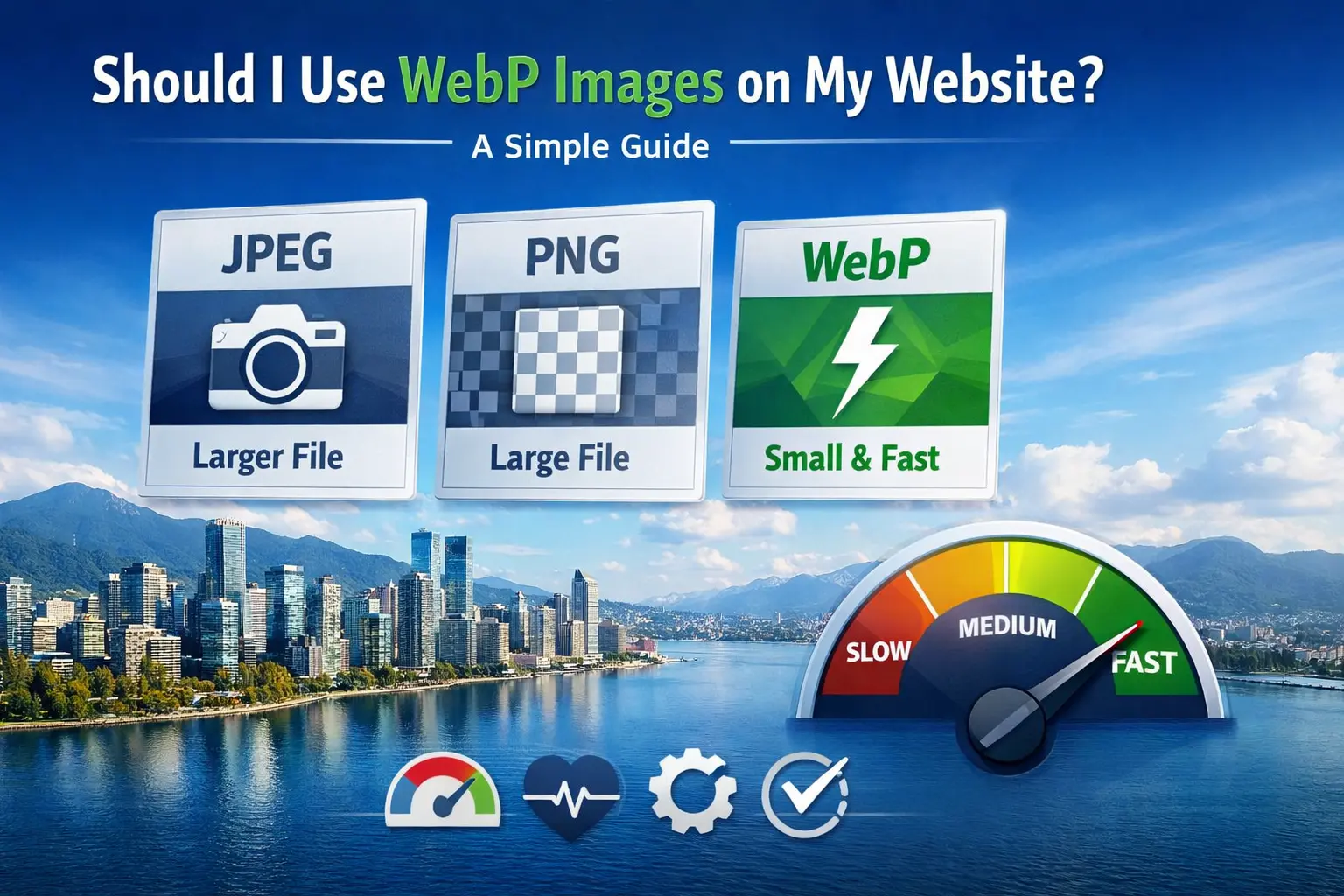
Choosing the right image format is a foundational step in building a fast, efficient, and user-friendly website. This decision affects everything from your site’s Core Web Vitals to your hosting bandwidth. Let’s dive into the details to empower you with the knowledge needed to make the best choice for your online presence.
What Is WebP? A Modern Image Format Explained
WebP is an image format developed by Google, designed specifically for the web. Its primary goal is to create smaller, richer images that make websites faster. At its core, WebP uses advanced compression algorithms. For photos, it uses predictive coding to encode data (similar to JPEG but more efficient), and for graphics, it supports lossless compression (like PNG) and even animation (like GIF). The result is a versatile format that can significantly reduce file size—often by 25-35% compared to JPEG and PNG—while maintaining comparable or even superior visual quality. Understanding this format is the first step in deciding if it’s right for your website’s performance strategy.
WebP vs. JPEG vs. PNG: The Detailed Comparison
To make an informed choice, you need to see how WebP stacks up against the entrenched champions, JPEG and PNG. The table below provides a clear, side-by-side comparison of their key characteristics.
Compare WebP with JPEG and PNG easily. The table below highlights their key features side by side.
| Feature | WebP | JPEG / PNG |
|---|---|---|
| Best For | Photos & graphics (supports transparency) | JPEG: Photos | PNG: Graphics & logos (supports transparency) |
| Compression | Superior (Lossy & Lossless) | JPEG: Good (Lossy only) | PNG: Average (Lossless only) |
| File Size | Smallest (25-35% smaller than JPEG/PNG) | JPEG: Small (for photos) | PNG: Largest (for similar quality) |
| Transparency | Yes | JPEG: No | PNG: Yes |
| Animation | Yes | JPEG: No | PNG: No (APNG separate) |
| Browser Support | All modern browsers | Universal support |
As you can see, WebP offers a compelling combination of small size and rich features. However, it's wise to also understand the specific advantages and disadvantages of JPEG, the long-time standard for photos, to fully appreciate the trade-offs. For instance, while JPEG has universal support, its lack of transparency and larger file sizes are clear drawbacks in a modern web context.
When Should You Use WebP? (And When Not To)
WebP is a powerful tool, but it’s not a one-size-fits-all solution. Here’s a practical guide to when it shines and when you might want to stick with traditional formats.
- ✅ Use WebP for Performance-Critical Websites 📌 If your site’s success depends on speed (e.g., e-commerce, news portals, blogs), WebP’s smaller file sizes directly improve page load times, reduce bounce rates, and enhance SEO.
- ✅ Use WebP for Modern Web Projects 📌 For new websites or redesigns targeting users with modern browsers, adopting WebP from the start is a forward-thinking best practice.
- ✅ Use WebP for Images with Transparency 📌 Need a transparent background but hate PNG’s large size? WebP’s lossless compression with alpha channel is a perfect, space-saving alternative.
- ⚠️ Consider a Fallback for Maximum Compatibility 📌 If your analytics show a significant portion of visitors use older browsers (like legacy IE), implement WebP with a fallback to JPEG/PNG. We’ll cover how to do this simply.
- ❌ Avoid WebP for Print or External Distribution 📌 If your images are primarily for high-resolution printing or need to be opened reliably in all desktop software, stick with TIFF, JPEG, or PNG.
- ❌ Avoid if Your CMS/Workflow Doesn’t Support It 📌 If your content management system or existing automated workflow cannot process or serve WebP, the conversion overhead might not be worth it until you upgrade your tooling.
A common question that arises is about quality perception. Many wonder, is WebP better quality than JPEG? The answer is nuanced: at comparable file sizes, WebP often retains more detail and suffers from fewer compression artifacts, making it visually superior. However, at very high quality settings, the difference may be negligible to the human eye, while the file size savings remain significant.
How to Convert and Use WebP on Your Website
Implementing WebP is straightforward. The most critical step is converting your existing image library efficiently without compromising quality.
- Step 1: Choose a Conversion Tool Use reliable software or an online converter. For a quick, high-quality, and free conversion, you can visit Image Converter 24. Their specialized tool allows you to convert images to WebP without losing quality, which is essential for maintaining your site's professional appearance.
- Step 2: Convert in Batches Don’t convert images one by one. Use tools that support batch processing to handle your entire media library efficiently.
- Step 3: Implement with a Fallback The safest way to use WebP is to serve it to supporting browsers while providing a JPEG/PNG fallback for others. This can be done easily with the HTML
<picture>element:
<picture>
<source srcset="image.webp" type="image/webp">
<img src="image.jpg" alt="Description">
</picture>
- Step 4: Update Your CMS Many modern CMSs (like WordPress with plugins) and CDNs (like Cloudflare, Imgix) can automate WebP conversion and delivery, handling the fallback logic for you seamlessly.
Important Note for Readers: Always keep your original high-quality image files (JPEG/PNG) in a backup location. The WebP files you generate are for web delivery. Keeping originals ensures you can re-convert if needed or use them for other purposes.
The Verdict: Should You Use WebP?
So, should you use WebP images on your website? For the vast majority of website owners in 2024, the answer is a resounding yes. The benefits—dramatically faster loading times, improved user experience, and a positive impact on SEO—far outweigh the minimal effort required for implementation, especially given the excellent browser support and easy fallback methods.
The only exceptions are niche cases where absolute universal compatibility for every single user is non-negotiable, or where your technical infrastructure absolutely cannot support it. For everyone else, adopting WebP is a low-risk, high-reward upgrade.
Your Simple Action Plan
Here is a straightforward, step-by-step plan to get started with WebP today:
- Audit: Check your website’s current image usage with tools like Google PageSpeed Insights.
- Convert: Start by converting a batch of your most-viewed page images. We encourage you to try Image Converter 24 for this—it’s a free, no-account-required tool. Simply visit the site, upload your images, click "Convert," and download the optimized WebP files.
- Implement: Use the
<picture>element method or a plugin to serve the new WebP files with fallbacks. - Test: Use browser dev tools (Network tab) to verify WebP is being served and check your site speed scores again.
- Scale: Gradually convert the rest of your image library, prioritizing high-traffic pages.
Final Thoughts: Embracing Modern Web Standards
The web is constantly evolving, and adopting efficient technologies like the WebP format is part of maintaining a healthy, competitive, and user-friendly website. It represents a clear step forward from the older generation of image formats, offering tangible benefits for both site owners and visitors.
In conclusion, using WebP images is a smart, strategic move for optimizing your website. By understanding its strengths, knowing when to apply it, and following a simple implementation process with proper fallbacks, you can significantly enhance your site's performance. The small investment of time in conversion pays lasting dividends in speed, user satisfaction, and search engine favor. Don’t let your website lag behind—consider making the switch to WebP today.
Ready to manage your images like a pro?
Try WEBP Cconverter Now
Are you ready to manage your images professionally? Convert your images to WebP-ready formats for your website, without any limitations.
Try WEBP Cconverter Now
Using these tools, you can expand your reach, streamline your workflow, and unlock long-term growth and new opportunities in the creative space.