WebP vs PNG vs AVIF | The Complete Comparison Guide
AVIF offers the best compression and quality, but WebP has better browser support. PNG remains the reliable choice for lossless quality and transparency when compatibility is critical. For modern websites, AVIF and WebP are the future, but PNG is still the safest bet.
This guide compares WebP vs PNG vs AVIF across image quality, file size, transparency support, browser compatibility, and real-world performance. You will learn exactly which format to use for your website, when to choose each, and how to balance quality with speed.
This guide compares WebP vs PNG vs AVIF across image quality, file size, transparency support, browser compatibility, and real-world performance. You will learn exactly which format to use for your website, when to choose each, and how to balance quality with speed.
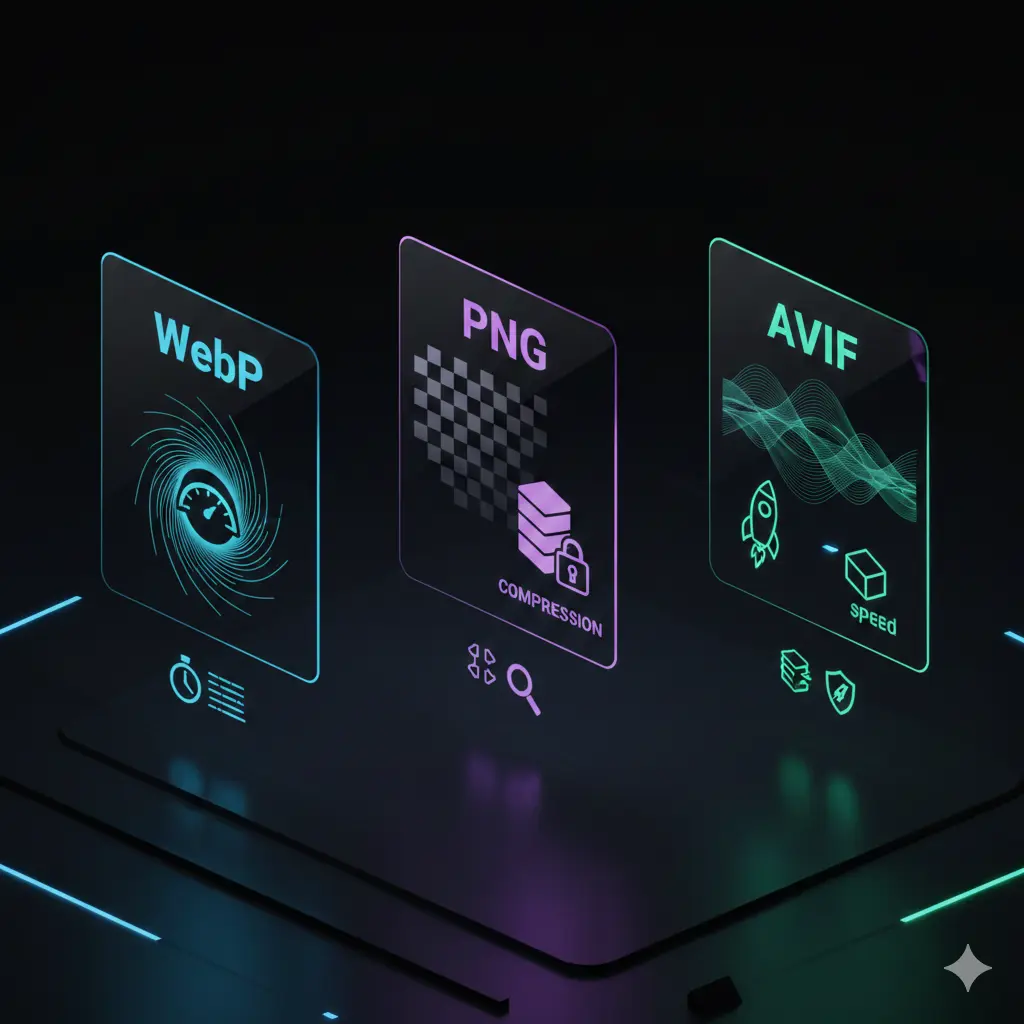
The world of image formats is evolving rapidly. For years, PNG was the go-to for lossless images. Then WebP arrived, offering smaller files. Now AVIF is challenging both with even better compression. But which one should you actually use?
Let us break down each format, compare them head-to-head, and give you practical advice for your website.
Let us break down each format, compare them head-to-head, and give you practical advice for your website.
What are WebP, PNG, and AVIF?
Before we compare, let us understand each format:
- PNG (Portable Network Graphics): Lossless format introduced in 1996. Perfect quality, supports transparency, universal browser support. Large file sizes.
- WebP: Google's format from 2010. Supports both lossy and lossless compression. Smaller files than PNG, supports transparency and animation. Good browser support.
- AVIF (AV1 Image File Format): New format based on the AV1 video codec. Excellent compression, supports HDR, wide color gamut, and transparency. Limited but growing browser support.
Is AVIF better than WebP?
In terms of compression efficiency, yes, AVIF is better than WebP. AVIF typically produces files 20-30% smaller than WebP at the same visual quality. It also supports more advanced features like HDR and wide color gamut.
However, better is not just about compression. WebP has significantly better browser support. AVIF is supported in modern browsers but not in older ones. For practical use today, WebP is often the better choice because it works everywhere.
For a detailed technical comparison, read about the difference between PNG and AVIF.
However, better is not just about compression. WebP has significantly better browser support. AVIF is supported in modern browsers but not in older ones. For practical use today, WebP is often the better choice because it works everywhere.
For a detailed technical comparison, read about the difference between PNG and AVIF.
Is AVIF higher quality than PNG?
For lossless quality, PNG and AVIF are both capable of perfect reproduction. However, AVIF can achieve much smaller file sizes than PNG for the same quality.
For lossy compression, AVIF produces higher quality images at the same file size compared to PNG. But PNG is lossless by nature, so if you need pixel-perfect quality, PNG is the standard.
The real advantage of AVIF over PNG is file size. An AVIF image can be 50-70% smaller than PNG with visually identical quality.
For lossy compression, AVIF produces higher quality images at the same file size compared to PNG. But PNG is lossless by nature, so if you need pixel-perfect quality, PNG is the standard.
The real advantage of AVIF over PNG is file size. An AVIF image can be 50-70% smaller than PNG with visually identical quality.
Is a PNG file a screenshot?
No, PNG is a file format, not a type of image. A PNG file can contain anything: a screenshot, a photograph, a logo, or a digital painting.
However, PNG is the most common format for screenshots because it preserves text and sharp edges perfectly. When someone says "save it as a PNG," they usually mean "save it with maximum quality, especially since it has text."
So while not every PNG is a screenshot, almost every professional screenshot is saved as PNG.
However, PNG is the most common format for screenshots because it preserves text and sharp edges perfectly. When someone says "save it as a PNG," they usually mean "save it with maximum quality, especially since it has text."
So while not every PNG is a screenshot, almost every professional screenshot is saved as PNG.
Is AVIF good quality?
Yes, AVIF offers excellent quality. It uses advanced compression techniques from the AV1 video codec, which allows it to preserve detail while keeping file sizes remarkably small.
At similar file sizes, AVIF looks better than WebP and much better than JPEG. At similar quality levels, AVIF files are significantly smaller than both.
AVIF also supports HDR (High Dynamic Range) and wide color gamuts, making it future-proof for modern displays.
At similar file sizes, AVIF looks better than WebP and much better than JPEG. At similar quality levels, AVIF files are significantly smaller than both.
AVIF also supports HDR (High Dynamic Range) and wide color gamuts, making it future-proof for modern displays.
Which format has the best quality?
For lossless quality, PNG and lossless WebP and lossless AVIF all offer perfect quality. They preserve every pixel exactly.
For lossy quality at the same file size, AVIF typically offers the best visual quality, followed by WebP, then JPEG. At the same quality level, AVIF produces the smallest files.
The quality winner depends on your priority:
For lossy quality at the same file size, AVIF typically offers the best visual quality, followed by WebP, then JPEG. At the same quality level, AVIF produces the smallest files.
The quality winner depends on your priority:
- If you need perfect, lossless quality → PNG or lossless WebP/AVIF
- If you need the smallest files with excellent quality → AVIF
- If you need a balance of quality and compatibility → WebP
WebP vs PNG vs AVIF: Head-to-head comparison
Compression efficiency | The numbers
Let us look at real file size comparisons for a typical image:
| Format | File Size | Quality |
|---|---|---|
| PNG (lossless) | 2.4 MB | Perfect |
| WebP (lossless) | 1.8 MB | Perfect |
| AVIF (lossless) | 1.2 MB | Perfect |
| WebP (lossy, high quality) | 350 KB | Excellent |
| AVIF (lossy, high quality) | 250 KB | Excellent |
AVIF consistently delivers the smallest files, often 30-50% smaller than WebP and 70-80% smaller than PNG at equivalent quality.
Transparency support
All three formats support transparency (alpha channels):
- PNG: Full 8-bit alpha transparency. Universal support. The standard for transparent images.
- WebP: Full 8-bit alpha transparency in both lossy and lossless modes. Excellent support.
- AVIF: Full alpha channel support, including 10-bit and 12-bit for HDR transparency. Growing support.
For simple transparency needs, all three work. For advanced HDR transparency, AVIF is the future.
Browser compatibility - The practical reality
Here is the current state of browser support (as of 2025):
- PNG: Works in literally every browser, including Internet Explorer. 100% support.
- WebP: Works in all modern browsers (Chrome, Firefox, Safari, Edge). About 96% of global users.
- AVIF: Works in Chrome, Firefox, Opera, and Safari (recent versions). About 80-85% support and growing.
If you need to reach absolutely everyone, PNG is the safest. For most modern websites, WebP is safe with a fallback. AVIF requires a fallback strategy but offers the best performance.
Effect on website loading speed
Image formats directly impact your site speed:
- PNG: Largest files → slower loading. Use only when necessary.
- WebP: Much smaller files → faster loading. Significant improvement over PNG.
- AVIF: Smallest files → fastest loading. Best for performance.
Switching from PNG to WebP can reduce image payload by 30-50%. Switching to AVIF can reduce it by 50-70%. This directly improves Core Web Vitals and user experience.
For more on WebP adoption, read should I use WebP images on my website.
For more on WebP adoption, read should I use WebP images on my website.
When to use PNG
Choose PNG when:
- You need lossless quality and universal compatibility
- You are creating screenshots or graphics with text
- Your audience includes users on very old browsers
- You need simple, reliable transparency
- File size is not your primary concern
PNG remains the king of compatibility. For a deeper look at its limitations, see the main drawback of the PNG file format.
When to use WebP
Choose WebP when:
- You want smaller files than PNG with excellent quality
- You need good browser support without fallbacks
- You are optimizing for modern websites
- You want a format that handles both photos and graphics well
- You need animation support
WebP is the practical choice for most websites today. Learn how to convert an image to WebP without losing quality.
When to use AVIF
Choose AVIF when:
- You want the absolute smallest files with excellent quality
- You are working with HDR or wide color gamut content
- You can implement fallbacks for older browsers
- You are building a future-proof website
- You care about cutting-edge performance
AVIF is the future of web images, but it requires a fallback strategy today.
Smart workflow: Generate AVIF, WebP, and PNG versions of your images. Use the
<picture>element to serve AVIF to supporting browsers, WebP as a fallback, and PNG as the last resort. This gives you the best of all worlds.
Practical example: Serving images with fallbacks
<picture>
  <source srcset="image.avif"
type="image/avif">
  <source srcset="image.webp"
type="image/webp">
  <img src="image.png"
alt="Description">
</picture>
This code serves AVIF to browsers that support it, WebP to those that don't, and PNG as the final fallback. Everyone gets the best possible format their browser can handle.
PNG vs WebP quality comparison
For a detailed comparison of these two formats, read our guide on WebP vs PNG quality.
The verdict - WebP vs PNG vs AVIF
PNG is the reliable veteran. It works everywhere, offers perfect quality, and supports transparency. But its large files hurt performance.
WebP is the practical champion. It balances quality, file size, and compatibility beautifully. For most websites today, WebP is the right choice.
AVIF is the future. It offers the best compression and modern features like HDR. If you can implement fallbacks, AVIF will give you the fastest website.
Your choice depends on your audience and priorities:
WebP is the practical champion. It balances quality, file size, and compatibility beautifully. For most websites today, WebP is the right choice.
AVIF is the future. It offers the best compression and modern features like HDR. If you can implement fallbacks, AVIF will give you the fastest website.
Your choice depends on your audience and priorities:
| Priority | Recommended Format |
|---|---|
| Maximum compatibility | PNG (with WebP/AVIF as enhancements) |
| Best balance for modern sites | WebP with PNG fallback |
| Maximum performance | AVIF with WebP and PNG fallbacks |
| HDR / wide gamut content | AVIF |
Important note: No single format is best for everything. Use the
<picture>element to serve multiple formats. Convert your images using a reliable image converter to generate all three versions.
Summary: AVIF offers the best compression and quality, WebP balances quality and compatibility, PNG is the universal fallback. For modern websites, serve AVIF with WebP and PNG fallbacks using the
<picture> element. This gives you the smallest files while ensuring everyone can see your images.