TIFF vs PNG for Printing | Your Guide to Perfect Print Quality
Choosing the wrong image format can sabotage your print project before it even hits the paper. TIFF vs PNG for Printing is a debate that often confuses designers, but getting it right is essential for achieving sharp details and vibrant colors. While PNG is a web favorite, is it truly reliable for professional print work? This guide cuts through the technical jargon to deliver a clear, head-to-head comparison. We’ll explore how each format handles color depth, compression, and overall output quality, helping you make the confident choice for your next physical project.
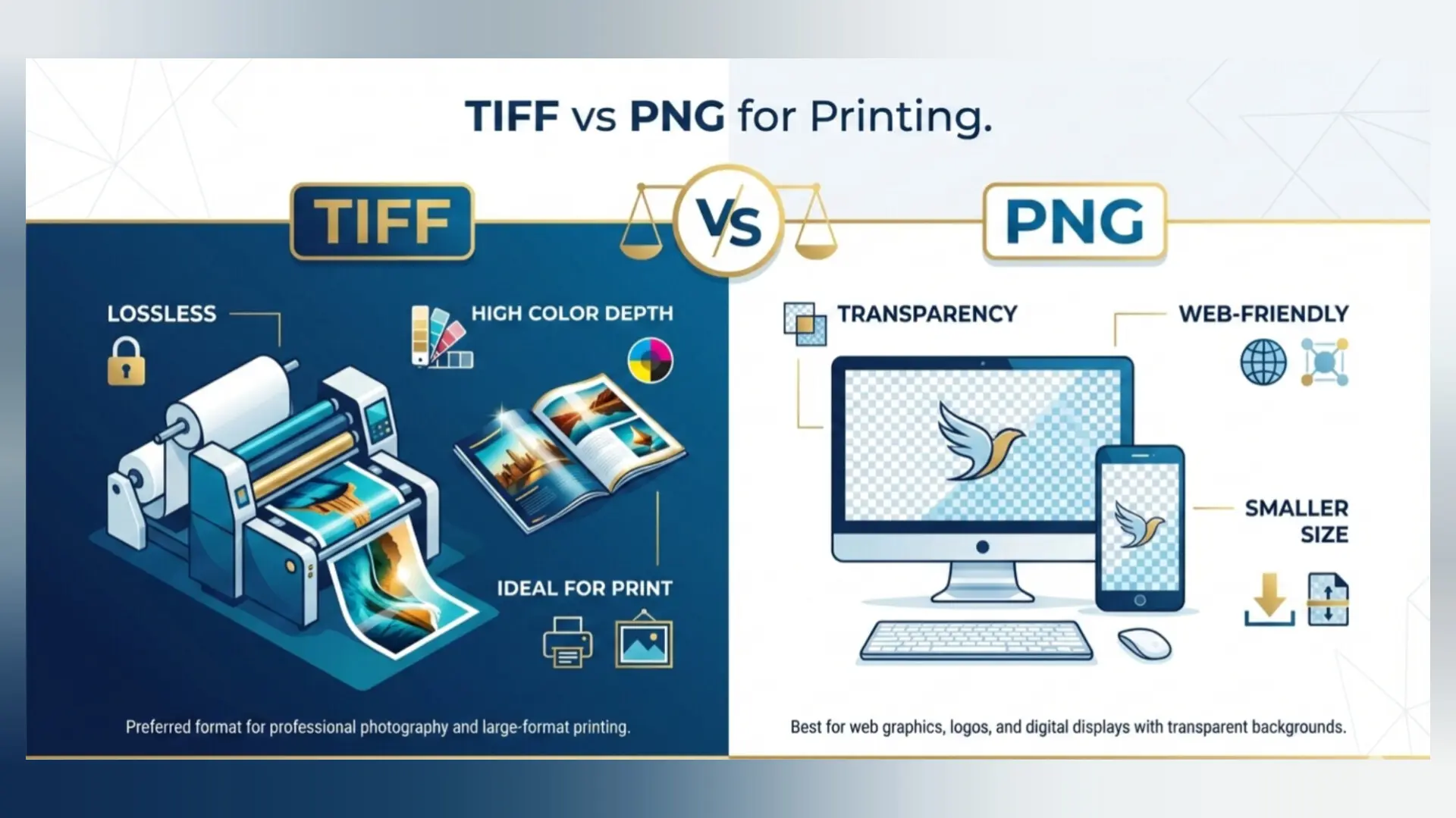
many assume that what looks good on screen will look good on paper, but printing introduces a new set of rules. Printers and professional presses require data-rich, color-accurate files. While PNG is a superstar for web graphics with transparency, its suitability for high-end printing is often misunderstood. TIFF, on the other hand, is a longstanding industry standard. We'll explore the real difference in print quality, demystify technical jargon, and provide clear, actionable advice. Whether you're printing marketing materials, fine art photographs, or a personal photo book, making an informed choice between TIFF and PNG is the first step to guaranteed success.
Understanding the Core | What Are TIFF and PNG?
Before we dive into the print showdown, let's establish what each format is designed for. Their fundamental purposes set the stage for their performance in printing.
- TIFF (Tagged Image File Format): Think of TIFF as the archivist. It's a lossless format primarily created for storing high-quality images without sacrificing any original data. It supports layers, multiple pages, and a wide range of color profiles (like CMYK), making it a favorite in professional photography, publishing, and scanning.
- PNG (Portable Network Graphics): PNG is the web designer's ally. Created as an improved, patent-free alternative to GIF, it excels at lossless compression for graphics, logos, and images that require transparency (alpha channel). Its color space is typically RGB, optimized for screens.
This core distinction—archival/master quality vs. web/screen optimization—is the cornerstone of their differences when it comes to printing. A PNG can be high quality, but its strengths lie in a different arena than TIFF's.
Head-to-Head Comparison | Print Quality, Size & Compatibility
Let's break down the key factors that matter when you're preparing an image for the printer. The following table provides a clear, at-a-glance comparison of TIFF and PNG for printing purposes.
Professional Printer's Insight: "For any commercial offset or fine-art printing job, we always request TIFF or PDF files. A PNG might look identical on your monitor, but the RGB-to-CMYK conversion is best handled in your design software, not our RIP. A TIFF in CMYK mode gives us the predictable, color-managed data we need for perfect results."
Is TIFF Really Better for Professional Printing?
The short answer is yes, unequivocally. But let's understand why. Professional printing isn't just about high resolution; it's about color space and data integrity.
Commercial printers use the CMYK (Cyan, Magenta, Yellow, Key/Black) color model to create colors with ink. Your monitor uses RGB (Red, Green, Blue) light. A TIFF file can be saved directly in the CMYK color mode, providing the printer with the exact color information it needs to use. A PNG is almost always in RGB. When you send an RGB PNG to a CMYK printer, an automatic conversion happens. This process can cause noticeable shifts in colors—blues might become less vibrant, and blacks may not look as rich.
Furthermore, TIFF supports higher bit depths (16-bit per channel). This means it can store billions more color variations than an 8-bit PNG. For printing, especially with gradient-heavy images like skies or portraits, this translates to smoother transitions and less risk of "banding" (visible lines where colors change abruptly).
Commercial printers use the CMYK (Cyan, Magenta, Yellow, Key/Black) color model to create colors with ink. Your monitor uses RGB (Red, Green, Blue) light. A TIFF file can be saved directly in the CMYK color mode, providing the printer with the exact color information it needs to use. A PNG is almost always in RGB. When you send an RGB PNG to a CMYK printer, an automatic conversion happens. This process can cause noticeable shifts in colors—blues might become less vibrant, and blacks may not look as rich.
Furthermore, TIFF supports higher bit depths (16-bit per channel). This means it can store billions more color variations than an 8-bit PNG. For printing, especially with gradient-heavy images like skies or portraits, this translates to smoother transitions and less risk of "banding" (visible lines where colors change abruptly).
📌 Key Takeaway: For professional, paid, or critical printing jobs—always use TIFF (in CMYK mode if required by your printer). It is the reliable, high-fidelity container that guarantees what you see in your editing software is what gets put on paper.
When is PNG Suitable for Printing?
PNG is not automatically "bad" for printing. Its suitability depends entirely on the context and output device.
PNG works well for printing when:
PNG works well for printing when:
- Printing on RGB devices: Many desktop inkjet printers, photo printers, and large-format plotters actually work in an RGB color space internally. They are designed to receive RGB data. A high-resolution PNG can produce excellent results here.
- Graphics with hard or soft edges (transparency): Need to print a logo without a white box around it? PNG's flawless transparency support is unbeatable for this task.
- Small-scale or personal projects: Printing invitations, a single poster from a digital design, or family photos for an album? If your design software exports a high-res PNG and your home printer handles it, the results can be perfectly satisfactory.
- Web-to-print workflows: If your design originates as a web graphic and needs a quick physical copy, using the original PNG is often the most straightforward path.
The limitation arises when entering the professional CMYK printing pipeline. Always confirm with your print service provider if they accept PNG files and if any color conversion is needed. When in doubt, convert to TIFF or the provider's requested format.
Practical Guide - Choosing the Right Format for Your Project
Let's move from theory to practice. Follow this decision flowchart to instantly determine whether TIFF or PNG is the best choice for your specific printing need.
Printing Decision Guide
1. What are you printing?
→ Professional Magazine, Fine Art Photo, Product Catalog? CHOOSE TIFF.
→ Logo/Graphic with Transparency, Web Banner as a Poster, Home Photo Print? Go to Q2.
2. What is your printer's requirement?
→ Printer explicitly asks for CMYK files/TIFF/PDF? CHOOSE TIFF (CMYK).
→ Printing at home/online service that accepts PNG? CHOOSE PNG (High-Resolution).
When Quality is Paramount & File Size is Secondary = TIFF.
When Transparency is Needed & Workflow is RGB = PNG.
1. What are you printing?
→ Professional Magazine, Fine Art Photo, Product Catalog? CHOOSE TIFF.
→ Logo/Graphic with Transparency, Web Banner as a Poster, Home Photo Print? Go to Q2.
2. What is your printer's requirement?
→ Printer explicitly asks for CMYK files/TIFF/PDF? CHOOSE TIFF (CMYK).
→ Printing at home/online service that accepts PNG? CHOOSE PNG (High-Resolution).
When Quality is Paramount & File Size is Secondary = TIFF.
When Transparency is Needed & Workflow is RGB = PNG.
Scenario Examples:
- Scenario A (TIFF): You're a photographer submitting work to a gallery for limited edition prints. You will edit in 16-bit Adobe RGB, then convert the final master to a 16-bit TIFF for delivery. This ensures the lab has all the data for the highest quality reproduction.
- Scenario B (PNG): You've designed a flyer for a local event with a complex, transparent background element. You'll print 50 copies on your office color laser printer. Exporting a 300 DPI PNG from your design tool will give you a perfect print with a clean background.
How to Convert and Prepare Your Images for Print
Once you've chosen the right format, proper preparation is key. Here’s a simple checklist to get your TIFF or PNG file print-ready.
- Set the Correct Resolution: For most print work, 300 PPI (Pixels Per Inch) at the final output size is the standard. A 1200x1800 pixel image will print at 4x6 inches at 300 PPI.
- Embed the Color Profile: Whether using sRGB (web/consumer standard) or Adobe RGB (wider gamut for print), ensure the correct profile is embedded in the file to maintain color intent.
- Flatten Layers (if required): For final delivery, especially with TIFF, ask your printer if they need a layered or flattened file. Flattening reduces complexity and potential errors.
- Use Descriptive Filenames: Instead of "image1.tif", use "CompanyBrochure_Cover_Final.tif". This prevents errors in high-volume jobs.
Sometimes, you need to convert between formats as part of your prep. Perhaps you have a PNG that needs to become a print-ready TIFF, or a massive TIFF that needs a smaller PNG for a draft proof. This is where a reliable, versatile tool is essential.
We recommend using Image Converter 24 for this task. It's a professional-grade online tool that handles batch conversions between TIFF, PNG, and dozens of other formats without any quality loss or restrictive limits. It’s perfect for photographers, designers, and businesses who need a straightforward, powerful conversion solution.
Getting started is simple: First, visit Image Converter 24. Next, upload the image you wish to convert, choose TIFF or PNG (or any other desired output format), adjust settings if needed, and click "Convert". Download your perfectly prepared file, ready for the printer.
We recommend using Image Converter 24 for this task. It's a professional-grade online tool that handles batch conversions between TIFF, PNG, and dozens of other formats without any quality loss or restrictive limits. It’s perfect for photographers, designers, and businesses who need a straightforward, powerful conversion solution.
Getting started is simple: First, visit Image Converter 24. Next, upload the image you wish to convert, choose TIFF or PNG (or any other desired output format), adjust settings if needed, and click "Convert". Download your perfectly prepared file, ready for the printer.
Final Verdict: TIFF or PNG for Printing?
So, which is better for print quality? The answer, as we've seen, is nuanced but clear.
Choose TIFF for printing if: Your project demands the absolute highest quality, color accuracy, and industry compatibility. It is the undisputed champion for professional, commercial, and fine-art printing. The large file size is a worthwhile trade-off for guaranteed fidelity.
Choose PNG for printing if: You are working within an RGB workflow, need transparency, or are using a printer that operates in RGB (like many consumer devices). It is a perfectly capable format for many everyday and graphics-focused printing tasks, offering a great balance of quality and manageable file size.
In essence, TIFF is the professional's tool for guaranteed results, while PNG is the versatile choice for specific, often screen-to-print, applications. By understanding their strengths and aligning them with your project's requirements and printer's specifications, you can confidently select the format that will make your printed work shine.
Choose TIFF for printing if: Your project demands the absolute highest quality, color accuracy, and industry compatibility. It is the undisputed champion for professional, commercial, and fine-art printing. The large file size is a worthwhile trade-off for guaranteed fidelity.
Choose PNG for printing if: You are working within an RGB workflow, need transparency, or are using a printer that operates in RGB (like many consumer devices). It is a perfectly capable format for many everyday and graphics-focused printing tasks, offering a great balance of quality and manageable file size.
In essence, TIFF is the professional's tool for guaranteed results, while PNG is the versatile choice for specific, often screen-to-print, applications. By understanding their strengths and aligning them with your project's requirements and printer's specifications, you can confidently select the format that will make your printed work shine.
Your Next Step - Prepare and Convert with Confidence
Armed with this knowledge, you're no longer guessing. You can now make an informed decision between TIFF and PNG for any printing project. Remember the core principles: TIFF for CMYK and professional fidelity, PNG for RGB and transparency.
The final step is execution. Ensure your images are at the right resolution, in the correct color mode, and saved in the optimal format. For seamless, high-quality conversions between any formats—whether you're archiving originals as TIFFs or creating print-ready PNGs—leverage a dedicated tool like Image Converter 24. It streamlines the process, freeing you to focus on the creative work, not technical hurdles.
The final step is execution. Ensure your images are at the right resolution, in the correct color mode, and saved in the optimal format. For seamless, high-quality conversions between any formats—whether you're archiving originals as TIFFs or creating print-ready PNGs—leverage a dedicated tool like Image Converter 24. It streamlines the process, freeing you to focus on the creative work, not technical hurdles.
Ready to Optimize Your Images?
Don't let format confusion compromise your prints. Use Image Converter 24 to quickly and reliably convert your images to the perfect print-ready format. It's the smart, simple way to ensure your vision translates flawlessly from screen to paper.
Happy printing!Don't let format confusion compromise your prints. Use Image Converter 24 to quickly and reliably convert your images to the perfect print-ready format. It's the smart, simple way to ensure your vision translates flawlessly from screen to paper.