BMP vs TIFF Quality | Which Format Preserves Images Best?
In the world of high-resolution digital imaging, the BMP vs TIFF Quality debate remains a central topic for professionals. While both formats are celebrated for their exceptional fidelity, they operate on fundamentally different architectures. Whether you are a photographer, designer, or developer, understanding these nuances is essential for choosing the right tool for your project.
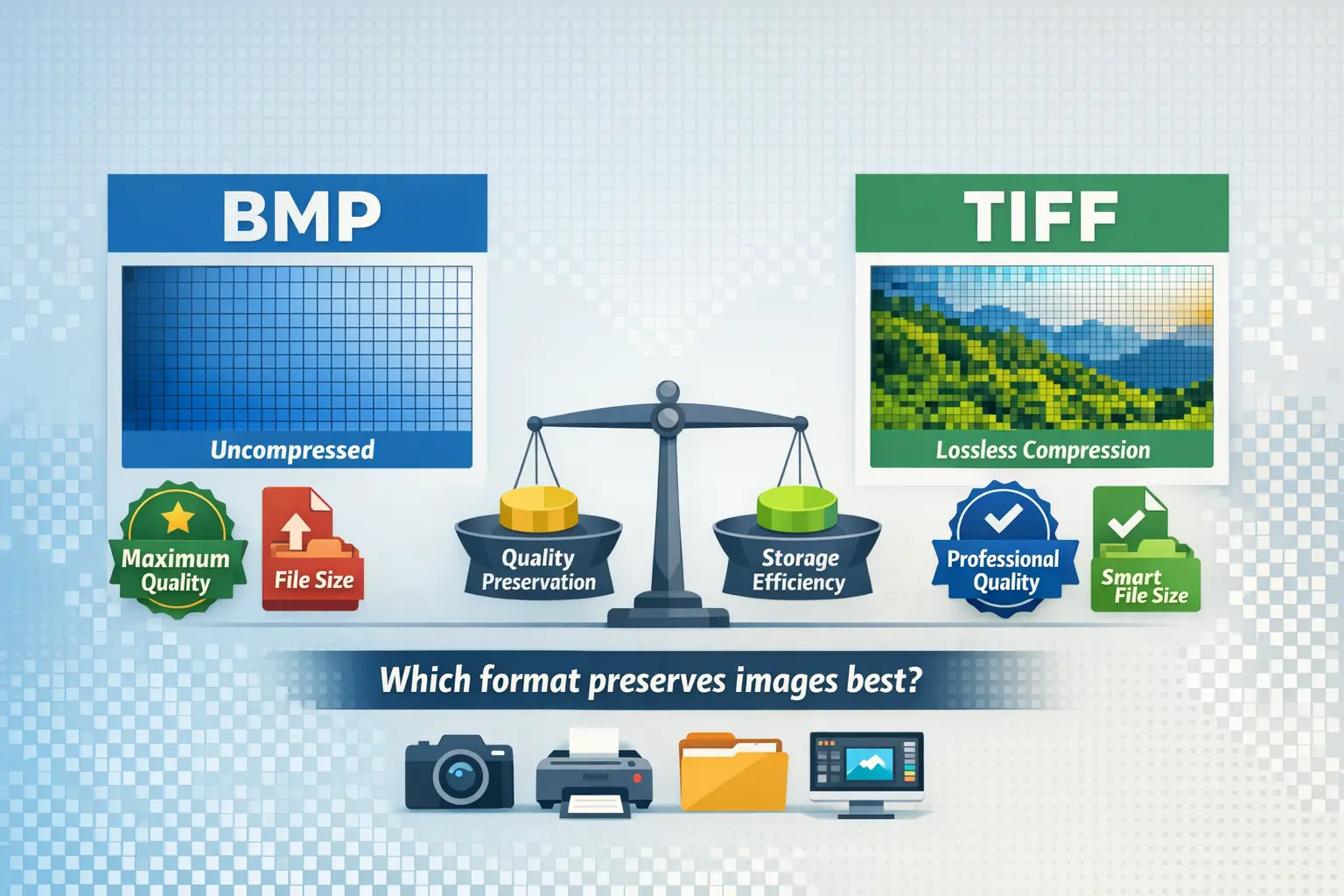
Does TIFF really preserve quality better than BMP? Is there hidden data loss? Which one should you use for printing or long-term archiving? This guide breaks down the technical details in simple language, helping you make an informed decision based on your real-world needs.
Is BMP Better Than TIFF?
This is a common starting point for many users. The short answer is: It depends on your use case.
BMP (Bitmap) is a straightforward, uncompressed raster image format. Every pixel is stored directly, which means no quality loss at all. However, this comes at the cost of very large file sizes.
TIFF (Tagged Image File Format) is more flexible. It supports both uncompressed and losslessly compressed storage. This means you can keep perfect quality while reducing file size—something BMP cannot do.
So, is BMP better? Only if you need absolute simplicity and have no storage constraints. For most professional applications, TIFF’s flexibility makes it the superior choice.
Note: BMP files are rarely used for professional photography or print today due to their inefficient size. TIFF is the industry standard for high-quality image archiving and prepress.
Are BMP Files High Quality?
Yes, BMP files are high quality—technically lossless. Since they store raw pixel data without compression, there is no degradation in visual fidelity. Each pixel’s color information is saved exactly as captured or created.
However, “high quality” isn’t just about pixels. It’s also about usability. BMP lacks support for:
- Layers
- Advanced metadata (like EXIF data from cameras)
- Embedded color profiles (important for accurate printing)
- Transparency (alpha channels)
So while a BMP is visually pristine, it’s a “dumb” format. It doesn’t carry the extra information that professionals rely on for editing, printing, and organizing.
Which Is Better: JPEG, PNG, BMP, or TIFF?
This is a broader but very practical question. Here’s a quick breakdown:
| Format | Best Use Case | Key Characteristics |
|---|---|---|
| JPEG | Web images, photos for screens | Compression: Lossy Quality: Good (with loss) |
| PNG | Web graphics, logos, images with transparency | Compression: Lossless Quality: High |
| BMP | Simple Windows graphics, basic storage | Compression: None Quality: High (but inefficient) |
| TIFF | Professional printing, scanning, archiving | Compression: Lossless or none Quality: Highest |
For quality preservation, TIFF is the clear winner in professional contexts. It supports layers, metadata, and lossless compression—making it versatile and reliable. PNG is great for the web, JPEG for small files, and BMP is largely outdated for serious work.
If you’re preparing images for professional printing, you might find our guide on TIFF vs PDF for printing very useful for understanding format choices in production workflows.
Is TIF the Highest Quality?
In practical terms, yes, TIFF (or TIF) is considered the highest quality format for raster images in professional use. Here’s why:
- It supports lossless compression (LZW, ZIP) so no data is lost.
- It can store 16-bit per channel images, ideal for high-depth color work.
- It supports layers, annotations, and extensive metadata.
- It’s the preferred format for printing, scanning, and archival.
However, “highest quality” doesn’t mean it’s always the best choice. For web use, TIFF files are too large and not supported by browsers. For everyday photos, they’re overkill. But for critical work where every pixel matters, TIFF is unbeatable.
Tip: When saving TIFF files, choose LZW compression for a good balance of size and compatibility. Avoid JPEG compression within TIFF if you want true lossless quality.
Technical Deep Dive: How BMP and TIFF Store Images
To truly understand quality differences, let’s look under the hood.
BMP: The Simple Bitmap
BMP stores images as a grid of pixels. Each pixel is represented by a color value (usually 24-bit RGB). There’s no compression by default, so a 10-megapixel image will be roughly 30 MB in size. This is why BMP is called a “raw” format—it’s just pixel data with a simple header.
TIFF: The Flexible Powerhouse
TIFF is a container format. It can store multiple images, layers, and pages in one file. It supports:
- Lossless compression (LZW, ZIP, PackBits)
- Different color spaces (RGB, CMYK, LAB)
- Bit depths up to 32-bit per channel
- Embedded ICC profiles for color accuracy
This makes TIFF vastly more capable than BMP. You can learn more about its strengths and weaknesses in our detailed overview of TIFF advantages and disadvantages.
BMP vs TIFF: Side-by-Side Comparison
| Feature | BMP | TIFF |
|---|---|---|
| Compression | None (usually) | Lossless or none |
| File Size | Very large | Large, but compressible |
| Layers Support | No | Yes |
| Metadata | Basic | Extensive (EXIF, IPTC, XMP) |
| Transparency | No | Yes (alpha channel) |
| Best Use Case | Simple storage, legacy systems | Print, archiving, professional editing |
| Browser Support | Limited | None (requires conversion for web) |
When to Use BMP
- When you need guaranteed no compression artifacts.
- For very simple graphics in Windows-only environments.
- When working with legacy software that only supports BMP.
In almost all other cases, BMP is not recommended due to its inefficient storage.
When to Use TIFF
- Professional printing (CMYK support, high bit depth).
- Document scanning (multi-page TIFFs are common). For more on this, see TIFF vs PNG for scanning.
- Long-term archiving of photos and important images.
- Photo editing intermediates (saving layered edits without loss).
What About Modern Formats Like AVIF and JPEG XL?
While BMP and TIFF are classics, newer formats like AVIF and JPEG XL offer impressive lossless compression and features for the web. They’re not replacements for TIFF in print workflows, but they represent the future of image delivery online.
If you’re curious about how these stack up, explore our comparison of AVIF vs JPEG XL to see where image formats are headed.
Conclusion: Which Should You Choose?
For preserving image quality without compromise, TIFF is the definitive choice. It offers lossless compression, extensive metadata, and professional features that BMP simply can’t match.
BMP remains a viable option only for niche, uncompressed storage needs where simplicity is key. For everyone else—photographers, designers, printers, archivists—TIFF is the reliable, high-quality standard.
Remember, the best format depends on your goal. Choose BMP for raw pixel storage without compression, and TIFF for professional, high-fidelity work where quality and flexibility matter.
Final Tip: Always keep a TIFF or other lossless master file of your important images. You can always convert down to JPEG or PNG for sharing, but you can’t regain lost quality from a compressed file. For easy and reliable image conversion between formats, try our free tool at ImageConverter24.