Published February 10, 2026 by Admin
Updated September 27, 2026
Views 774
Table of contents
HEIC vs JPEG XL | A Comprehensive Comparison Guide
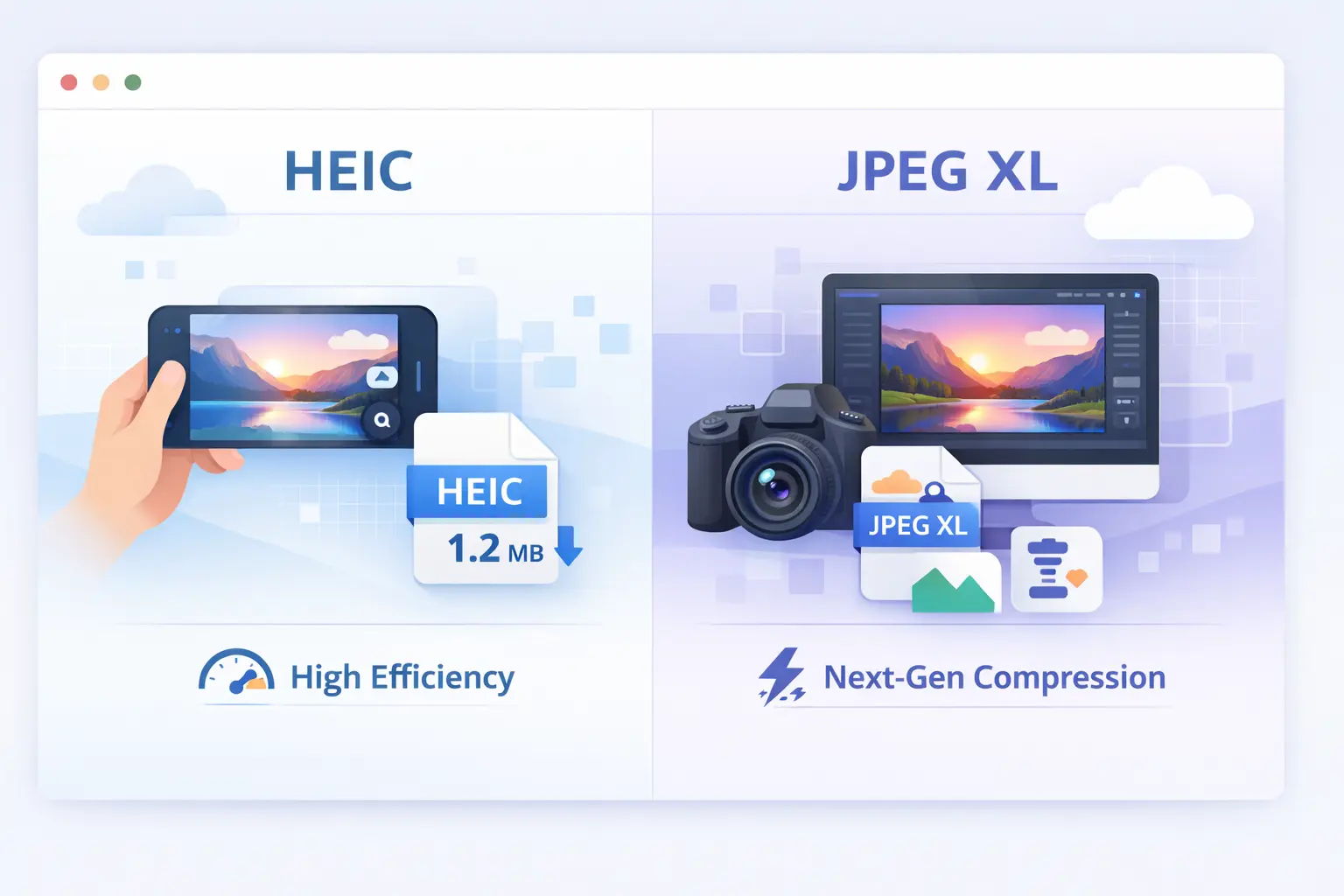
Understanding the nuances of HEIC vs JPEG XL is no longer just for specialists; it is essential for anyone looking to future-proof their digital assets. This guide provides a technical deep dive into how these formats handle compression, color depth, and compatibility, helping you decide which standard reigns supreme for your workflow.
HEIC vs JPEG XL | A Comprehensive Comparison Guide
At its core, HEIC (High Efficiency Image Container) is a container format that typically uses HEVC (H.265) compression. It's designed to store images and image sequences efficiently, popularized by Apple devices. JPEG XL (JPEG Extended Range) is a brand-new, royalty-free format from the JPEG committee, built from the ground up to be the ultimate successor to the classic JPEG, offering incredible compression and features. The fundamental difference is their approach: HEIC is a practical, ecosystem-driven format, while JPEG XL is an ambitious, next-generation standard designed for long-term adoption.
Is HEIC Better Quality Than JPEG?
Yes, in most cases, HEIC offers better quality than a standard JPEG at the same file size. This is its primary advantage. HEIC uses a more advanced compression algorithm (HEVC) which is smarter about how it reduces file data.
Detail Retention: At equivalent file sizes, HEIC images preserve finer details and textures better than JPEGs, which tend to introduce blurring or blocky artifacts sooner.
Color and Dynamic Range: HEIC supports 16-bit color depth, allowing for smoother gradients and a wider color gamut (like Display P3) compared to JPEG's 8-bit standard, reducing banding in skies and shadows.
The Practical Trade-off: This quality advantage is why iPhones use HEIC by default—it lets users store more high-quality photos in less space. However, this benefit is most apparent when compared to a JPEG of a similar, small file size.
So, if you take a photo and save it as both a high-quality JPEG and a standard HEIC, the visual difference might be minimal. But if you compress them to the same small file size for the web, the HEIC will almost always look superior.
Side-by-Side: Technical Breakdown
Let's compare their core specifications to understand their strengths and intended uses.
Feature
HEIC (HEVC)
JPEG XL
Primary Compression
HEVC / H.265
Image-optimized codec
Key Advantage
Efficient compression, Apple ecosystem support
High compression, royalty-free
Bit Depth
Up to 16-bit
Up to 32-bit
Animation
Supported
Supported
Transparency
Alpha channel supported
Alpha channel supported
HDR Support
HLG & PQ HDR
Native HDR support
Note on Compatibility: HEIC's reliance on HEVC patents has led to complex licensing, hindering universal web support. JPEG XL was specifically created to avoid this pitfall, aiming for broad, royalty-free adoption. You can learn more about its design goals in our article on the JPEG XL specification.
What is the Difference Between HEVC and JPEG XL?
This is a common point of confusion. HEVC (High Efficiency Video Coding, or H.265) is a video compression standard. HEIC is an image container format that uses HEVC compression to store still pictures and sequences.
HEVC is the Engine: Think of HEVC as a powerful, efficient engine designed for video. HEIC is a car body built to use that engine for transporting images.
JPEG XL is a New Design: JPEG XL, conversely, is an entirely new engine and car designed from scratch solely for the purpose of transporting images in the best way possible. It doesn't repurpose a video codec.
The Legacy Advantage: A killer feature of JPEG XL is its ability to losslessly recompress existing JPEG files, saving space without any generation loss—something HEIC cannot do. For more on how it compares to other modern formats, see AVIF vs JPEG XL.
Is JPEG XL Good?
Yes, JPEG XL is exceptionally good from a technical perspective. It represents a major leap forward in image compression technology. Reviews and tests consistently show it outperforming most other formats in compression efficiency while maintaining high fidelity.
Here’s what makes it "good":
Best-in-Class Compression: It often achieves smaller file sizes than HEIC, WebP, and AVIF at similar quality levels, especially for high-resolution and complex images.
Feature-Complete: It supports HDR, wide color gamuts, animation, transparency, and lossless compression natively.
Future-Proof: Designed for the next decades, with support for extremely high resolutions and bit depths.
Backwards Compatibility: Its unique "bundled JPEG" feature allows for seamless backward compatibility with older software.
The main hurdle for JPEG XL is not quality, but adoption. Browser and OS support is still growing, which we'll cover next.
System and Browser Support: The Reality Check
This is where the practical decision between HEIC and JPEG XL is made. Their support landscapes are very different.
HEIC Support:
Excellent on Apple: Native support on iOS, iPadOS, and macOS (Photos, Preview, Safari).
Limited on Windows: Requires the "HEIF Image Extensions" from the Microsoft Store (often pre-installed on newer devices).
Poor on Web: Safari supports HEIC in `System and Browser Support: The Reality Check` tags. Chrome, Firefox, and Edge do not support it for general web use, making it a poor choice for website images.
JPEG XL Support:
Growing but In-Progress: As a newer format, support is still rolling out.
Browser Rollercoaster: It was enabled in Chrome and Edge briefly, then disabled for prioritization reasons. It remains supported in Firefox and Safari (as of latest versions). The future is promising but requires monitoring.
Native Software: Support in image editors (GIMP, ImageMagick) and libraries is steadily increasing due to its open, royalty-free nature.
"HEIC is a format you use within a controlled ecosystem (like Apple devices). JPEG XL is a format you prepare for the future web, with the understanding that full universal support is still on the horizon."
Using HEIC on Phones (The iPhone Standard)
If you own an iPhone, you're already using HEIC. Apple adopted it as the default photo format because it saves significant storage space without sacrificing the quality users expect.
How it Works: Your iPhone captures and stores photos in HEIC format internally. When you share a photo via AirDrop to another Apple device, it stays as HEIC. When you email it or send it to a non-Apple device, iOS automatically converts it to a universal JPEG.
Should You Turn It Off? Generally, no. Keeping "High Efficiency" (HEIC) enabled is beneficial. You save storage, keep higher quality images on your device, and let iOS handle conversion when needed. You only need to convert an image to JPEG format manually if you're moving many photos to a Windows PC without the necessary codecs.
The Seamless Experience: For users deep in the Apple ecosystem, HEIC is invisible and works perfectly. It's a prime example of a format solving a real problem (storage) within a walled garden.
Is HEIC High Resolution?
Yes, HEIC is perfectly capable of storing very high-resolution images. The format itself does not impose a resolution limit. Your iPhone's HEIC photos are the full resolution of its sensor (e.g., 12, 48, or even 108 megapixels).
The confusion often stems from the fact that HEIC is a container. A high-resolution photo saved as HEIC will still be high-resolution. The advantage is that this high-resolution file will be 40-50% smaller than the same photo saved as a JPEG at equivalent visual quality. So, "HEIC" and "high resolution" are not mutually exclusive; in fact, HEIC is an excellent way to store high-resolution images more efficiently.
Using JPEG XL as the Future Image Format
JPEG XL is positioned as the true successor to the original JPEG. Its goal is to become the universal standard for both the web and professional imaging. Here’s how to think about adopting it:
For Archivists and Professionals: Start saving master copies in JPEG XL now. Its superior lossless and lossy compression saves space while preserving maximum quality. It's a more future-proof choice than TIFF or PNG for many use cases.
For Web Developers: Begin testing and preparing. Encode your site's static image assets in JPEG XL and use the `` element with a JPEG or WebP fallback. This prepares your site for the moment browser support becomes solid.
The Long Game: JPEG XL's royalty-free model and exceptional technical merits give it a strong chance for widespread adoption over the next 3-5 years. Getting familiar with it now puts you ahead of the curve.
When to Use HEIC vs. JPEG XL
Choosing the right format depends entirely on your goal.
Use Case
Recommended Format
Reason
Photos on your iPhone/iPad
HEIC
Default format, saves storage space, seamless within Apple ecosystem.
Images for your website today
WebP (JPEG fallback)
Reliable browser support and excellent compression efficiency.
Maximum compatibility across devices and platforms.
Professional graphics with transparency/HDR
JPEG XL (or AVIF for web)
JPEG XL offers powerful features for professional workflows. For current web compatibility, AVIF is a practical alternative. JPEG XL vs JPEG XR
The Verdict: Which One Wins?
There is no single winner—there are two champions for different arenas.
HEIC wins in the "practical, here-and-now ecosystem" arena. It's a mature, efficient format that brilliantly solves the storage problem for billions of Apple device users. Its success is tied to Apple's integration.
JPEG XL wins in the "technical merit and future potential" arena. It is objectively a more advanced, flexible, and open format designed to be the next universal standard. Its adoption is the main challenge, but its technical foundation is rock-solid.
For most people: Let your iPhone use HEIC happily. For tech enthusiasts, developers, and archivists: Start experimenting with and storing important images in JPEG XL to be ready for the future. The world of images is moving beyond the classic JPEG, and understanding these two key players is essential for making smart digital decisions. For all your conversion needs as these formats evolve, remember tools like ImageConverter24 will be crucial.
Final Summary: HEIC is the efficient, ecosystem-specific workhorse of today's mobile photography. JPEG XL is the open, ultra-efficient, and feature-packed heir apparent for the broader future of digital imagery. Use HEIC where it works seamlessly today, but keep a close eye on JPEG XL for tomorrow.
If you regularly work with large image files, using a reliable conversion tool can save both time and storage space. Image Converter 24 allows you to quickly transform formats like TIFF, PNG, JPG, and WebP directly from your browser, making image preparation for websites, documents, and sharing much easier.