TIFF vs PDF for Printing, Choosing the Best Format for High-Quality Prints
Understanding the Core Formats: TIFF & PDF
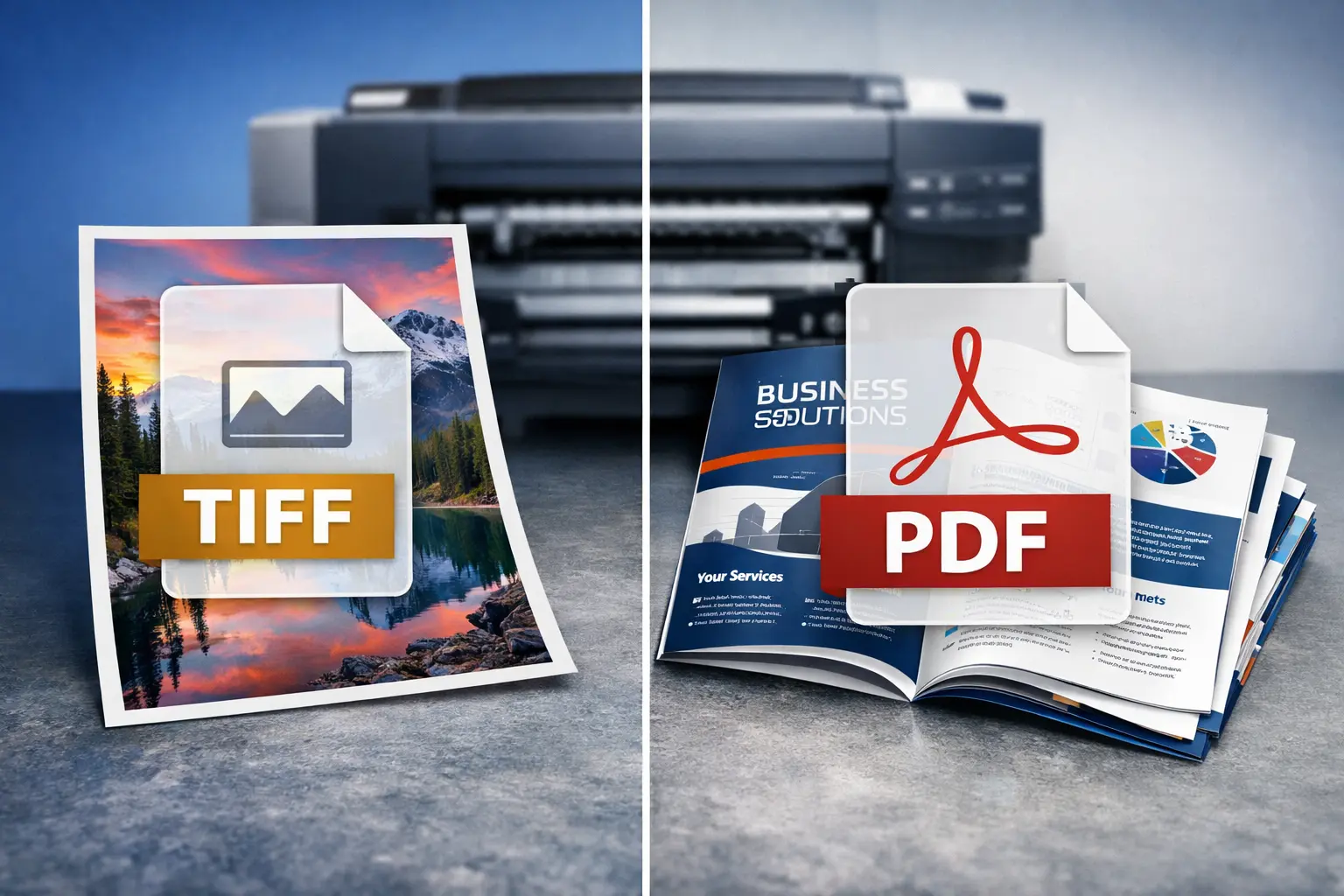
TIFF (Tagged Image File Format): Think of a TIFF as a pristine, uncompressed (or lightly compressed) digital photograph. Its primary purpose is to store raster image data—pixels—with maximum quality and fidelity. TIFFs are the go-to format for archiving high-resolution scans, professional photography, and imagery destined for high-end printing processes where every detail counts. They are essentially a container for pure image data.
PDF (Portable Document Format): A PDF is a versatile container for an entire document. It can hold not only raster images but also vector graphics, text, fonts, interactive elements, and multiple pages. Its genius lies in its portability—it aims to look exactly the same on any device or when printed from any system. For printing, a PDF packages all the necessary components (images, fonts, layout) into one reliable file.
Head-to-Head: Key Comparison for Print Professionals
| Feature | TIFF | |
|---|---|---|
| Primary Purpose | Storing single, high-quality raster images. | Packaging complete documents (text, images, vectors, layouts). |
| Image Quality | Excellent. Supports lossless compression, preserving every pixel's data. Ideal for master files. | Variable. Can embed high-quality images but relies on correct export settings to maintain it. |
| Color Depth & Management | Supports high bit-depth (e.g., 16-bit per channel) and can embed ICC color profiles for precise color control. | Robust color management; can embed profiles and handle CMYK, spot colors, and RGB, making it a standard for commercial print. |
| Resolution (DPI) | Inherently high DPI. The resolution is fixed to the embedded image's pixel dimensions. | Can contain images of various DPIs. Vector elements are resolution-independent and print sharply at any size. |
| File Size | Very large, especially for high-resolution, uncompressed images. | Generally more efficient, as it can compress data and package multiple elements in one file. |
| Editing & Flexibility | An image-editing format. Meant to be opened and modified in programs like Photoshop. | A final-output format. Not meant for major edits; source files should be used for changes. |
| Best For Printing... | Single-image jobs: fine art prints, high-end photo reproduction, archival scanning, and image-heavy layouts where the TIFF is placed into a page layout program. | Multi-page documents: brochures, magazines, books, posters, and any job combining text, vectors, and images. The universal standard for sending files to print shops. |
Print Quality, DPI, and Color Management Deep Dive
- Resolution and Sharpness (DPI) 📌
TIFF: A TIFF file's resolution is absolute. If you create a 300 DPI TIFF at 8x10 inches, it contains exactly 2400x3000 pixels. This makes it predictable and reliable for processes where pixel-level control is critical. There's no guessing or resampling at the printer's end.
PDF: A PDF's resolution depends on the images placed inside it. You can embed a 72 DPI image or a 1200 DPI image. The key is to ensure all raster images in the PDF meet the printer's DPI requirements (typically 300 DPI for photos). The huge advantage? Vector elements (logos, text) in a PDF are mathematically defined and will print at the maximum resolution of the output device, resulting in razor-sharp edges. - Color Fidelity and Management 📌
Both formats support embedded ICC color profiles, which are instructions that ensure the colors you see on your calibrated monitor are the colors that get printed.
TIFF: Often used in CMYK or high-bit RGB workflows for color-critical image reproduction. It's a trusted vessel for color-managed image data from capture to edit to final print.
PDF: The undisputed champion for complex color workflows. A print-ready PDF/X standard can embed all necessary profiles, convert all colors to the target CMYK space, and handle spot colors flawlessly. This prevents unexpected color shifts and is why maintaining quality during PDF creation is a vital skill. - Workflow and Practical Output 📌
TIFF in Workflow: A photographer might edit a raw photo and save the final master as a TIFF. This TIFF could then be sent to a fine-art printer or placed into an InDesign layout for a magazine spread.
PDF in Workflow: That same InDesign layout, containing placed TIFFs, vector graphics, and styled text, would then be exported as a PDF and sent to the magazine's printer. The PDF ensures the layout, fonts, and images remain intact.
Note for Designers: Never send a native application file (like .PSD or .INDD) for printing. Always export to a print-standard PDF or provide high-resolution TIFFs as per your printer's specification. This eliminates font missing and software version issues.
When to Use TIFF for Printing
- Fine Art & Photography Printing You are printing a single, high-value image where maximum archival quality and detail are paramount (e.g., gallery prints, photography books).
- Scanning & Archival Masters You are creating a digital master from a physical original (film, artwork) for long-term preservation and future reproduction. For more on this, see our guide on TIFF advantages and disadvantages.
- Component in a Larger Layout Your high-res TIFF image will be imported into a page layout program (Adobe InDesign, QuarkXPress) as part of a multi-element design that will ultimately be exported as a PDF for print.
- Scientific or Medical Imaging Where lossless data integrity and high bit-depth are non-negotiable for accurate representation.
When to Use PDF for Printing
- Sending Files to a Commercial Printer This is the global standard. Print shops expect PDFs (often PDF/X-1a or PDF/X-4) because they are self-contained, reliable, and pre-flight checkable.
- Documents with Text and Vector Graphics You are printing anything with text, logos, charts, or layouts (brochures, business cards, reports, magazines).
- Multi-Page Projects The document has more than one page. A PDF seamlessly handles pagination.
- Client Proofs You need to send a soft-proof that accurately represents the final printed piece, including fonts and layout.
- You Need a Balance of Quality and File Size Using proper PDF compression settings, you can achieve excellent print quality with a much more manageable file size than a folder of TIFFs.
Frequently Asked Questions (FAQ)
Q1: Can a PDF contain a TIFF image? Does that make it better?
A: Absolutely. This is a best-practice workflow. You can place your high-quality, edited TIFF images into a page layout and export as a PDF. The PDF acts as the perfect "envelope," delivering your pristine TIFF images along with all other document elements in one package.
Q2: My printer asked for a "Press Quality PDF." What does that mean?
A: This means they want a PDF exported with high-resolution settings (usually 300 DPI for images), with all fonts embedded, in the correct color space (typically CMYK), and using a print-standard like PDF/X. It ensures the file is ready for the printing press without needing adjustments.
Q3: Is TIFF or PDF better for large format printing (e.g., billboards, banners)?
A: For very large format printing viewed from a distance, PDF is often more practical. While TIFFs can be used, the file sizes become astronomically large. PDFs allow for efficient compression and, crucially, can use vector graphics for logos and text, which scale infinitely without losing quality. Raster images within the PDF need to have sufficient DPI for the viewing distance.
Q4: I need to convert between formats for printing. How do I avoid quality loss?
A: The key is to start with the highest quality master file possible.
- Converting to PDF: Use the "High Quality Print" or "Press Quality" preset in your design software. Never use the "Smallest File Size" option for print.
- Converting from PDF to TIFF: Only do this if you need to extract a single image for further editing. Open the PDF in Photoshop at the desired dimensions and resolution, then save as a TIFF with LZW compression (lossless).
For more specific scenarios, like preparing images for different outputs, you can explore tools and guides at our main conversion resource.
Q5: How does this compare to using PNG for print?
A: PNG is primarily a web format with RGB color. It's generally not suitable for professional printing. For a detailed breakdown on when PNG might (rarely) be acceptable and why TIFF is the superior choice, read our article on TIFF vs PNG for printing.
Best Practices Summary: A Quick Checklist
- Define Your Output: Single high-res image? Start with/master in TIFF. Multi-page document with text? Your final deliverable must be a PDF.
- Check Resolution: For raster images (in TIFFs or inside PDFs), ensure 300 DPI at the final print size. Confirm your printer's specific requirements.
- Manage Color: Work in the correct color space (CMYK for most print, RGB for some photo prints). Embed ICC profiles if required by your printer.
- Use the Right PDF Standard: When exporting PDFs, choose a print-ready standard like PDF/X-4. It handles transparency and color management better than older standards.
- Communicate with Your Printer: Always ask for their preferred file specifications. Sending exactly what they need prevents delays and costly reprints.
Final Verdict: TIFF vs PDF for Printing
So, which is the best format for high-quality prints? The answer is both—they are partners, not rivals.
- Use TIFF as your high-quality, editable image source file. It is the champion of pixel integrity for individual images.
- Use PDF as your final, deliverable document package. It is the undisputed standard for reliably transporting complex layouts, text, and images to any printer in the world.
The most successful print workflows leverage the strengths of both: creating master images in TIFF, assembling them into layouts, and then exporting a press-ready PDF. By understanding the distinct role each format plays, you can confidently choose the right tool, ensure stunning print quality, and streamline your entire production process.