JPG vs JPEG 2000 - Which Image Format Is Better?
For everyday use, JPG is still the better choice. It is universally supported, works everywhere, and produces excellent quality at high settings. JPEG 2000 offers better compression and modern features, but its limited support makes it practical only in specialized fields like digital cinema and medical imaging.
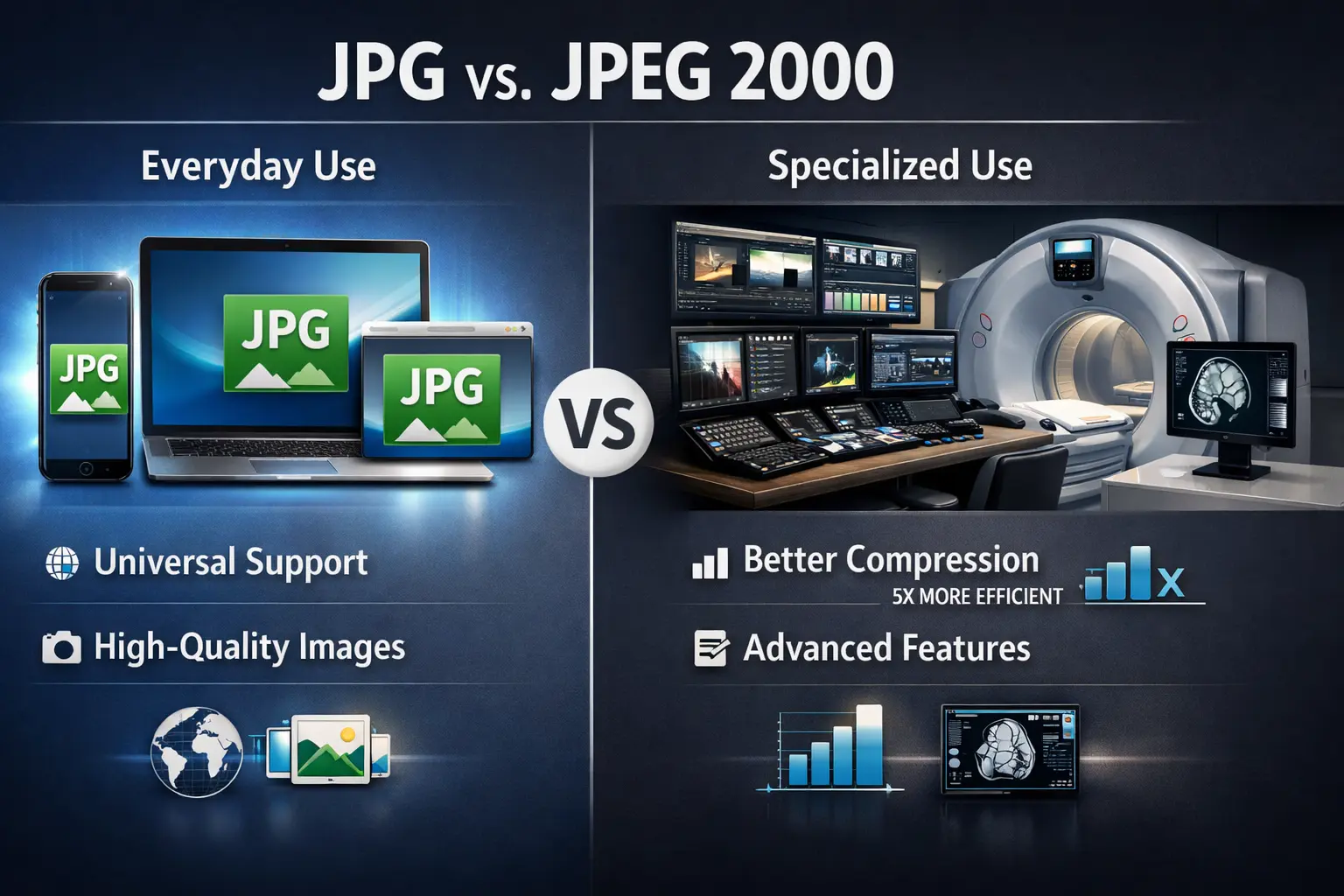
This guide compares JPG vs JPEG 2000 across image quality, file size, compression efficiency, and real-world compatibility. You will learn when to use each format and why JPG remains the king for most purposes.
JPG has been the world's most popular image format for over 30 years. It is everywhere—on every website, every camera, every phone. JPEG 2000 was designed to be its successor, promising better compression and modern features. But did it succeed?
Let us break down the differences honestly.
What is JPG?
JPG (or JPEG) stands for Joint Photographic Experts Group. Created in 1992, it uses lossy compression to create small file sizes while maintaining good visual quality.
Key features of JPG:
Key features of JPG:
- Lossy compression (adjustable quality levels)
- 24-bit color (16.7 million colors)
- Universal support – every device, every browser, every software
- Fast encoding and decoding
- Progressive JPEG option for gradual loading
- Excellent for photographs
The main drawback is that JPG is lossy only, and repeated saving degrades quality. For a complete overview, read about JPG content type and JPG vs JPEG MIME type.
What is JPEG 2000?
JPEG 2000 was created in 2000 as a successor to the original JPG format. It uses wavelet-based compression instead of the DCT (discrete cosine transform) used in JPG.
Key features of JPEG 2000:
Key features of JPEG 2000:
- Both lossy and lossless compression in one format
- Superior compression efficiency (20-30% smaller than JPG at same quality)
- Support for higher bit depths (up to 16-bit per channel)
- Region of interest coding (encode parts at higher quality)
- Progressive decoding by resolution or quality
- Transparency support (alpha channels)
Despite these advantages, JPEG 2000 never became popular on the web due to patent issues, slow encoding, and lack of browser support.
JPG vs JPEG 2000: Head-to-head comparison
Is JPEG 2000 good for printing?
Technically, yes. JPEG 2000 is excellent for printing. Its lossless mode preserves every detail perfectly, and its high bit depth support (up to 16-bit) captures more tonal information than standard 8-bit JPG.
However, there is a catch: Most print services do not accept JPEG 2000 files. Consumer and professional print labs expect JPG, TIFF, or PDF. If you send them a JPEG 2000 file, they may not be able to open it.
For printing, JPG at high quality (95-100%) is visually identical to the original and works with every print service. So for practical printing, JPG is better.
However, there is a catch: Most print services do not accept JPEG 2000 files. Consumer and professional print labs expect JPG, TIFF, or PDF. If you send them a JPEG 2000 file, they may not be able to open it.
For printing, JPG at high quality (95-100%) is visually identical to the original and works with every print service. So for practical printing, JPG is better.
Is JPEG 2000 still used?
Yes, JPEG 2000 is still used in several professional fields:
- Digital cinema: DCP (Digital Cinema Package) uses JPEG 2000 for movie distribution. Every film you see in theaters is compressed with JPEG 2000.
- Medical imaging: The DICOM standard includes JPEG 2000 for high-quality medical images like X-rays and MRIs.
- Archiving and libraries: Some museums and libraries use JPEG 2000 for archiving because of its lossless compression and smaller file sizes.
- Geospatial imaging: Satellite and mapping systems sometimes use JPEG 2000 for large image datasets.
For consumer use—web, social media, everyday photos—JPEG 2000 is almost never used. You will rarely encounter it.
Is JPEG 2000 good?
Technically, yes. JPEG 2000 is an excellent format with many advantages:
- Better compression than JPG (20-30% smaller files at same quality)
- Lossless mode available
- Higher bit depth support (16-bit)
- Transparency support
- Progressive decoding
- Region of interest coding
But "good" depends on context. For specialized professional work where the infrastructure supports it, JPEG 2000 is very good. For everyday use, its lack of support makes it impractical. JPG is "good enough" for 99% of users and works everywhere.
How do I convert a JPEG 2000 to JPG?
If you have a JPEG 2000 file and need it as a regular JPG, conversion is straightforward:
- Use image editing software 📌 Programs like Photoshop, GIMP (with plugin), or IrfanView can open JPEG 2000 and save as JPG.
- Use online converters 📌 Several websites offer free conversion from JPEG 2000 to JPG. Upload your file and download the converted JPG.
- Use command-line tools 📌 Tools like ImageMagick can batch convert:
convert input.jp2 output.jpg
Note: When converting from JPEG 2000 to JPG, you will lose any benefits of the original format. If the JPEG 2000 was lossless, converting to JPG introduces lossy compression. If it had transparency, that will be lost.
For more information about JPG formats, read our guide on JPG vs JPEG XL.
For more information about JPG formats, read our guide on JPG vs JPEG XL.
File size comparison
Let us compare a typical 10-megapixel photo in different formats:
JPEG 2000 can produce smaller files than JPG at the same quality, or better quality at the same file size. But compatibility is the trade-off.
When to use JPG
Choose JPG when:
- You need universal compatibility (web, email, sharing)
- You are sharing photos with others who may not have specialized software
- You are preparing images for websites or social media
- File size matters and you want good quality with small files
- Your audience uses standard web browsers and software
- You want simplicity—JPG just works everywhere
When to use JPEG 2000
Choose JPEG 2000 when:
- You work in digital cinema, medical imaging, or archival fields where it is standard
- You need lossless compression but want smaller files than TIFF
- You control the entire workflow and all software supports it
- You need 16-bit color depth for professional work
- You want progressive decoding features
- You need region of interest coding
Simple rule: For everyday use, choose JPG. For specialized professional work, JPEG 2000 may be better.
The future of both formats
JPG will remain dominant for years to come. Its universal support and simplicity ensure its continued use.
JPEG 2000 will stay in its specialized niches. Newer formats like JPEG XL and AVIF offer similar technical advantages with better support, so they may eventually replace JPEG 2000 in some fields.
For a comparison with the latest JPEG format, read JPG vs JPEG XL.
JPEG 2000 will stay in its specialized niches. Newer formats like JPEG XL and AVIF offer similar technical advantages with better support, so they may eventually replace JPEG 2000 in some fields.
For a comparison with the latest JPEG format, read JPG vs JPEG XL.
The verdict - JPG vs JPEG 2000
JPG is the practical winner for most users. It offers excellent quality, universal support, and simplicity. For web, photography, and everyday use, JPG is the right choice.
JPEG 2000 is the technical winner for specialized fields. It offers better compression, lossless options, higher bit depth, and modern features. But its lack of mainstream support makes it impractical for general use.
The smart choice depends on your needs:
JPEG 2000 is the technical winner for specialized fields. It offers better compression, lossless options, higher bit depth, and modern features. But its lack of mainstream support makes it impractical for general use.
The smart choice depends on your needs:
Final thought: JPG has been the king for over 30 years for good reason. JPEG 2000 offers technical advantages, but unless you work in a field where it is already the standard, JPG is the safer, more practical choice.
Summary: JPG offers universal support, excellent quality, and is the standard for everyday use. JPEG 2000 offers better compression, lossless options, and modern features but lacks mainstream support. Choose JPG for most purposes. Choose JPEG 2000 only for specialized fields where it is the standard, like digital cinema and medical imaging.