Find the Best Free Image Converter Website
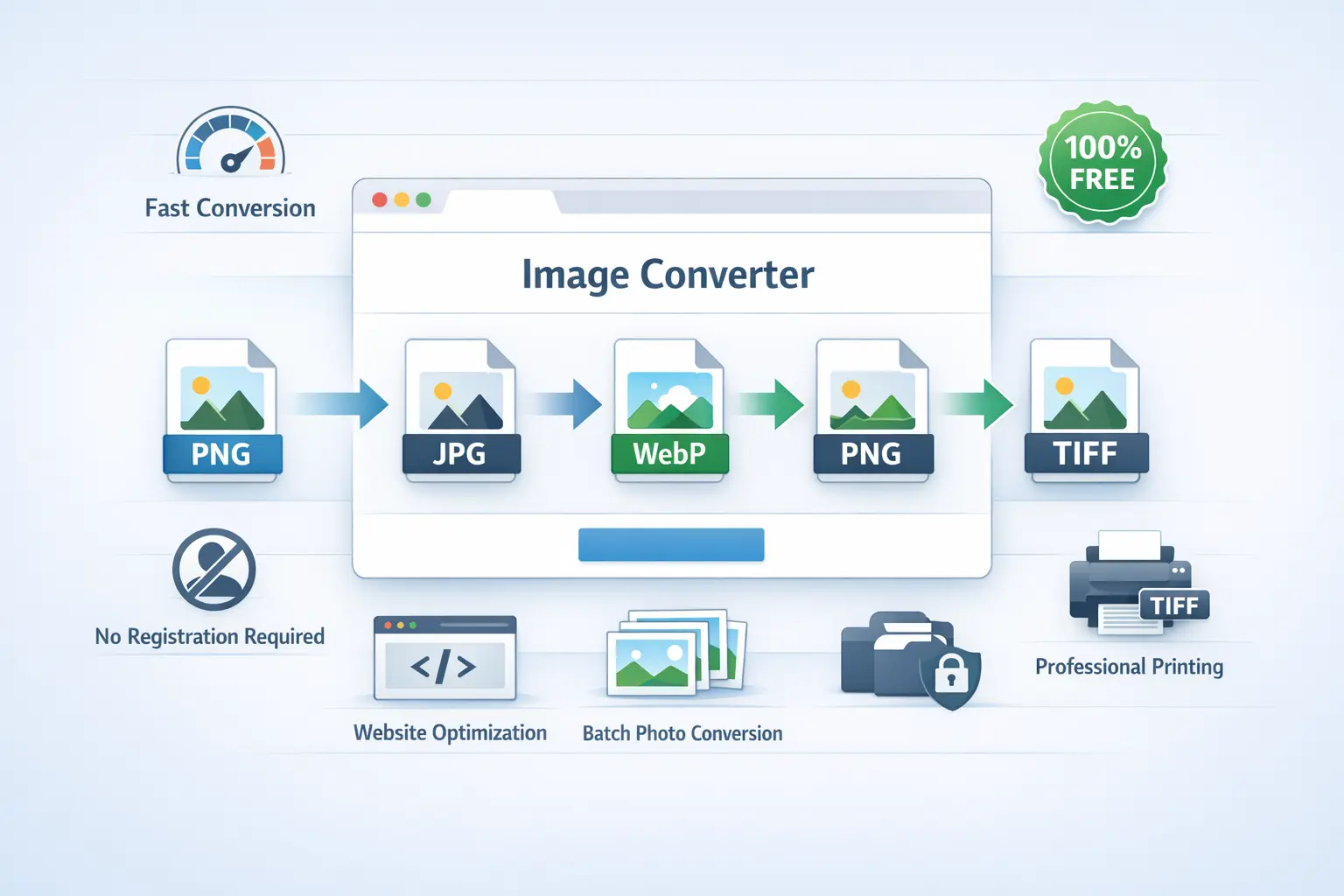
What Makes a Free Image Converter 24 Website "The Best"?
- Truly Free & No Signup: Zero cost, no trial periods, and no mandatory account creation. You should be converting your first image within 10 seconds of landing on the site.
- High-Quality Output: The converter must use lossless or intelligent compression to ensure your converted images look just as good as the originals, with no visible pixelation or artifacts.
- Broad Format Support: It should handle all major formats: JPG, PNG, WebP, TIFF, BMP, GIF, SVG, and more. Flexibility is key.
- Speed and Batch Processing: Conversions should happen in seconds, not minutes. The ability to convert multiple files at once is a massive time-saver.
- Privacy and Security: A strict no-storage policy is essential. Your uploaded images should be processed and then immediately deleted from the server, never used for any other purpose.
- Clean, Intuitive Interface: The website should be easy to navigate, even for non-tech users, without confusing steps or deceptive buttons.
Why Image Converter 24 is the Top Choice
| What You Need | Common Converter Problems | How Image Converter 24 Solves It |
|---|---|---|
| Fast, Free Conversion | Watermarks, daily limits, or forced signups after a few uses. | ✅ Unlimited free conversions. No registration, no hidden quotas. Use it as much as you want. |
| Output Quality | Heavy, automatic compression that ruins image detail, especially in PNG to JPG conversions. | ✅ High-fidelity processing. Advanced algorithms maintain maximum quality. You control compression levels for JPG. |
| Ease of Use | Cluttered interfaces with too many ads, confusing settings, or multiple redirects. | ✅ Clean, 3-step design. Upload, choose format, convert. It's straightforward and ad-light for a smooth experience. |
| Privacy & Security | Unclear data policies; fear of images being stored or misused. | ✅ Automatic file deletion. Your files are processed and then permanently deleted from our servers, usually within an hour. |
| Format Support | Limited to basic formats (JPG, PNG) or poor support for professional ones like TIFF. | ✅ Wide range of formats. Convert between JPG, PNG, WebP, TIFF, BMP, GIF, SVG, and more, including PDF to image extraction. |
User Experience Insight: "I've tried at least a dozen free image converters online. Most either added a watermark, forced me to disable my ad-blocker, or the download link was hidden. Image Converter 24 was refreshingly simple. I converted 20 product images to WebP in one go, and the quality was perfect for my website. No email, no account, just done."
How to Use the Best Free Converter in 3 Simple Steps
- Visit the Website: Start by going to Image Converter 24. The page loads instantly, with the upload area front and center. No pop-ups, no interruptions.
- Upload Your Image(s): Click the upload area to select files from your computer, or drag and drop them. The tool supports batch conversion, so you can select multiple images at once (e.g., all your PNGs that need to be JPGs).
- Choose Format & Convert: Select your desired output format from the dropdown list (JPG, PNG, WebP, TIFF, etc.). For formats like JPG, you can often adjust the quality slider. Then, click the "Convert" button.
Perfect Use Cases: When Do You Need a Free Image Converter?
- Website Optimization: Convert large PNG or JPG files to the modern WebP format. WebP offers superior compression, making your website load faster, which improves user experience and SEO rankings.
- Print Preparation: Need to send a high-quality image to a printer? Convert your file to TIFF, the preferred lossless format for professional printing that preserves every detail.
- Compatibility Fixes: Some apps or online forms only accept specific formats (like JPG). Quickly convert a HEIC photo from your iPhone or a BMP screenshot to a universally accepted JPG.
- File Size Reduction: Reduce the size of an image for email attachments or social media by converting it to JPG and adjusting the quality level, without significant visual loss.
- Graphic Design Workflows: Extract images from a PDF file or convert a transparent PNG to a white-background JPG for a product catalog. Batch conversion is a lifesaver for designers.
- Archive & Organization: Standardize a folder of mixed-format images (some PNG, some BMP, some TIFF) into a single, consistent format like JPG for easier management.
FAQs: Your Questions About Free Image Converters Answered
Q1: Is it really 100% free? Are there any hidden limits?
A: Yes, Image Converter 24 is completely free. There are no hidden limits on the number of conversions, file size (within reasonable bounds for browser processing), or features. You will never be asked for a credit card.
Q2: Do I need to create an account or sign up?
A: No signup is required. You can use the service immediately and anonymously. We don't ask for your email or any personal information.
Q3: What happens to my images after conversion? Are they safe?
A: Your privacy is paramount. Uploaded images are processed automatically and then permanently deleted from our servers. We do not store, share, sell, or analyze your files.
Q4: What image formats do you support?
A: We support all major formats: JPG, PNG, WebP, TIFF, BMP, GIF, SVG, ICO, and more. You can also extract images from PDF files.
Q5: Is the quality of my image reduced after conversion?
A: Not unless you want it to be. For lossy formats like JPG, you control the quality slider. For lossless conversions (like PNG to TIFF), the image data is preserved perfectly.
Q6: Can I convert multiple images at once?
A: Absolutely! Our batch conversion feature allows you to upload and convert dozens of images simultaneously, downloading them all in one organized ZIP file.
Why Settle for Less? Choose the Truly Best Free Tool
Image Converter 24 is built on the principle of simplicity and respect for the user. It delivers professional-grade conversion technology in a package that's accessible to everyone. It's the tool you'll bookmark today and rely on for years to come, whether for a one-off task or a regular part of your creative or professional workflow.
Stop searching and start converting with confidence. Visit Image Converter 24 now and see for yourself why it's the top choice for free, high-quality image conversion. No signup, no hassle, just results.