What Is the Best WebP Converter in 2026?
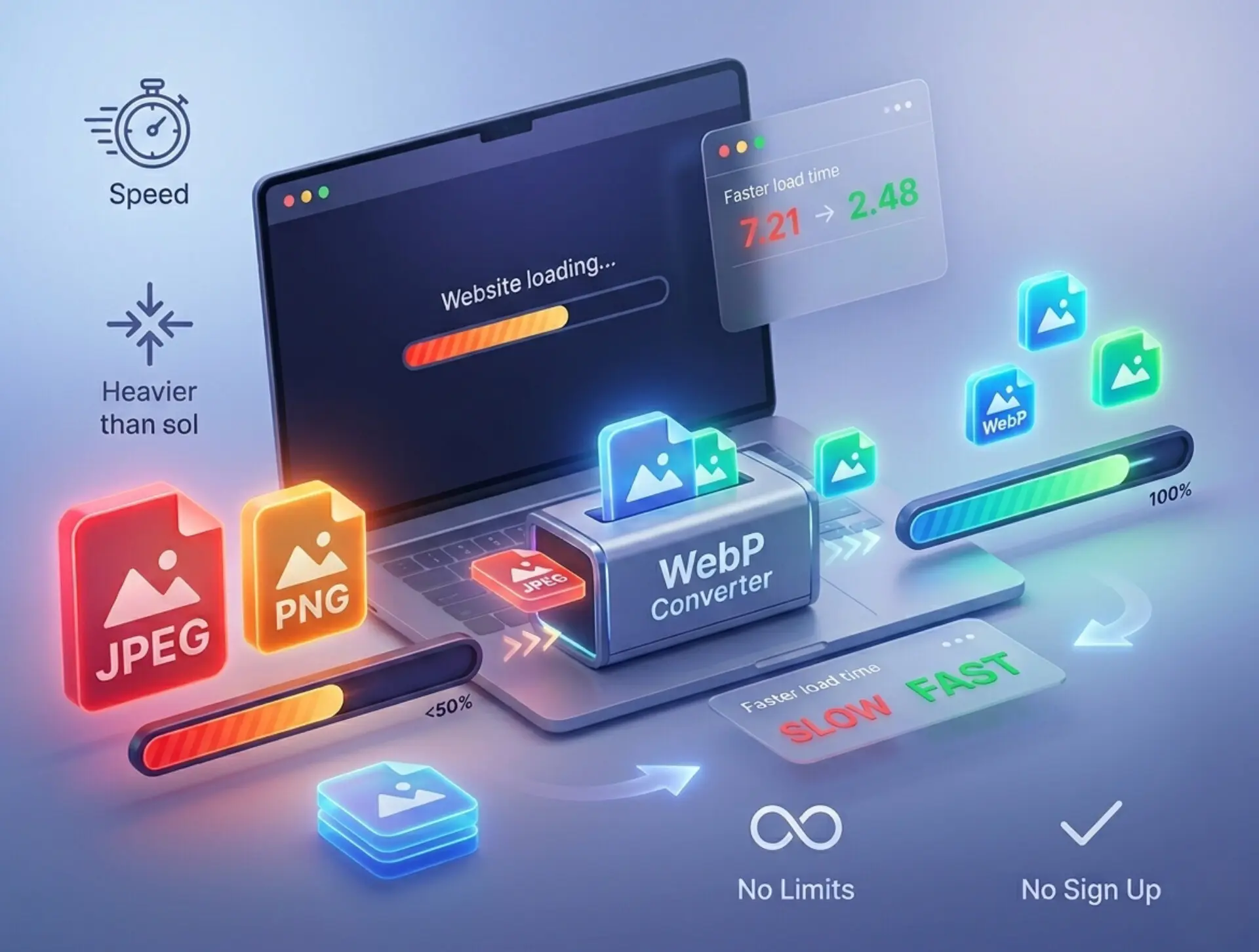 |
| Discover the ultimate tool to convert your images to WebP instantly and securely. |
Google strictly monitors page speed metrics (Core Web Vitals). Serving images in next-gen formats like WebP directly boosts your SEO rankings and keeps your bounce rate low.
How Can I Convert JPEG to WebP?
- Upload Your Files 📌 Start by dragging and dropping your JPEG files into the converter area. Good tools allow batch processing, meaning you can drop multiple files at once.
- Select Your Quality Preference 📌 Choose between lossy and lossless compression. Lossy reduces file size significantly with an almost invisible drop in quality, while lossless retains every pixel.
- Click Convert 📌 Let the cloud servers do the heavy lifting. The process usually takes less than a second per image.
- Download Your Optimized Images 📌 Download the new WebP files directly to your device. You can then upload them to your website CMS immediately.
Never use shady online converters that lack privacy policies. Many free tools secretly save your personal or commercial images on their servers. Always use tools that guarantee automatic file deletion.
Is WebP Better Than JPEG?
- File Size Reduction WebP images are typically 25% to 34% smaller than comparable JPEG images at the exact same quality index. This massive reduction saves server bandwidth and speeds up load times.
- Advanced Compression JPEG relies purely on lossy compression. WebP gives you the flexibility of choosing both lossy and lossless compression, making it vastly superior for diverse use cases.
- Visual Artifacts JPEGs often suffer from "blocky" artifacts around text and sharp edges when compressed heavily. WebP uses predictive coding to smooth out these areas, resulting in a cleaner look.
- Feature Support Unlike JPEG, WebP supports alpha channel transparency (like PNG) and animation (like GIF). It is truly a versatile, all-in-one format.
Furthermore, understanding the technical backbone of your images helps. For instance, knowing the JPEG MIME type (`image/jpeg`) versus the WebP MIME type (`image/webp`) ensures you configure your server headers correctly when delivering images to modern browsers.
Why Convert PNG to WebP?
- Smaller Logos and Icons 📌 Convert your site's core design elements to WebP. Your headers and footers will render almost instantly.
- E-commerce Product Images 📌 If you sell products and use transparent backgrounds to overlay them on different colors, WebP will save your server massive amounts of storage space.
- Mobile Optimization 📌 Mobile users suffer the most from heavy PNG files. A lighter format means less data consumption and a smoother scrolling experience.
- Maintaining Sharpness 📌 You do not have to sacrifice clarity. You can convert PNG to WebP without losing quality by using the lossless setting in Image Converter 24.
WebP even allows you to apply lossy compression to RGB channels while keeping the alpha channel (transparency) lossless. This creates incredibly tiny transparent images that PNG simply cannot match!
Can I Convert WebP?
- Universal Compatibility Ensure you can share your images with anyone, regardless of the device or software they use.
- Client Deliverables Easily revert optimized web images into universally accepted formats for client emails or offline presentations.
- Quick Editing Some older photo editing software still struggles to open WebP natively. Converting it back to PNG allows you to edit the file and then re-optimize it later.
Why Choose Image Converter 24?
Here are the core reasons why professionals and beginners alike prefer this specific platform for their daily tasks:
- 100% Free Forever There are no hidden subscription fees, no premium tiers, and no watermarks placed on your images. You get enterprise-grade tools at zero cost.
- No Usage Limits Many tools restrict you to 5 or 10 images a day. Here, you can convert 500 images if you want to, without ever hitting a paywall.
- Blazing Fast Speeds The server architecture is built for rapid processing. Batch conversions happen in seconds, saving you hours of tedious work.
- Zero Registration Required You do not need to provide your email address, create a password, or verify an account. Simply open the website and start converting instantly.
- Strict Privacy Measures Security is a top priority. All uploaded images are automatically and permanently deleted from the servers shortly after conversion. Nobody will ever access your private photos.
- Intuitive Interface The design is clean, minimalistic, and entirely user-focused. You do not need technical knowledge to navigate the tool.
- Multi-Device Support The platform works flawlessly across Windows PC, Mac, Android, and iPhone. It lives entirely in your browser.
The Impact of WebP on Your Workflow and SEO
Optimizing images is not merely an administrative task; it is a direct investment in your website's success. Search engines like Google utilize mobile-first indexing. This means they evaluate the mobile version of your site to determine its ranking. Mobile devices rely heavily on fast loading times and low data usage. By serving lightweight images, you directly communicate to search engines that your website provides an excellent user experience.
Furthermore, faster websites enjoy higher conversion rates. Studies consistently show that a delay of just one second in page load time can result in a significant drop in customer satisfaction and sales. If you run an online store, heavy product photos are actively hurting your revenue. Converting those photos ensures that your potential buyers see your products instantly, reducing the chance that they will abandon the page out of frustration.
Do not rely on browser-side scaling (using CSS to shrink a large image). You must physically reduce the file size through conversion and compression before uploading it to your server to see real performance gains.
As developers and content creators, you must adopt practices that future-proof your digital presence. All modern web browsers—including Chrome, Safari, Firefox, and Edge—fully support the WebP format. There is absolutely no technical reason left to delay the transition. By making Image Converter 24 your default tool, you integrate optimal web performance seamlessly into your daily routine.
In conclusion, identifying and utilizing the best WebP converter is a critical step for anyone managing digital content. The strategy is clear: transition away from outdated, heavy formats and leverage the efficiency of next-generation image optimization.
By understanding the technical superiority of WebP over JPEG and PNG, you empower yourself to create faster, more visually appealing, and SEO-friendly websites. Image Converter 24 provides the perfect environment to execute this strategy. It strips away the paywalls, usage limits, and privacy concerns associated with standard tools, offering you a rapid, secure, and completely free experience. Take control of your website's performance today, convert your images smartly, and watch your metrics soar.
Optimize Images with the Power of WebP
WebP is one of the most efficient image formats for modern websites. With Image Converter 24, you can convert JPG, PNG, and TIFF files into lightweight WebP images in seconds — improving loading speed, reducing file size, and enhancing overall performance.