Best Free Picture Converter Online to BMP | Convert Images in Seconds
You need a BMP file. Maybe for a legacy application, a specific project, or compatibility with older software. But you do not want to download heavy software, pay for subscriptions, or deal with complicated steps. You just want a quick, free, and reliable way to convert your image.
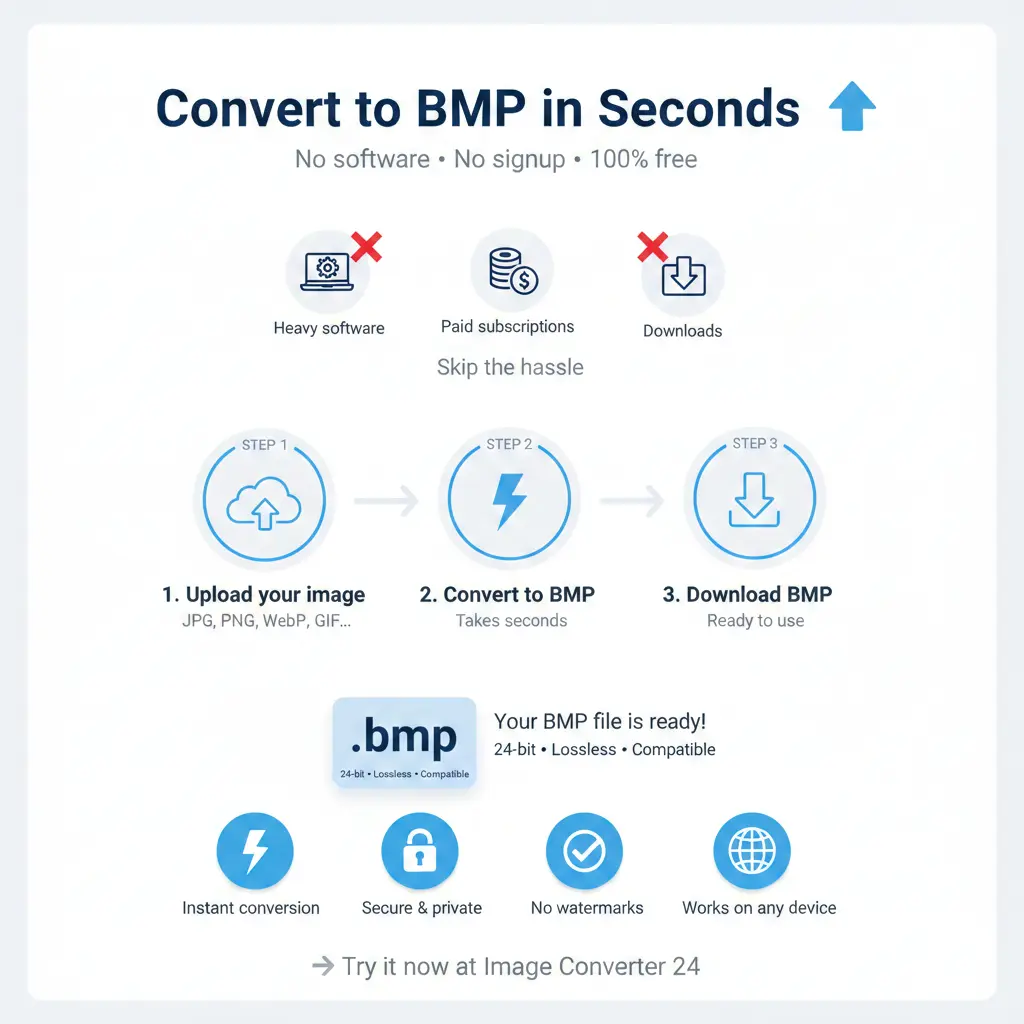
The good news? You can convert any picture to BMP online for free using Image Converter 24. No installation, no registration, no watermarks. Just upload, convert, and download your BMP file in seconds.
Let us face it: installing software just to convert one image feels like overkill. You search for "free picture converter online to bmp" and find dozens of options. Some ask for registration. Some add watermarks. Some are just slow.
Image Converter 24 is different. It is fast, free, and built with the user in mind. This guide will show you why it is the best choice and how to use it.
What Is a BMP File and Why Would You Need One?
BMP (Bitmap Image File) is one of the oldest image formats. It was created by Microsoft and stores image data pixel by pixel without compression. This means BMP files are usually larger than JPEG or PNG, but they preserve every single detail.
Common uses for BMP:
Common uses for BMP:
- Legacy software 📌 Older programs sometimes only accept BMP files.
- Simple image editing 📌 Some basic editors work best with uncompressed BMP.
- Icon and cursor creation 📌 BMP is often used for Windows icons and cursors.
- Printing 📌 For certain printing workflows, BMP provides lossless quality.
- Embedded systems 📌 Some hardware devices expect BMP format.
While BMP is not as popular as it once was, there are still many situations where you need it. That is where a reliable converter becomes essential.
Why Use an Online Converter Instead of Software?
You might wonder: why not just download a program? Here is why online converters are better:
| Feature | Online Converter | Desktop Software |
|---|---|---|
| Installation | ❌ No download needed | ✅ Requires installation |
| Device compatibility | ✅ Works on any device with a browser | ❌ Limited to one computer |
| Storage space | ✅ Uses no disk space | ❌ Takes up storage |
| Updates | ✅ Always up to date | ❌ Manual updates needed |
| Speed for quick conversions | ✅ Fast, no loading time | ❌ Slower to launch |
For a single conversion or occasional use, online tools are simply more practical.
Why Image Converter 24 Is the Best Free BMP Converter
There are many online converters, but Image Converter 24 stands out for several reasons:
- 100% Free — No hidden fees, no credit card required, no limited trials. Convert as many images as you want, completely free.
- No Registration Required — You do not need to create an account or share your email. Just upload and convert.
- Fast Processing — Conversions happen in seconds. Your time is valuable, and we respect that.
- Secure File Handling — All uploaded files are automatically deleted from our servers after conversion. Your privacy matters.
- Supports Multiple Formats — Convert from JPG, PNG, WebP, GIF, TIFF, and many more to BMP.
- No Watermarks — Your converted BMP files are clean, with no added logos or text.
- Works on Any Device — Computer, tablet, or phone. If you have a browser, you can convert.
What users say: "I needed a BMP file for an old project and found Image Converter 24. Took 10 seconds. No signup, no spam. Perfect."
How to Convert Any Picture to BMP Online in 3 Simple Steps
Using Image Converter 24 could not be easier:
- Upload your image 📌 Click the upload button and select any image from your device. You can also drag and drop files directly.
- Choose BMP as output format 📌 From the dropdown menu, select BMP. You can also adjust settings like color depth if needed.
- Download your BMP file 📌 Click convert, wait a few seconds, then download your new BMP image.
That is it. No software, no registration, no complications.
What Image Formats Can You Convert to BMP?
Image Converter 24 supports a wide range of input formats:
- JPEG / JPG
- PNG
- WebP
- GIF
- TIFF
- BMP (already, but you can also convert between BMP versions)
- HEIC
- SVG (rasterized to BMP)
- And many more
Whatever image you have, chances are you can convert it to BMP with us.
BMP vs Other Formats: A Quick Comparison
Why choose BMP over other formats? Here is a simple comparison:
| 📁 Format | ⚡ Compression | 🎯 Best Use |
|---|---|---|
| 🖼️ BMP | None or RLE | Legacy software, simple editing |
| 📸 JPEG | Lossy | Photos, web |
| 🎨 PNG | Lossless | Graphics, screenshots |
| 📄 TIFF | Lossless or LZW | Print, archiving |
For a deeper comparison, read our guide on BMP vs TIFF quality.
Common Questions About Converting Images to BMP
Will converting to BMP lose quality?
No. BMP is a lossless format. When you convert a lossless source (like PNG) to BMP, quality remains perfect. When you convert a lossy source (like JPEG), the existing quality is preserved, but you cannot recover lost details.
Are BMP files too large for web use?
Yes, BMP files are usually too large for websites. They are best for offline use, legacy systems, or applications where file size does not matter.
Can I convert multiple images to BMP at once?
Yes! Image Converter 24 supports batch conversion. Upload multiple images, select BMP, and convert them all at once. Each file downloads separately.
Is there a file size limit?
We support files up to 200MB, which covers almost any image you might need. For larger files, you may need to compress or split them first.
Why BMP Is Still Relevant Today
You might think BMP is outdated. In many ways, it is. But it remains useful for specific scenarios:
- Software compatibility: Some older programs only accept BMP.
- No compression artifacts: BMP stores raw pixel data, making it ideal for certain medical or technical images.
- Simplicity: The format is simple and well-documented, making it easy for developers to work with.
- Icon creation: Windows icons (.ico files) often use BMP internally.
- Printing workflows: Some printing systems prefer uncompressed BMP for maximum fidelity.
Tips for Getting the Best BMP Conversion
Follow these tips to ensure your BMP files turn out perfect:
- Start with a high-quality source. BMP cannot create detail that wasn't there. Use PNG or TIFF as source for best results.
- Choose the right color depth. BMP supports 1-bit, 4-bit, 8-bit, 16-bit, 24-bit, and 32-bit. For most uses, 24-bit is fine.
- Consider file size. BMP files are large. Make sure you have enough storage space.
- Use batch conversion for multiple files. Save time by converting all your images at once.
The Problem with Traditional Conversion Methods
Before online converters, you had limited options:
- Install heavy software: Downloading and installing programs took time and disk space.
- Learn complex tools: Professional software like Photoshop is overkill for a simple conversion.
- Pay for subscriptions: Many tools require monthly payments.
- Deal with watermarks: Free versions often add ugly watermarks.
- Wait for downloads: Large software downloads could take hours on slow connections.
Image Converter 24 solves all these problems. It is fast, free, and works instantly in your browser.
Important note: Your privacy matters to us. All files uploaded to Image Converter 24 are automatically deleted from our servers within a few hours. We do not store, share, or sell your images.
How Image Converter 24 Compares to Other Free Converters
We are not the only converter out there. Here is how we compare:
Ready to Convert Your Images to BMP?
You have read the guide. You know the benefits. Now it is time to try it yourself.
Visit Image Converter 24 and convert your first image to BMP. It takes seconds, it is completely free, and you do not even need to sign up.
Whether you need BMP for a legacy project, for software compatibility, or just because, we have you covered.
Visit Image Converter 24 and convert your first image to BMP. It takes seconds, it is completely free, and you do not even need to sign up.
Whether you need BMP for a legacy project, for software compatibility, or just because, we have you covered.
More Than Just BMP Conversion
Image Converter 24 is not just for BMP. You can also:
- Convert images to JPG, PNG, WebP, GIF, TIFF, and many other formats
- Resize images while converting
- Compress images to reduce file size
- Convert batches of images at once
- Use our unlimited image converter free online without watermark for all your needs
Bookmark the site, and you will always have a reliable conversion tool at your fingertips.
The Bottom Line - Best Free Picture Converter Online to BMP
When you need to convert an image to BMP, you want a solution that is:
- Fast
- Free
- Easy to use
- Secure
- Reliable
Image Converter 24 checks every box. No software, no registration, no watermarks. Just upload, convert, and download.
Try it now and see why thousands of users trust us for their image conversion needs.
Try it now and see why thousands of users trust us for their image conversion needs.
Ready to convert?
Visit Image Converter 24 now and convert any picture to BMP online for free. No signup, no watermarks, no limits. Just fast, secure, and easy conversion.
Visit Image Converter 24 now and convert any picture to BMP online for free. No signup, no watermarks, no limits. Just fast, secure, and easy conversion.