JPEG XL vs PNG | Which Format Should You Choose?
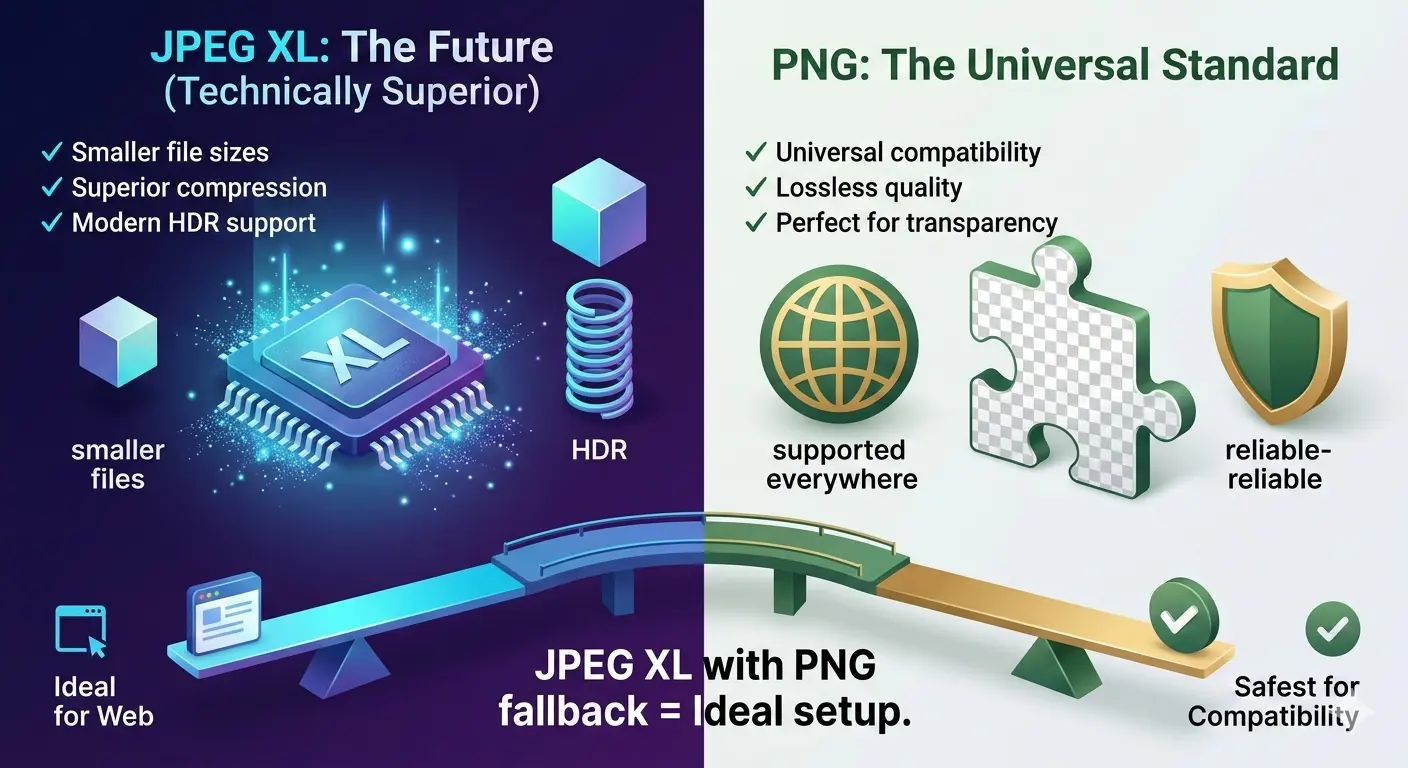
JPEG XL is technically superior in almost every way—smaller files, better compression, modern features like HDR. But PNG remains the universal standard for lossless images with transparency, supported everywhere. For most web use, JPEG XL with PNG fallback is ideal. For maximum compatibility, PNG is still the safest choice.
This guide compares JPEG XL vs PNG across image quality, file size, compression efficiency, transparency support, and real-world use cases. You will learn when to use each format and whether JPEG XL can truly replace PNG.
PNG has been the go-to format for lossless images for over 25 years. It is reliable, supports transparency, and works everywhere. But JPEG XL is the new challenger, promising significantly smaller files with the same quality, plus modern features like HDR.
So which one should you use? Let us break it down.
So which one should you use? Let us break it down.
What are JPEG XL and PNG?
PNG (Portable Network Graphics): Created in 1996, PNG is a lossless format designed to replace GIF. It supports full alpha transparency, millions of colors, and is universally supported by every browser and software. The downside? File sizes are large, especially for complex images.
JPEG XL: Finalized in 2021, JPEG XL is a next-generation format from the JPEG committee. It offers both lossy and lossless compression, supports HDR, wide color gamuts, transparency, and animation. It can produce files 20-30% smaller than PNG at the same quality.
JPEG XL: Finalized in 2021, JPEG XL is a next-generation format from the JPEG committee. It offers both lossy and lossless compression, supports HDR, wide color gamuts, transparency, and animation. It can produce files 20-30% smaller than PNG at the same quality.
Is JPEG XL better than PNG?
Yes, in most technical aspects, JPEG XL is better than PNG:
- Better compression 📌 JPEG XL produces files 20-30% smaller than PNG at the same quality.
- Lossy and lossless 📌 JPEG XL offers both, while PNG is lossless only.
- HDR support 📌 JPEG XL handles HDR and wide color gamuts. PNG does not.
- Animation 📌 JPEG XL supports animation. PNG requires APNG (separate format).
- Progressive decoding 📌 JPEG XL loads in waves, improving perceived performance.
However, "better" is not just about features. PNG has universal browser support. JPEG XL does not. For practical use today, PNG is still the safer choice for maximum compatibility.
Is PNG better quality than JPEG?
PNG is lossless, so it preserves every pixel exactly. JPEG is lossy, so it discards some data to save space. For text, graphics, and sharp edges, PNG is visibly better.
For photographs viewed at normal size, a high-quality JPEG (90-95%) is visually identical to PNG but with much smaller files. So for photos, JPEG is often the better practical choice despite technically lower quality.
For a detailed comparison, read our guide on JPG vs JPEG XL.
For photographs viewed at normal size, a high-quality JPEG (90-95%) is visually identical to PNG but with much smaller files. So for photos, JPEG is often the better practical choice despite technically lower quality.
For a detailed comparison, read our guide on JPG vs JPEG XL.
Is JPEG XL better?
Compared to most formats, yes, JPEG XL is technically better. It offers:
- 30-50% smaller files than JPEG at same quality
- 20-30% smaller files than PNG at same quality
- HDR and wide color gamut support
- Transparency (alpha channel) like PNG
- Animation support
- Lossless JPEG recompression (unique feature)
The only significant drawback is limited browser support. For a complete overview, read the JPEG XL specification.
Is PNG 100% lossless?
Yes, PNG is 100% lossless. Every time you save a PNG, the image data stays identical to the original. No quality loss, no artifacts, no guessing.
This lossless guarantee is why PNG became the standard for screenshots, logos, and any image where precision matters. However, this perfection has a cost: PNG files are often much larger than lossy formats like JPEG or modern formats like JPEG XL.
This lossless guarantee is why PNG became the standard for screenshots, logos, and any image where precision matters. However, this perfection has a cost: PNG files are often much larger than lossy formats like JPEG or modern formats like JPEG XL.
JPEG XL vs PNG | Head-to-head comparison
| Feature | PNG | JPEG XL |
|---|---|---|
| Year introduced | 1996 | 2021 |
| Compression type | Lossless only | Lossy + Lossless |
| File size (lossless) | Baseline (largest) | 20–30% smaller than PNG |
| File size (lossy) | Not applicable | Much smaller, excellent quality |
| Transparency | ✅ Full alpha channel | ✅ Full alpha channel |
| HDR support | ❌ No | ✅ Excellent (PQ, HLG) |
| Wide color gamut | ❌ sRGB only | ✅ Rec.2020, P3 |
| Animation | ❌ (APNG exists separately) | ✅ Yes |
| Progressive decoding | ❌ No | ✅ Excellent |
| Browser support | Universal (100%) | Limited (Safari only, Firefox behind flag) |
| Best use | Graphics, logos, screenshots, universal compatibility | Archiving, HDR content, future-proofing |
File size comparison: Real numbers
Let us look at real file sizes for a typical image with transparency:
| Image Type | Size Comparison | Savings |
|---|---|---|
| Logo with transparency | PNG: 45 KB → JPEG XL: 32 KB | ~30% smaller |
| Screenshot (1920x1080) | PNG: 1.2 MB → JPEG XL: 850 KB | ~30% smaller |
| Graphic illustration | PNG: 2.5 MB → JPEG XL: 1.8 MB | ~28% smaller |
For lossy JPEG XL, the savings are even more dramatic—often 50-70% smaller than PNG with excellent quality.
Transparency support
Both formats support full alpha channel transparency. PNG does it with 8-bit alpha (256 levels of transparency). JPEG XL also supports 8-bit alpha and can even handle higher bit depths for HDR transparency.
For everyday transparency needs, both work perfectly. The difference is that JPEG XL can combine transparency with lossy compression, giving you smaller files for images with transparency.
For everyday transparency needs, both work perfectly. The difference is that JPEG XL can combine transparency with lossy compression, giving you smaller files for images with transparency.
HDR and wide color gamut
PNG is limited to sRGB color space. It cannot store HDR (High Dynamic Range) images. JPEG XL fully supports HDR, including PQ and HLG transfer functions, and wide color gamuts like Rec.2020 and P3.
If you are working with HDR photography or modern displays, JPEG XL is the only choice between these two formats.
If you are working with HDR photography or modern displays, JPEG XL is the only choice between these two formats.
Browser support: The practical reality
As of 2025, JPEG XL support is:
- Safari: Full support (macOS and iOS)
- Firefox: Available behind a flag (disabled by default)
- Chrome: Support was added experimentally, then removed in 2023
- Edge: Follows Chrome, so not supported
- Other browsers: Mostly unsupported
PNG, by contrast, is supported by literally every browser ever made—100% compatibility.
When to use PNG
Choose PNG when:
- You need universal browser support (email newsletters, legacy systems)
- You are creating screenshots or graphics for documentation
- You need simple, reliable transparency
- File size is not your primary concern
- Your audience includes users on very old browsers
- You want guaranteed lossless quality without complexity
When to use JPEG XL
Choose JPEG XL when:
- You want the smallest possible files with lossless quality
- You are archiving images and want to save storage space
- You need HDR or wide color gamut support
- You can implement fallbacks for older browsers
- You are working with professional photography
- You want lossy compression options for complex images
Smart approach: For websites, serve JPEG XL with PNG fallbacks using the
<picture>element. This gives you the best of both worlds—smaller files for modern browsers, compatibility for everyone else.
How to serve JPEG XL with PNG fallback
<picture>
  <source srcset="image.jxl"
type="image/jxl">
  <img src="image.png"
alt="Description">
</picture>
This code serves JPEG XL to browsers that support it, and PNG to everyone else. Everyone gets an image that works.
JPEG XL vs AVIF vs PNG
You might also be considering AVIF, another modern format. For a detailed comparison, read AVIF vs JPEG XL.
JPEG XL vs JPEG XR
JPEG XR was Microsoft's attempt at a next-generation format. It never gained significant traction. JPEG XL is superior in every way. For a full breakdown, read JPEG XL vs JPEG XR.
The future of JPEG XL
Will JPEG XL ever gain universal browser support? It is possible, but not guaranteed. Apple supports it in Safari, which is a positive sign. Mozilla has shown interest but has not enabled it by default. Google's removal from Chrome was a major blow.
However, JPEG XL is already finding success in other areas: digital asset management, archiving, professional photography, and applications where browser support is not required.
However, JPEG XL is already finding success in other areas: digital asset management, archiving, professional photography, and applications where browser support is not required.
The verdict: JPEG XL vs PNG
JPEG XL is technically superior. It offers better compression, modern features like HDR, and flexibility with lossy/lossless options. If browser support were universal, it would be the obvious choice for everything PNG does and more.
PNG is the compatibility king. It works absolutely everywhere with zero configuration. It is not going away, and it remains the safest choice when you cannot control the viewing environment.
The smart strategy depends on your needs:
PNG is the compatibility king. It works absolutely everywhere with zero configuration. It is not going away, and it remains the safest choice when you cannot control the viewing environment.
The smart strategy depends on your needs:
| Use Case | Recommendation |
|---|---|
| Website with modern audience | JPEG XL with PNG fallback |
| Email newsletters | PNG |
| Photo archiving | JPEG XL (lossless) |
| Maximum compatibility required | PNG |
| HDR or wide gamut images | JPEG XL |
| Screenshots for documentation | PNG (universal compatibility) |
Final thought: PNG has been the reliable workhorse for lossless images for 25 years. JPEG XL is the first format that truly deserves to be called its successor. While browser support catches up, you can already benefit from JPEG XL for archiving and in controlled environments.
Summary: JPEG XL offers better compression, HDR support, and modern features. PNG offers universal compatibility and simplicity. For most websites, serve JPEG XL with PNG fallbacks. For email and legacy systems, stick with PNG. For archiving and professional work, JPEG XL is a game-changer.