What is the Difference Between PNG and AVIF?
Choosing the right image format is a crucial decision for web developers, designers, and content creators. It directly impacts your site's speed, user experience, and even its search engine ranking. For years, PNG has been the trusted standard for lossless quality and transparency. Now, a modern contender, AVIF, promises superior compression and performance. But what sets them apart? This guide dives deep into the difference between PNG and AVIF, comparing their strengths, weaknesses, and ideal uses to help you make the best choice for your project.
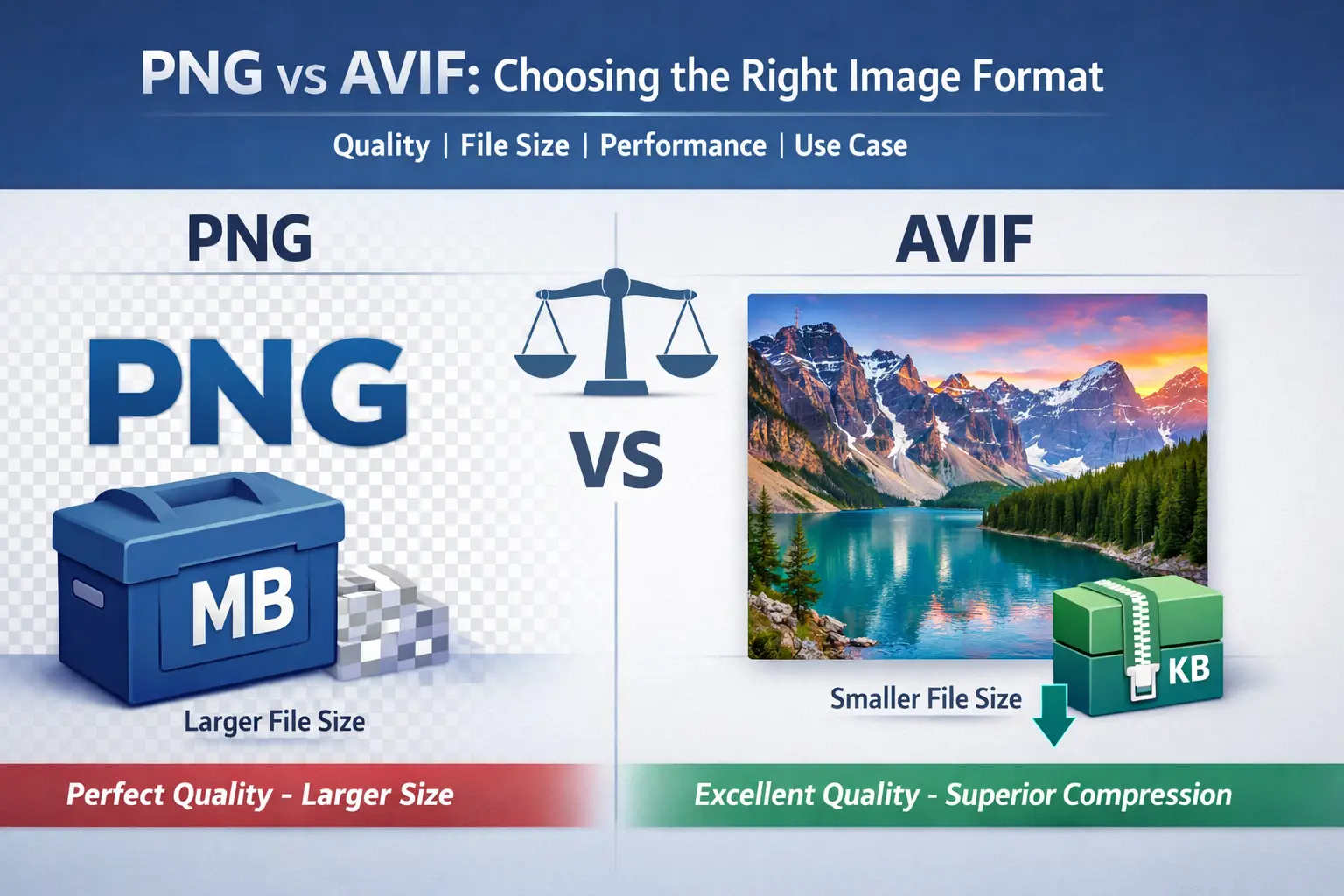
The core of the AVIF vs PNG debate centers on a classic trade-off: unparalleled lossless quality versus next-generation efficient compression. We'll break down each format's fundamentals, compare them head-to-head, and provide clear, actionable advice on when to use which.
Understanding the PNG Format
PNG, which stands for Portable Network Graphics, was created in the mid-1990s as a superior, patent-free replacement for the older GIF format. It quickly became a web staple for one primary reason: lossless compression. This means that when you save an image as a PNG, no data is lost. The image you save is identical to the original, pixel-for-pixel. This makes PNG the undisputed champion for images where every single detail matters, such as logos, icons, screenshots, and technical diagrams.
- Lossless Compression: Preserves 100% of the original image data, ensuring perfect quality.
- Transparency Support: Offers full alpha channel transparency, allowing for smooth, graduated edges and shadows (unlike GIF's basic on/off transparency).
- Wide Color Support: Can handle a broad spectrum of colors, making it suitable for complex graphics.
However, this perfection comes at a cost: file size. A high-resolution PNG can be very large, which slows down webpage loading times. This is the main drawback of the PNG file format in today's performance-centric web environment. For photographs or large images on a website, using PNG can lead to unnecessarily slow page speeds.
Introducing the AVIF Format
AVIF (AV1 Image File Format) is a modern, open-source image format based on the AV1 video codec. Released in 2019, it represents the latest generation of image compression technology. Its mission is to provide significantly smaller file sizes while maintaining visual quality comparable to, or even better than, older formats. Think of it as a highly efficient packing algorithm for your images, shrinking them down for the web without the viewer noticing a difference.
- Extremely Efficient Compression: Often reduces file sizes by 50% or more compared to JPEG and PNG at similar quality levels.
- High Dynamic Range (HDR) & Wide Color Gamut: Supports modern color standards for more vibrant and realistic images.
- Advanced Features: Supports transparency (alpha channels), animation, and both lossy and lossless compression, all in one format.
- Designed for the Web: Built from the ground up to improve web performance and user experience through faster loading.
The primary goal of AVIF is to make the web faster. By serving images that are a fraction of the size, websites load quicker, use less bandwidth, and improve Core Web Vitals scores—a direct ranking factor for Google. To understand how it stacks up against other modern formats, you can explore a detailed comparison of AVIF vs JPEG XL.
PNG vs AVIF: Head-to-Head Comparison
Let's put these two formats side-by-side across the key factors that matter for practical use. The following table provides a clear, at-a-glance summary of the difference between PNG and AVIF.
| Feature | PNG | AVIF |
|---|---|---|
| Compression Type | Lossless | Primarily Lossy, supports Lossless |
| Primary Strength | Perfect quality, pixel-perfect accuracy | Exceptionally small file size with excellent quality |
| File Size | Large (especially for complex images) | Very small (often 50–80% smaller than PNG) |
| Transparency | Yes (alpha channel) | Yes (alpha channel) |
| Browser Support | Universal (all browsers) | Modern browsers (Safari partial) |
| Best For | Logos, icons, UI graphics, screenshots | Photos, hero images, product images |
| Web Performance Impact | Negative (large files slow pages) | Positive (improves page speed) |
Deep Dive: Image Quality & File Size
Quality: PNG guarantees lossless quality. For archival purposes or graphics where no generation loss is acceptable, PNG is the only choice. AVIF uses sophisticated lossy compression. At medium to high quality settings, the visual difference from the original is often imperceptible to the human eye, especially for photographs.
File Size: This is where AVIF shines. A complex PNG graphic of 1MB can often be converted to an AVIF of 200-300KB with no noticeable quality loss. This drastic reduction is a game-changer for web performance.
File Size: This is where AVIF shines. A complex PNG graphic of 1MB can often be converted to an AVIF of 200-300KB with no noticeable quality loss. This drastic reduction is a game-changer for web performance.
Deep Dive: Browser & Platform Support
PNG is the undisputed king of compatibility. It works everywhere, on every device and browser, old or new. This absolute reliability is why it remains a default choice.
AVIF support is strong and growing but not yet universal. As of now, it is reliably supported in Chrome, Firefox, and Edge. Safari has implemented support, but it may be partial or require specific settings. For critical projects, you may need to provide a fallback format (like WebP or JPEG) for unsupported browsers.
AVIF support is strong and growing but not yet universal. As of now, it is reliably supported in Chrome, Firefox, and Edge. Safari has implemented support, but it may be partial or require specific settings. For critical projects, you may need to provide a fallback format (like WebP or JPEG) for unsupported browsers.
When to Use PNG vs. AVIF
Choosing the right format isn't about which one is "better," but which one is right for the specific task. Use this practical guide to decide.
✅ Use PNG When:
- You need lossless, pixel-perfect quality (e.g., architectural blueprints, medical imagery, source files for design).
- The image is a logo, icon, or simple graphic with sharp edges and limited colors. The file size may still be manageable.
- You require complex transparency with gradients or shadows and maximum compatibility is essential.
- You are creating screenshots for documentation where text legibility cannot be compromised.
✅ Use AVIF When:
- Your priority is fast website loading and optimal performance (e.g., blog images, product photos, hero banners).
- You are working with photographs or complex images where a slight, imperceptible loss in quality is acceptable for massive size savings.
- You are optimizing for Google's Core Web Vitals (Largest Contentful Paint, Cumulative Layout Shift).
- You want to support modern features like HDR on compatible displays.
- Your audience primarily uses modern browsers (and you can provide a fallback).
How to Convert PNG to AVIF Effectively
Once you've identified images that would benefit from the AVIF format, conversion is straightforward. The key is to use a tool that gives you control over the quality versus file size balance.
- Select the Right Images: Start with large PNG photographs or complex graphics on your website. Simple, small PNG icons may not yield significant benefits.
- Choose a Quality Setting: Most converters use a scale (e.g., 1-100). A setting between 70-85 often provides an excellent balance of visual fidelity and compression for AVIF.
- Compare Visually: Always check the converted AVIF against the original PNG at 100% zoom to ensure the quality meets your standards.
- Implement with a Fallback: Use the HTML
<picture>element to serve AVIF to supporting browsers and PNG (or WebP) as a fallback for others.
For a seamless, powerful, and free conversion process, we recommend using Image Converter 24. It's a professional-grade online tool designed specifically for modern format conversion.
Practical Steps: Convert Your Images with Image Converter 24
Ready to speed up your website? Follow these simple steps to convert your PNG images to the efficient AVIF format without any limitations.
- Visit the Converter: Go to Image Converter 24 using your web browser. No account is needed to start.
- Upload Your PNG: Click the upload area and select the PNG image file you want to convert. You can upload multiple files at once for batch processing.
- Choose AVIF as Output: In the target format options, select "AVIF" from the list of modern formats.
- Adjust Settings (Optional): Use the quality slider to fine-tune the compression. The tool typically suggests an optimal balance.
- Convert and Download: Click the "Convert" button. Within seconds, your optimized AVIF file will be ready to download directly to your computer.
This process eliminates the bloat of PNG files, giving you web-ready images that maintain visual quality while drastically improving your site's loading speed. It’s the simplest way to leverage the power of next-generation image formats.
The Future of Web Images
The evolution from PNG to AVIF represents a fundamental shift in web development priorities: from pure fidelity to intelligent efficiency. While PNG will always have its critical niche for lossless applications, AVIF and formats like it are becoming the new standard for the dynamic, media-rich, and speed-sensitive modern web.
- Wider Adoption: Browser support for AVIF will continue to expand until it becomes as ubiquitous as PNG is today.
- Performance-First Design: Developers and platforms will increasingly prioritize formats that deliver the best performance-by-quality ratio.
- Automated Optimization: CMS platforms and CDNs will automatically convert and serve the best format (AVIF, WebP, JPEG) based on the user's browser.
Staying ahead means understanding these tools today. By strategically using PNG where it excels and adopting AVIF for performance-critical images, you build faster, more engaging, and future-proof websites.
Key Takeaways and Your Next Step
Let's summarize the core difference between PNG and AVIF:
- PNG is the quality guardian. Use it when you cannot afford to lose a single pixel of data—for logos, precise graphics, and archival purposes.
- AVIF is the performance champion. Use it for photographs and web images where fast loading is essential, and near-perfect quality is sufficient.
- The trade-off is clear: Perfect, large files (PNG) vs. Excellent, tiny files (AVIF).
- Compatibility matters: PNG works everywhere; AVIF works almost everywhere and is the future.
Your next step is to audit your website or project. Identify large PNG files that are slowing you down. Then, experience the simplicity and power of modern conversion by visiting Image Converter 24. Upload a PNG, convert it to AVIF, and see the dramatic file size reduction for yourself. It's the easiest way to immediately enhance your site's performance and user experience.
Final Conclusion: In the debate of AVIF vs PNG, there is no single winner—only the right tool for the job. PNG remains the irreplaceable standard for lossless, transparent graphics. AVIF has emerged as the superior format for efficient, high-quality visual content on the web. By understanding their distinct roles and leveraging powerful, accessible tools like Image Converter 24, you can make informed decisions that boost your project's quality, performance, and overall success. Embrace both formats, use them wisely, and build a faster, better web.
Ready to manage your images like a pro?
Convert your image formats anytime - quickly, without restrictions, 100% free and without account registration.
Try Image Converter 24By leveraging these tools, your workflow can reach a wider audience and achieve sustainable growth, opening doors to new opportunities in the creative world.