JPG Content Type: The Correct MIME Type Is image/jpeg
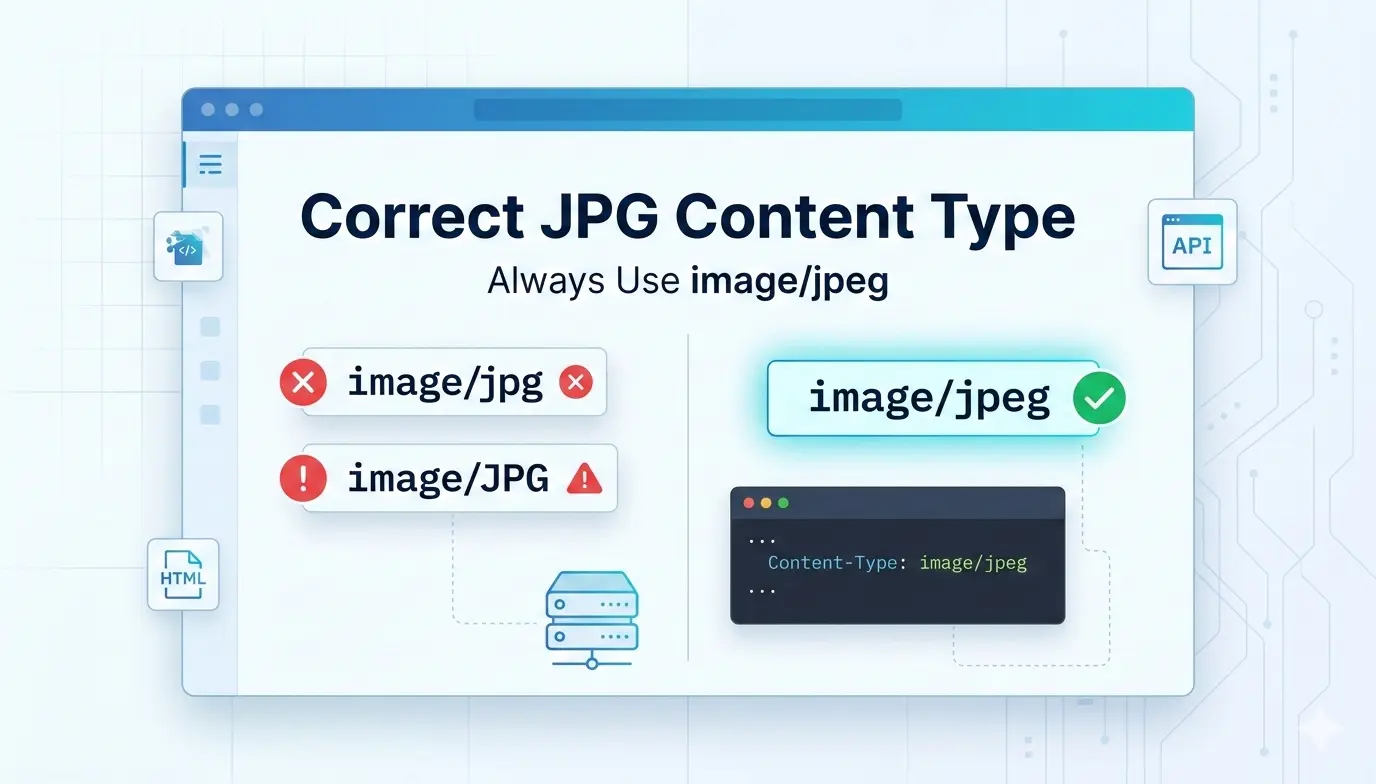
Short answer: the correct content type (MIME type) for JPG and JPEG files is image/jpeg. It applies to .jpg, .jpeg and .jpe files alike. image/jpg is not a registered type. Send Content-Type: image/jpeg, in lowercase, from your server, API or upload handler.
This guide covers the correct JPG content type, how to configure it on Apache, Nginx and IIS, how to set it in Node.js, Flask, PHP and Spring, and how to fix the header errors that make images download instead of display.
Quick reference: JPG content type by file extension
What is a MIME type (content type)?
MIME stands for Multipurpose Internet Mail Extensions. It was designed for email attachments and is now used across the web. A MIME type has a type and a subtype separated by a slash, for example text/html, image/jpeg or application/pdf.
When a server sends a file it adds a Content-Type header. The browser trusts that header, not the file name, to decide how to handle the response. If the header is wrong or missing, images can fail to render or be offered as downloads.
Content-Type vs MIME type: what is the difference?
The MIME type is the value, and Content-Type is the HTTP header that carries it. In Content-Type: image/jpeg, the header name is Content-Type and the MIME type is image/jpeg. People use the two terms interchangeably, and for JPG files the answer is the same: image/jpeg.
Is it image/jpg or image/jpeg?
Always image/jpeg. The type is registered with IANA and defined in RFC 2046. There is no image/jpg entry in the IANA media types registry. People write image/jpg because the common file extension is .jpg, but the extension and the MIME type are two different things.
Browsers are forgiving and often display an image sent as image/jpg. The problems appear elsewhere: upload validators and allowlists that compare against image/jpeg exactly, API gateways, signed upload URLs, and libraries that map types to handlers. One wrong string can make a valid photo fail validation. For the full explanation of why .jpg and .jpeg exist, read JPG vs JPEG MIME type.
Related extensions and legacy types
.jpeand.jfifare also JPEG files and useimage/jpeg.image/pjpegis a legacy type that old versions of Internet Explorer sent for progressive JPEGs. Modern browsers sendimage/jpeg. If you must support old clients, treat both values as JPEG on the server..pjpegand.pjpextensions also map to JPEG.
How to set the JPG content type on your server
Apache
Apache maps these extensions by default through its mime.types file. If you need to set it explicitly, add this to .htaccess or your configuration:
AddType image/jpeg .jpg .jpeg .jpe
Nginx
Nginx ships with this mapping in its default mime.types. Make sure your config includes it:
http {
    include       mime.types;
    default_type  application/octet-stream;
}
If you define your own types { } block inside a server or location, it replaces the inherited table, so list every type you need or your images may fall back to application/octet-stream.
IIS (Internet Information Services)
IIS already defines JPEG mappings. Adding the same mimeMap twice causes a "duplicate collection entry" error, so remove the existing entry first in web.config:
<staticContent>
  <remove fileExtension=".jpg" />
  <remove fileExtension=".jpeg" />
  <remove fileExtension=".jpe" />
  <mimeMap fileExtension=".jpg" mimeType="image/jpeg" />
  <mimeMap fileExtension=".jpeg" mimeType="image/jpeg" />
  <mimeMap fileExtension=".jpe" mimeType="image/jpeg" />
</staticContent>
How to set the JPG content type in your code
Most frameworks detect the type from the file extension. Set it explicitly when you serve raw bytes, generate images on the fly, or read from a database or storage bucket.
Node.js / Express
res.type('image/jpeg').send(imageBuffer);
// or, for a file on disk (type is detected from the extension):
res.sendFile('/path/to/image.jpg');
Python / Flask
from flask import send_file

return send_file('image.jpg', mimetype='image/jpeg')
PHP
header('Content-Type: image/jpeg');
readfile('image.jpg');
Java / Spring
@GetMapping(value = "/image", produces = MediaType.IMAGE_JPEG_VALUE)
public @ResponseBody byte[] getImage() {
    // return image bytes
}
JPG content type in HTML and JavaScript
For a plain <img> tag the server decides the type. You only state a type yourself in a few places:
<picture>
  <source srcset="image.avif" type="image/avif">
  <source srcset="image.webp" type="image/webp">
  <img src="image.jpg" alt="Description">
</picture>
The fallback <img> takes no type attribute. If you add a <source> for JPEG, use type="image/jpeg".
data:image/jpeg or data:image/jpg?
Use data:image/jpeg;base64,.... Base64-encoded JPEG data starts with /9j/, which is a quick way to recognize it.
<img src="data:image/jpeg;base64,/9j/4AAQSkZJRg..." alt="Inline JPEG">
Canvas: toDataURL and toBlob
const dataURL = canvas.toDataURL('image/jpeg', 0.9);
canvas.toBlob(blob => upload(blob), 'image/jpeg', 0.9);
This is a classic trap: if you pass image/jpg to toDataURL(), the browser does not recognize it and falls back to PNG. You get a much larger PNG file with no error. Always request image/jpeg.
File uploads: what content type does a JPG have?
When a user selects a .jpg or .jpeg file, the browser reports image/jpeg for both.
input.addEventListener('change', (e) => {
  console.log(e.target.files[0].type); // "image/jpeg"
});
Never trust that value alone. The browser derives it from the file extension, and a client can send anything. On the server, check the file signature (magic bytes): a JPEG starts with FF D8 FF. Also send X-Content-Type-Options: nosniff when you serve uploads so browsers do not guess a different type.
Fix or change the content type of an existing JPG (AWS S3)
Files uploaded without a type often end up as binary/octet-stream or application/octet-stream, which makes browsers download them. Rewrite the metadata like this:
aws s3 cp s3://my-bucket/image.jpg s3://my-bucket/image.jpg \
  --content-type image/jpeg --metadata-directive REPLACE
If you use a CDN, purge the cached copy afterward, or visitors will keep receiving the old header.
Display in the browser or force a download
Content-Type says what the file is. Content-Disposition says what to do with it:
Content-Type: image/jpeg
Content-Disposition: inline        (show in the browser)
Content-Disposition: attachment    (force a download)
JPG content type in email attachments
Email uses the same MIME standard. A JPEG attachment is declared like this:
Content-Type: image/jpeg; name="photo.jpg"
Content-Transfer-Encoding: base64
Content-Disposition: attachment; filename="photo.jpg"
Common JPG content type errors and how to fix them
The image downloads instead of displaying
The server is sending application/octet-stream, no Content-Type, or Content-Disposition: attachment. Fix: send image/jpeg and inline as shown above.
image/jpg used instead of image/jpeg
Search your code, server config and storage metadata for image/jpg and replace it. Also check any allowlists in upload validators. Fix: use image/jpeg everywhere.
The header is correct in config but wrong in the browser
A CDN, proxy or cache is usually serving an older response. Fix: purge the cache and re-check the headers.
How to check the content type of a JPG
- Open DevTools (F12) and go to the Network tab.
- Reload the page and click the image request.
- Read
Content-Typein the response headers.
From the command line, check what the server sends:
curl -I https://example.com/image.jpg
To check what a local file actually contains, regardless of its name:
file --mime-type image.jpg
# image.jpg: image/jpeg
MIME types for other common image formats
JPEG XL is a newer format with better compression, but it is a different format with its own type. See JPG vs JPEG XL for a comparison.
Why the correct MIME type matters
- Display: browsers use the header to decide how to handle a response. A wrong type can turn an inline image into a download.
- Compatibility: validators, APIs and storage services often compare against
image/jpegexactly. - Security: when the type is wrong or missing, browsers may guess from the content (MIME sniffing). Attackers abuse this with files that look like images but contain script. A correct type plus
nosniffcloses that gap. - Crawling: search engines and other crawlers may rely on
Content-Typeto recognize images, so a wrong type can get in the way of processing.
Common questions about JPG content type
What is the content type for JPG?
It is image/jpeg, for .jpg, .jpeg and .jpe files.
What is the content type of img_5terre.jpg?
It is image/jpeg, like every other .jpg file. The name img_5terre.jpg is a sample image used in many HTML tutorials, and the MIME type does not depend on the file name.
What is the difference between Content-Type and MIME type?
The MIME type is the value, such as image/jpeg. Content-Type is the HTTP header that carries that value.
Should I use uppercase or lowercase?
Use lowercase. Media types are technically case-insensitive under RFC 9110, but lowercase is the convention and some validators and string comparisons are case-sensitive.
Can a .jpg file have the content type image/jpeg?
Yes, that is the normal setup. The file extension and the MIME type are separate things, and .jpg files should always be served as image/jpeg.
Can I use image/jpg in HTML5?
Avoid it. Some browsers tolerate it for display, but it is not a valid type, and it breaks things like canvas.toDataURL().
Are image.jpg and image.JPG different files?
On Linux servers, yes: file names are case-sensitive. Windows treats them as the same file. This is about file names, not MIME types.
What is the MIME type of .pjpeg?
The legacy type image/pjpeg was used by old Internet Explorer. Modern systems use image/jpeg.
What is the content type of a JPEG in a JSON or REST API?
For raw bytes, send Content-Type: image/jpeg. For base64 inside JSON, use a data URI such as data:image/jpeg;base64,....
Remember: JPG and JPEG are the same format. The correct MIME type for both is
image/jpeg, in lowercase.
The bottom line on JPG content type
Use image/jpeg for every JPG, JPEG, JPE and JFIF file, and check your server, code and storage metadata for the incorrect image/jpg.
Need to convert an image to JPG? Use the free converter at Image Converter 24. Choosing between TIFF and JPG for scans? Read the best file type for scanning photos.
image/jpeg, never image/jpg. Send it in the Content-Type header, add nosniff, and validate uploads by their file signature. In Apache use AddType image/jpeg .jpg .jpeg .jpe; Nginx and IIS need no extra mapping unless you override the defaults.