TGA to PNG No Limit Online (Free, Fast & No Sign Up)
Yes, you can convert TGA to PNG online with no limits, completely free, and without signing up. Image Converter 24 lets you convert unlimited TGA files to PNG format in seconds, perfect for game developers, 3D artists, and designers.
This guide explains everything you need to know about TGA to PNG no limit conversion and why our tool is the best choice for your workflow.
This guide explains everything you need to know about TGA to PNG no limit conversion and why our tool is the best choice for your workflow.
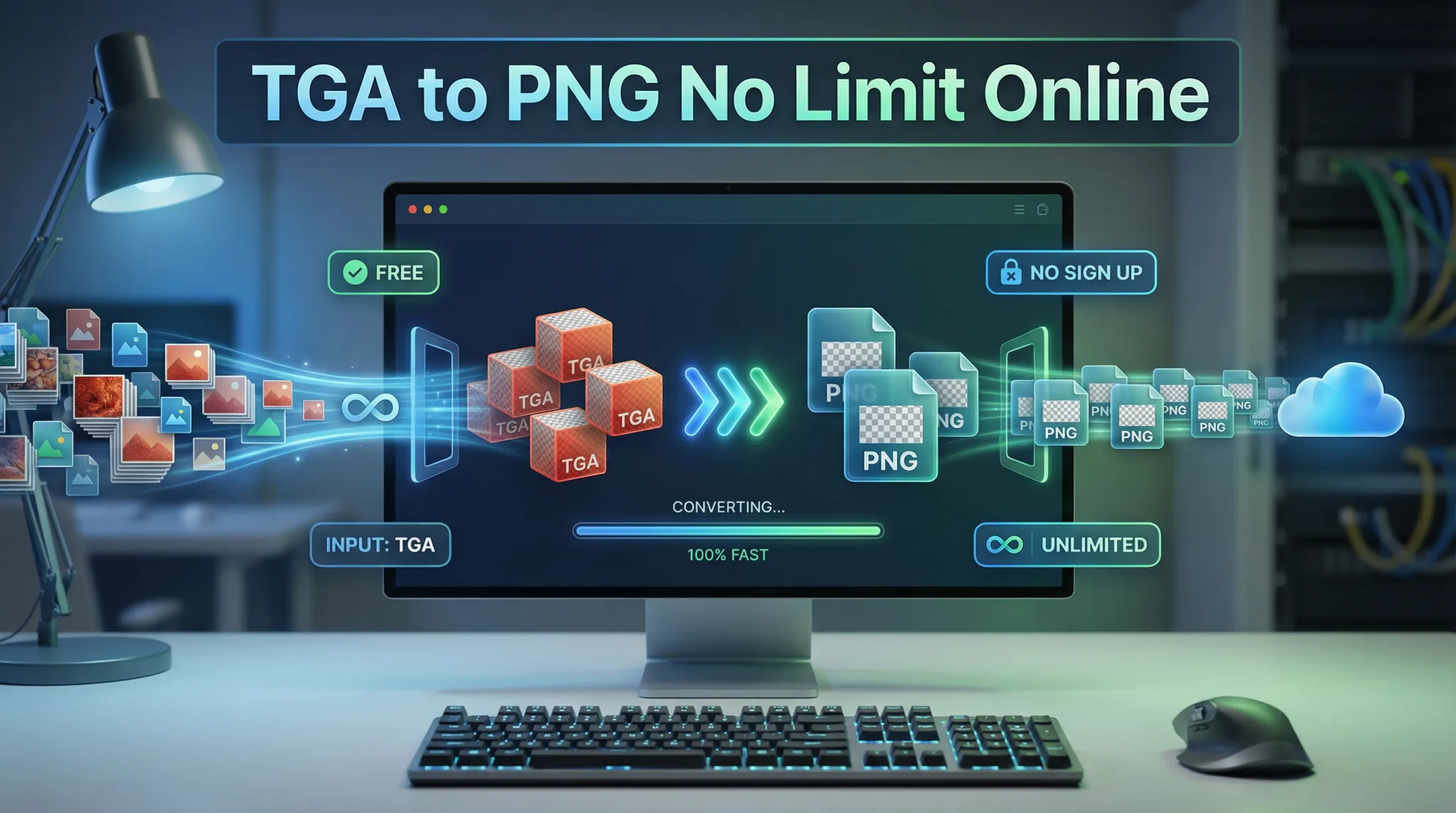 |
| Convert unlimited TGA files to PNG – no limits, no signup, completely free. |
If you work with 3D graphics, game development, or design, you have likely encountered TGA files. They are great for professional work but not always compatible with web browsers or everyday applications. PNG is the universal standard for images online.
Let us show you how to convert TGA to PNG quickly and easily.
Let us show you how to convert TGA to PNG quickly and easily.
What is TGA and why convert to PNG?
TGA (Truevision Graphics Adapter) is an older image format created in 1984. It is still widely used in:
- Game development: Many game engines and 3D software support TGA
- 3D texturing: Tools like Blender, Maya, and 3ds Max use TGA
- Video production: Some video software uses TGA for image sequences
- Legacy systems: Older graphics applications may only support TGA
PNG is better for most modern uses because:
- Smaller file sizes with lossless compression
- Universal browser support – works everywhere online
- Better compression than uncompressed TGA
- Widely supported by all image viewers and editors
- Ideal for web use, sharing, and archiving
For a detailed comparison, read our guide on TGA vs PNG.
Can you convert TGA to PNG?
Yes, absolutely. Converting TGA to PNG is simple with the right tool. Image Converter 24 makes it easy:
- Go to Image Converter 24 📌 Open your browser and visit our website. No software to download.
- Upload your TGA files 📌 Click upload and select one or multiple TGA files. You can also drag and drop.
- Choose PNG as output 📌 Select PNG from the format options. The conversion preserves transparency and quality.
- Convert and download 📌 Click convert and download your PNG files instantly.
That is it. No limits, no sign up, completely free.
How to reduce TGA file size?
TGA files can be quite large, especially when uncompressed. Here are the best ways to reduce TGA file size:
- Convert to PNG 📌 PNG compression is much more efficient than TGA's RLE compression. Converting TGA to PNG can reduce file size by 30-50% with no quality loss.
- Use RLE compression in TGA 📌 If you must keep TGA format, save with RLE (Run-Length Encoding) compression. This can reduce size but not as much as PNG.
- Reduce color depth 📌 If your image doesn't need full 24-bit color, you can save as 8-bit or 16-bit TGA, but this loses quality.
- Resize the image 📌 If the dimensions are larger than needed, reducing resolution dramatically decreases file size.
For most users, converting to PNG is the simplest and most effective solution.
How do I open a TGA picture?
TGA files can be opened by many programs:
- Windows: Windows Photos has limited support. Use IrfanView, XnView, or Paint.NET for full support.
- Mac: Preview may not open all TGA files. Use GIMP, Adobe Photoshop, or specialized viewers.
- Linux: GIMP, ImageMagick, and most image viewers support TGA.
- Professional software: Photoshop, GIMP, Blender, Maya, 3ds Max all open TGA files.
- Online: Use Image Converter 24 to view TGA by converting to PNG.
If you just need to see the image quickly, converting to PNG is the easiest way.
How to save transparent TGA?
TGA supports transparency through an alpha channel. To save a transparent TGA:
- In your image editing software (like Photoshop or GIMP), ensure your image has an alpha channel/transparency
- When saving, choose TGA format
- Make sure to select "32-bit" or "24-bit + alpha" option (not 24-bit RGB)
- Save the file – transparency will be preserved
When converting TGA to PNG with Image Converter 24, transparency is automatically preserved. PNG handles alpha channels perfectly.
What is the difference between PNG and TGA size?
File size is one of the biggest differences between these formats:
PNG consistently produces smaller files than TGA, often 50-70% smaller. This is one of the main reasons to convert TGA to PNG.
Can Photoshop open TGA files?
Yes, Adobe Photoshop can open TGA files. Photoshop has built-in support for the TGA format, including files with alpha channels.
To open a TGA in Photoshop:
To open a TGA in Photoshop:
- Go to File > Open
- Select your TGA file
- Photoshop will open it with transparency preserved
You can also save as TGA from Photoshop using File > Save As and choosing TGA format.
Are TGA files still used today?
Yes, TGA files are still used in specific professional contexts:
- Game development: Many game engines and 3D tools still support TGA as a texture format
- 3D modeling and texturing: Software like Blender, Maya, and 3ds Max work well with TGA
- Legacy projects: Older games and projects may have assets in TGA format
- Video production: Some video software uses TGA for image sequences
However, for most modern uses, PNG is preferred because of smaller file sizes and better compatibility. TGA is slowly being replaced by PNG and other modern formats.
Why use an online TGA to PNG converter?
Online conversion offers several advantages over desktop software:
- No installation: Use any device with a browser – no software to download
- Cross-platform: Works on Windows, Mac, Linux, even phones
- Always updated: No need to manually update software
- Free and unlimited: No costs, no limits on number of files
- No sign up: Just upload and convert – no personal information needed
- Privacy focused: Files automatically deleted after conversion
For occasional use or even regular work, online converters are the most convenient option.
Is it safe to upload TGA files online?
Yes, with Image Converter 24. We take your privacy seriously:
- Files are automatically deleted – All uploaded TGA files and generated PNGs are removed from our servers within a few hours. We do not store your files.
- No registration required – You do not need to create an account or share your email. No personal data is collected.
- Secure connection – Our site uses HTTPS encryption to protect your files during transfer.
- No third-party sharing – We do not sell or share your images with anyone.
- No watermarks – Your PNG files are clean, with no added logos.
Your work is safe with us.
How to batch convert TGA to PNG
Batch conversion saves enormous time when you have multiple files. With Image Converter 24:
- Select multiple TGA files 📌 Click upload and select all the TGA files you want to convert. You can select dozens at once.
- Choose PNG as output 📌 Select PNG. All files will be converted to PNG with the same settings.
- Convert and download 📌 Click convert. All your files will be processed together. Download them individually or as a ZIP archive.
This is perfect for game developers converting entire texture libraries or designers updating legacy assets.
What about PNG drawbacks?
While PNG is excellent for most uses, it does have some limitations:
- Larger than lossy formats: PNG files are larger than JPEG for photographs
- No CMYK support: Not ideal for professional printing
- No animation: Use GIF or APNG for animations
For a complete overview, read about the main drawback of the PNG file format and PNG advantages and disadvantages.
Tips for perfect TGA to PNG conversion
Follow these tips to get the best results:
- Check transparency 📌 If your TGA has an alpha channel, make sure your converter preserves it. Image Converter 24 does.
- Watch for color shifts 📌 Some converters may change colors. Our tool preserves original color data.
- Use batch conversion for multiple files 📌 Save time by converting all your TGA files at once.
- Keep originals 📌 Always keep your original TGA files in case you need them later.
Real-world use cases
People convert TGA to PNG for many reasons:
- Game developers: Converting legacy TGA textures to PNG for smaller game file sizes
- 3D artists: Sharing work with clients who need PNG format
- Web designers: Using 3D renders as PNG on websites
- Students: Converting project files for submission or portfolios
- Archivists: Preserving older TGA files in the more universal PNG format
User story: "I'm a game developer with over 500 TGA texture files from an older project. Converting them one by one would have taken days. Image Converter 24 did the whole batch in minutes. No sign up, no limits, completely free." – Marcus, indie game developer
Why Image Converter 24 is the best choice
There are many TGA to PNG converters online. Here is why Image Converter 24 is the best:
For a complete list of features, visit our best free image converter online no signup guide.
The bottom line: TGA to PNG no limit
Image Converter 24 is the best way to convert TGA to PNG with no limits. It is:
- Completely free – no hidden costs
- No sign up – just use it instantly
- Unlimited – convert as many files as you need
- Fast – converts multiple files in seconds
- Secure – files automatically deleted
- Batch capable – convert entire folders at once
- Quality preserved – transparency and colors intact
Whether you are a game developer with hundreds of textures or a designer with a few files, Image Converter 24 saves you time and hassle.
Ready to convert your TGA files?
Stop struggling with TGA compatibility. Convert to PNG now.
Visit Image Converter 24 now and convert your first TGA file to PNG. It takes seconds, it is completely free, and you do not even need to sign up.
Bookmark the site, and you will always have a reliable, unlimited TGA to PNG converter at your fingertips.
Visit Image Converter 24 now and convert your first TGA file to PNG. It takes seconds, it is completely free, and you do not even need to sign up.
Bookmark the site, and you will always have a reliable, unlimited TGA to PNG converter at your fingertips.
🚀 Convert TGA to PNG instantly
Stop dealing with slow tools and annoying limits. Convert your TGA files to PNG in seconds with a fast, clean, and reliable experience. No signup, no restrictions, and no compromises on quality — just smooth, unlimited conversions whenever you need them.
- ⚡ Ultra-fast conversion with high-quality output
- ♾️ Unlimited usage — completely free
- 🔒 Secure processing with automatic file deletion
- 🎮 Perfect for game developers & designers