The Ultimate Guide to Finding a Free Image Converter No Limit
Finding a reliable tool to change your image formats often feels like navigating a minefield. You search the internet, click on a promising link, upload your files, and suddenly hit a paywall. They ask you to create an account, pay a premium fee, or they stamp a massive watermark right across your beautiful picture. If you work with digital content, you know how frustrating this process is. You simply want a free image converter no limit that respects your time and your workflow.
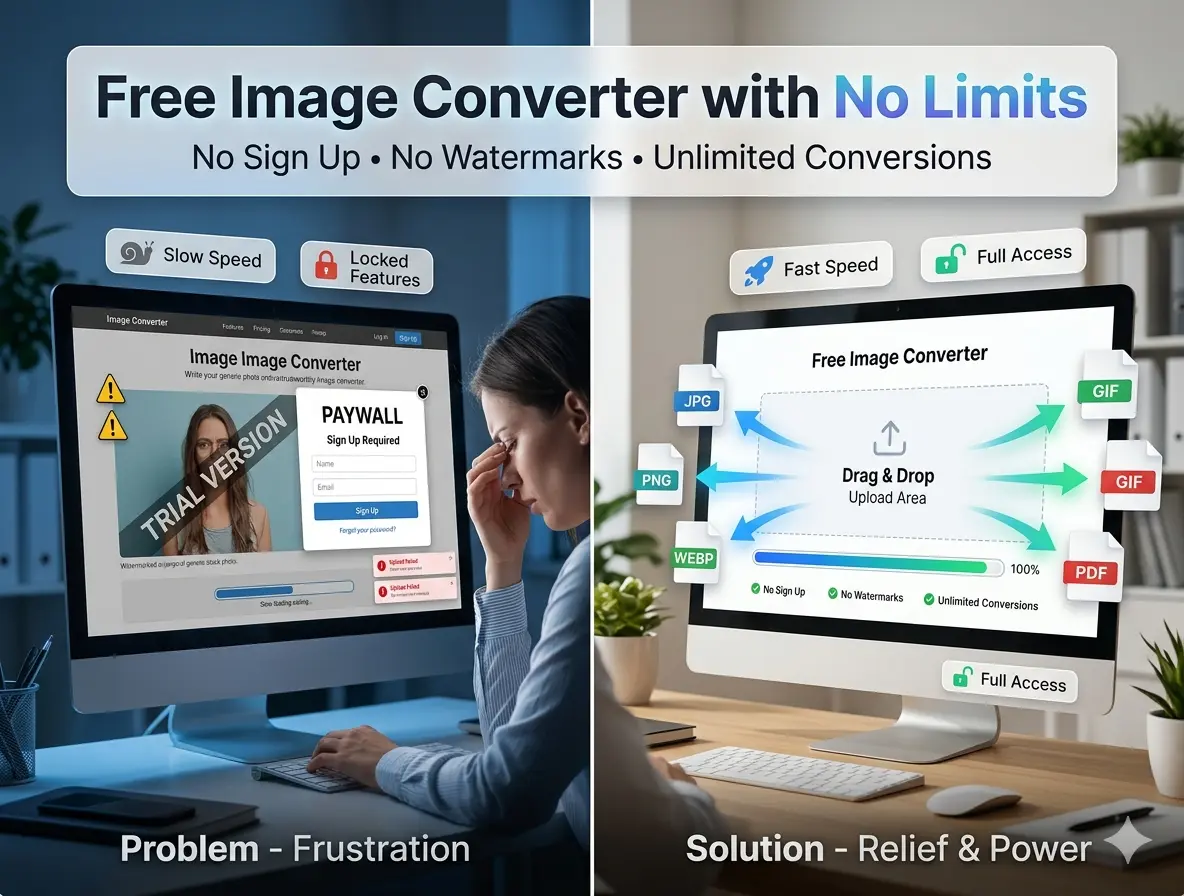
Fortunately, the internet still has some hidden gems. You do not have to compromise on quality, speed, or your budget. In this comprehensive guide, we will explore everything you need to know about transforming your images effortlessly. We will introduce you to Image Converter 24, a powerful platform that eliminates all restrictions, offering you a seamless, fast, and secure experience without ever asking for your credit card or email address.
💡 Important Tip:
Always choose a converter that processes files entirely in your browser or automatically deletes them from their servers to ensure your personal photos remain private.
Always choose a converter that processes files entirely in your browser or automatically deletes them from their servers to ensure your personal photos remain private.
What is the best free online photo converter?
When evaluating the best tools on the market, you must look beyond basic functionality. The best free online photo converter must combine high-speed processing, a user-friendly interface, broad format support, and zero hidden tricks. Most platforms claim they are free, but they limit you to converting only three images per day or restrict your file size to a mere 2MB.
This is exactly where Image Converter 24 steps in to change the game. It stands out as the absolute best option because it removes every single barrier that usually slows you down. Whether you need to convert a single logo for a presentation or hundreds of high-resolution photos for a new website gallery, this platform handles the workload instantly.
- Unlimited File Size 📌 You no longer need to worry about your camera's high-megapixel photos being rejected. You can upload massive files without facing any error messages.
- No Registration Required 📌 You save precious minutes because you do not have to fill out annoying sign-up forms or verify your email address.
- Lightning Fast Speed 📌 The tool uses advanced algorithms to process your files in milliseconds, ensuring you get your download links almost instantly.
- Multi-Format Support 📌 From standard JPEG and PNG files to modern WebP formats, you have complete control over your output.
Is image converter free?
This is a question many users ask, and for good reason. The term "free" has lost its true meaning on the modern web. Many companies use a "freemium" model. They let you use the basic tool for free, but they lock the features you actually need behind a paid subscription. For example, they might let you convert to JPG, but charge you money to maintain image transparency in a PNG file.
So, is there a truly free solution? Yes! A genuine free image converter no limit exists, and it operates without these deceptive tactics. With Image Converter 24, "free" means 100% free forever. You will not encounter sudden pop-ups demanding payment after your fifth conversion. The platform sustains itself efficiently without passing costs onto the users, making it the perfect tool for students, freelance designers, and small business owners running on tight budgets.
⚠️ Warning:
Be cautious of converters that ask you to download desktop software to "unlock" unlimited conversions. These downloads often contain bloatware or adware. Always stick to reliable web-based platforms.
Be cautious of converters that ask you to download desktop software to "unlock" unlimited conversions. These downloads often contain bloatware or adware. Always stick to reliable web-based platforms.
Which is the best free image converter?
To truly determine which is the best, we must compare the standard industry tools against Image Converter 24. While some alternatives offer decent interfaces, they quickly fall short when you stress-test them with heavy workloads. If you are looking for the best free image converter online no signup, the comparison below reveals why our recommended tool dominates the competition.
How to convert images for free?
Converting your files should not require a degree in computer science. The process must be intuitive, fast, and accessible to everyone, regardless of their technical skills. Here is a simple, actionable guide on how you can transform your visual assets in just a few clicks.
- Step 1: Upload Your Files Navigate to the converter platform. You can either drag and drop your photos directly from your desktop into the browser window, or click the upload button to browse your device folders.
- Step 2: Choose Your Target Format Look at the format options available. If you need a smaller file size for web use, select JPG. If you need transparency, select PNG.
- Step 3: Click Convert Hit the conversion button. The engine will instantly process your request without reloading the page.
- Step 4: Download Your Images Once the processing finishes, click the download link. You will receive your files exactly as you wanted them, with zero loss in visual fidelity.
If you ever find yourself struggling and need specific instructions on how to convert an image to JPEG format, the platform's clean interface makes it self-explanatory. You simply select JPEG from the dropdown menu, and the system handles the complex compression algorithms in the background automatically.
Can I convert jpg to png without software?
Absolutely! In the past, people had to download heavy software like Adobe Photoshop or GIMP just to change a simple file extension. These programs consume massive amounts of computer memory, take up hard drive space, and require regular updates. Today, cloud computing has revolutionized this process completely.
You can easily convert JPG to PNG without installing any software. Modern web browsers like Google Chrome, Safari, and Firefox are incredibly powerful. Web-based tools leverage your browser's capabilities and fast server-side processing to do the heavy lifting for you. This means you can change your file formats on a high-end gaming PC, an old school laptop, or even your mobile smartphone while sitting on a train. It is entirely independent of your operating system.
💡 Important Tip:
Because you do not need software, you can perform these tasks on restricted devices like school computers or office laptops where administrator privileges block new installations.
Because you do not need software, you can perform these tasks on restricted devices like school computers or office laptops where administrator privileges block new installations.
How to convert image to PNG for free?
The Portable Network Graphics (PNG) format remains an essential part of the digital landscape. Unlike standard JPGs, PNGs support transparent backgrounds. This makes them absolutely crucial for logos, web icons, graphic design elements, and digital overlays. If you have a JPEG logo with a solid white background, it will look terrible if you place it over a dark website banner. You need a PNG.
To convert your image to PNG for free, you simply upload your source file to Image Converter 24, select PNG as your desired output, and let the tool run. The converter ensures that the image retains its crisp, lossless quality. Lossless compression means the file data does not degrade during the conversion. You get sharp edges, vibrant colors, and perfect clarity every single time.
How to convert bulk images to JPG?
Imagine coming back from a photo shoot or a family vacation with 500 high-resolution photos. They are probably in RAW format, heavy PNGs, or Apple's HEIC format. You want to upload them to a social media gallery or email them to a friend, but the files are simply too massive. You need to convert them to JPG, the universal standard for digital photos, known for its fantastic balance between visual quality and small file size.
Converting one by one would take hours. Instead, you need a batch processing tool. To convert bulk images to JPG, you select all your files at once and drag them into the converter interface. Because you are using a free image converter no limit, you will not hit a wall after the 10th photo. The system queues all your files, processes them simultaneously, and usually provides a neat ZIP file containing all your new JPGs. This saves you incredible amounts of time and frustration.
How to convert bulk JPG to PNG?
Conversely, sometimes you need to convert a large batch of JPEGs into PNGs. You might be working on a digital archiving project where you need to prevent any further quality loss, or perhaps a client requested all deliverables strictly in PNG format.
The process mirrors the JPG conversion but focuses heavily on maintaining data integrity. When you drop your bulk JPG folder into the system, select PNG. The tool will rewrite the file headers and format structures without shrinking or compressing your pixel data. If you are worried about losing quality during this process, rest assured. You can rely on a free PNG to JPEG converter without compression, and the reverse is equally true. The platform protects the original pixels flawlessly.
What is the best free batch image converter?
For professional designers, photographers, e-commerce store owners, and marketers, "batch processing" is a magic word. Imagine renaming or changing the format of 200 product photos for a Shopify store individually. That is a nightmare. You need a free batch image converter that handles bulk tasks without breaking a sweat or asking for money.
When searching for a tool to manage heavy loads, Image Converter 24 ranks at the very top. Many online converters artificially block your progress by setting a 5MB maximum limit per batch. They force you to process three images, wait thirty seconds, refresh the page, and start again. This platform does not play those games. It allows you to drag a massive folder, select your target format, and watch the progress bar fly.
⚠️ Warning:
When batch converting large files, ensure you are connected to a stable Wi-Fi network. While the tool is fast, dropping a weak connection midway through uploading 500 MB of photos can interrupt your progress.
When batch converting large files, ensure you are connected to a stable Wi-Fi network. While the tool is fast, dropping a weak connection midway through uploading 500 MB of photos can interrupt your progress.
Furthermore, it supports a vast array of niche formats. You are not limited to the standard three or four. If you need a free picture converter online to BMP (Bitmap) for legacy software, or you need to generate small thumbnails, this tool executes the task perfectly across your entire batch of photos simultaneously.
Is it safe to use online image converters?
In an era of data breaches and privacy concerns, asking about safety is extremely important. If you are uploading a picture of your passport, a private family gathering, or a confidential client contract, you must know where your data is going. Are the images stored indefinitely? Are they sold to third parties? Will they randomly appear on a public search engine?
The simple answer is: yes, it is safe, but only if you use a reputable platform like Image Converter 24. A trustworthy free image converter no limit uses industry-standard encryption protocols. When you upload a file, it travels securely over an HTTPS connection. This means no one can intercept your photo while it is traveling from your computer to the server.
Most importantly, the best platforms employ a strict auto-deletion policy. After the server processes your conversion, it deletes both your original file and the newly formatted file automatically within a few hours. No human eyes ever see your pictures, and they do not linger on a hard drive somewhere in a data center. The platform acts simply as a temporary processing facility, not a storage warehouse.
💡 Important Tip:
Always check the privacy policy of the converter you use. Look for keywords like "auto-delete," "no data retention," and "SSL encryption" to verify that your files are secure.
Always check the privacy policy of the converter you use. Look for keywords like "auto-delete," "no data retention," and "SSL encryption" to verify that your files are secure.
Advanced Formats and Professional Use Cases
We have discussed JPGs and PNGs extensively, but what happens when you step into the world of professional graphic design? You might receive a raster image that needs to be imported into Adobe Illustrator. Or perhaps a printing shop demands an EPS file for a massive billboard advertisement. You cannot achieve this with a standard, limited tool.
A high-quality converter bridges the gap between everyday image formats and professional vector formats. If you ever need to figure out how to convert PNG to AI or EPS, you need a system that understands color profiles and complex image structures. While raster-to-vector conversion requires specialized interpretation, having a reliable tool to handle the format shell transformation makes life incredibly easy for designers who collaborate across different software suites.
Additionally, web developers are constantly fighting for faster page load times. Google favors websites that load instantly, which means bulky image files ruin your SEO rankings. By converting your heavy images into next-generation formats like WebP or highly compressed JPGs, you dramatically reduce the weight of your web pages. A tool like Image Converter 24 allows webmasters to process their entire image library quickly, leading to a smoother, faster website without sacrificing visual quality.
Conclusion: In conclusion, finding a reliable tool does not have to be a frustrating experience filled with hidden fees and restrictive data limits. By choosing a genuinely free image converter no limit, you streamline your entire digital workflow. You save money, protect your privacy, and reclaim the time you used to waste searching for alternatives.
Image Converter 24 provides an unmatched, completely free service that respects your need for speed, quality, and batch processing. Whether you are converting a single logo for a school project or processing thousands of high-resolution photos for an e-commerce website, you now have the perfect platform. Stop settling for less, stop paying for basic tasks, and start converting your images with zero limits today!