PNG or JPEG for Printing: Which Is Better?
Quick answer:
- Photos: JPEG at 90% quality or higher and 300 DPI. The print looks nearly identical to PNG with a much smaller file.
- Logos, text, line art, flat colors: PNG, because it adds no compression artifacts to sharp edges.
- Professional or commercial print: ask your printer. Many prefer PDF or TIFF over both.
Whichever you choose, resolution matters more than format: aim for 300 DPI at your print size.
If a print shop ever returned something blurry, oddly colored or pixelated, the file format and resolution are the usual cause. PNG and JPEG behave differently once ink hits paper, and this guide shows which to use for each kind of print.
Best Format by Print Type
| Print job | Best format | Why |
|---|---|---|
| Photo prints, photo paper, A4/A5 photos | JPEG (90%+) | Smooth gradients, small file |
| Posters (e.g. 24x36 in), banners, tarpaulin | JPEG for photos, PNG for graphics | 150 DPI is often enough at viewing distance |
| Canvas prints | JPEG (high quality) | Photographic content, large pixel size matters most |
| Logos, badges, cards, flyers with text | PNG | Crisp edges and clean text |
| Line art and coloring pages | PNG | Black outlines stay sharp |
| Documents, Word files, home inkjet or laser | PNG for graphics, JPEG for photos | Printers convert both automatically |
| Custom items (cakes, apparel, vehicles) and commercial print | Whatever your vendor specifies | Often PDF, TIFF or high-resolution PNG |
PNG vs JPEG for Printing: The Core Difference
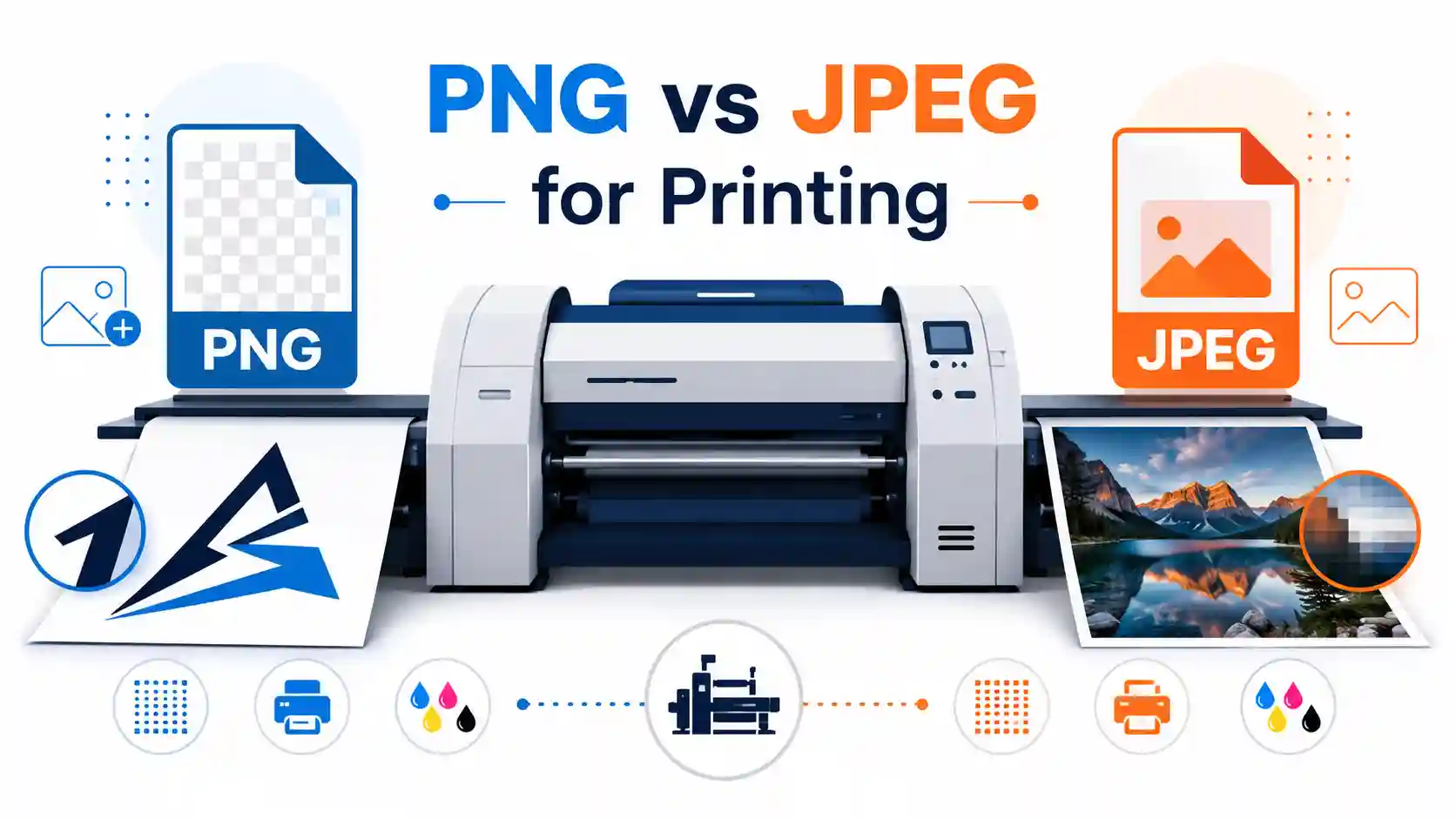
PNG uses lossless compression, so every pixel is preserved. JPEG uses lossy compression, which discards some data to make a much smaller file. On screen the difference is often invisible. On paper it can show, especially on hard edges such as text, logos and solid color blocks, where JPEG can leave soft "ringing" artifacts. Print professionals' rule of thumb: sharp edges and flat colors lean PNG, continuous-tone photos lean JPEG.
Is PNG Good for Printing?
Yes. PNG is excellent for logos, text-heavy graphics, infographics, illustrations, screenshots and line art because what you see in your editor is exactly what gets printed. It is a good choice for photos too, especially if the file will be edited several times before printing.
Why PNG isn't always the best choice for printing: files are several times larger than JPEG for photos, which slows uploads to print portals, and PNG cannot store CMYK color data.
See PNG advantages and disadvantages for the full picture.
Is JPEG Good for Printing?
Yes. At 90% quality or higher, JPEG compression is very hard to spot in print for photographs, which is why photo labs and professional photographers routinely use high-resolution JPEGs. Problems usually come from low resolution or heavy compression, not the format itself.
JPEG's weakness is re-saving. Each edit and save compresses the image again and loses a little quality (generational loss). One edit then one print is fine. Many re-saves across tools can leave visible artifacts, especially around text layered on a photo. Details are in JPEG advantages and disadvantages.
| Factor | PNG | JPEG |
|---|---|---|
| Compression | Lossless | Lossy |
| Best for | Logos, text, line art, flat colors | Photographs |
| File size at 300 DPI | Larger | Smaller |
| Repeated editing | No quality loss | Degrades with each re-save |
| Transparency | Yes (prints on white) | No |
| CMYK | Not supported | Possible, but less common |
Resolution and DPI: What Matters More Than Format
Screens show images at roughly 72 to 96 pixels per inch. Printers need far more pixel density, and 300 DPI is the standard for photos and most professional printing. A web-sized image printed at actual size looks soft whether it is PNG or JPEG, because format cannot add missing pixels.
- 72 to 96 DPI: screens only.
- 150 DPI: acceptable for large prints viewed from a distance (posters, banners, canvas).
- 300 DPI: standard for photo prints, brochures and most professional work.
To check a file, divide its pixel dimensions by the print size in inches. A 3000 x 2400 px image gives 300 DPI at 10 x 8 in, but only 150 DPI at 20 x 16 in. The DPI value saved inside a file is just metadata. What counts is having enough pixels for the size you print.
Best PNG or JPEG Size for Printing (Pixels Needed)
| Print size | 300 DPI | 150 DPI |
|---|---|---|
| 4 x 6 in | 1200 x 1800 px | 600 x 900 px |
| 8 x 10 in | 2400 x 3000 px | 1200 x 1500 px |
| 11 x 14 in | 3300 x 4200 px | 1650 x 2100 px |
| 16 x 20 in | 4800 x 6000 px | 2400 x 3000 px |
| 24 x 36 in | 7200 x 10800 px | 3600 x 5400 px |
For large posters, 150 DPI is usually sufficient and keeps files manageable.
Color: RGB vs CMYK in Print
Most PNG and JPEG files store color as RGB, the model screens use. Printers work in CMYK (cyan, magenta, yellow, black). RGB has a wider gamut, so some vivid blues, greens and oranges can't be printed and get shifted to the nearest printable color, which is why prints can look duller than the screen.
PNG cannot store CMYK. JPEG can, though many tools and browsers handle CMYK JPEGs poorly. Home printers, online print services and copy shops usually convert RGB automatically. Professional offset printing sometimes requires a pre-converted CMYK file, so check your vendor's specs.
Can Printers Print PNG and JPEG? PNG vs PDF vs TIFF
Yes, practically all printers and print services accept both. For documents with text and graphics, multi-page layouts or press-ready jobs, PDF is usually better than PNG. TIFF is often preferred for professional and archival work because it is uncompressed and supports CMYK, but its files are far larger.
How to Get Your File Print-Ready
Print-readiness means the right format and the right pixel size together. The Best Free Image Converter handles both in one pass:
- Upload your PNG or JPEG.
- Choose the format: PNG for logos and graphics, JPEG (90% or higher) for photos.
- Set the print size and DPI. 300 DPI is the safe default.
- Preview the result against the original.
- Download and send it to your printer.
Limitation: very large source files may take longer or hit upload limits, so check the supported size before a time-sensitive job.
Still soft after printing? The cause is usually too few pixels in the original. Upscaling adds pixels but cannot invent detail, so use a higher-resolution original.
Related Guides
For other use cases, read what's better PNG or JPEG for images, for web and for quality. To switch formats, see how to change a JPEG to PNG.
PNG vs JPEG for Printing: FAQ
Is PNG or JPEG better for printing?
JPEG is better for photographs. PNG is better for logos, text, line art and flat colors.
Is PNG good for printing?
Yes, especially for sharp graphics and text. Its main drawbacks are large files and no CMYK support.
Is JPEG good for printing?
Yes. High-quality JPEG (90% or above) at enough resolution is standard at photo labs and print vendors.
Why isn't PNG good for printing photos?
It prints fine, but the file is much larger than a JPEG with no visible gain, which makes uploads slower.
Is PNG higher quality than JPEG?
Technically yes, because PNG is lossless. In print, a high-quality JPEG photo is usually visually indistinguishable.
Which is better for printing text and logos?
PNG, because JPEG can soften or add halos around sharp edges.
Will JPEG look as good as PNG at 300 DPI?
For photos, yes, at high quality settings. For text and flat-color graphics, PNG still looks cleaner.
Is PNG or PDF better for printing?
PDF for documents, layouts and press-ready files. PNG for single images or graphics printed on their own.
What file format is best for printing?
JPEG for photos, PNG for graphics, and PDF or TIFF for professional print jobs.
Conclusion
There is no single answer: choose by image type. Photos print well as high-quality JPEGs, while logos, text and sharp-edged graphics print more reliably as PNG. Either way, hitting the right pixel size for your print (300 DPI for most jobs, 150 DPI for large posters) decides whether the result looks sharp. If your file needs resizing or converting, use the Best Free Image Converter.